
How to upload a file and pick the content type
Length 2:24 Topic Getting started Updated
About this video
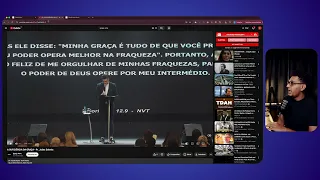
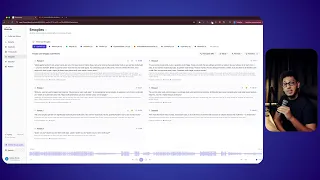
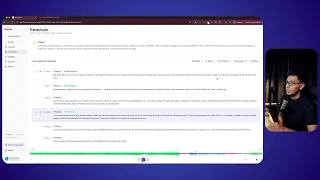
In this tutorial, you see how to upload an audio or video file to FilmScribe and how to pick the content type. The right type, such as sermon, podcast or wedding, tunes the transcript and the analysis to what was recorded. If the video is on YouTube, you can paste the link instead of uploading the file.
What you'll see
- Upload an audio or video file to FilmScribe
- Pick the content type that fits the recording
- See why the right type improves the transcript and the analysis
Ready to get started?
Upload your first file and see the transcript, chapters and clips from your own recording before adding a card.
See the result on your own recording before adding a card.