
How to download audio: one snippet, in batch or by part
Length 2:29 Topic Downloads and audio Updated
About this video
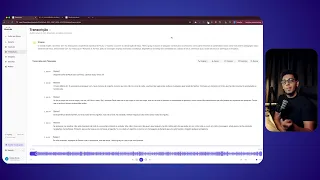
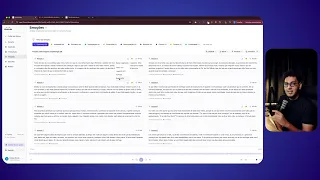
Discover the ways to download audio in FilmScribe: a single snippet, several snippets at once, split in a batch, or only the part you select. Snippets come out as MP3 and work for audio promos, clips and supporting material.
What you'll see
- Download the audio of a single snippet
- Download several snippets at once, split in a batch
- Select just one part of the audio to download
Ready to get started?
Upload your first file and see the transcript, chapters and clips from your own recording before adding a card.
See the result on your own recording before adding a card.