
How to download SRT subtitles in several languages
Length 2:27 Topic Downloads and audio Updated
About this video
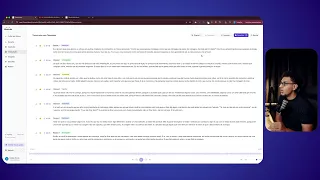
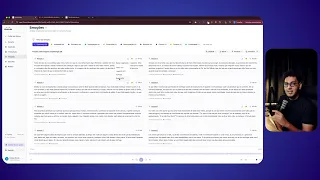
Learn to export subtitles as SRT, in the original language or in others. The SRT comes out synced, with the time of every block, ready for Premiere Pro, DaVinci Resolve or YouTube. SRT in the original language is on every plan; translated versions are on Studio and Agency.
What you'll see
- Export subtitles as SRT
- Pick the subtitle language before downloading
- Take the synced SRT into your video editor
Ready to get started?
Upload your first file and see the transcript, chapters and clips from your own recording before adding a card.
See the result on your own recording before adding a card.