
Common FilmScribe Plugin problems and how to fix them

The most common problems have a simple cause: DaVinci was open during the install, the plugin's code expired, the subscription is not up to date, the plugin's version fell behind or DaVinci didn't render the timeline's audio. Each step below shows the plugin's message and what to do.
Step by step
-
Step 1: FilmScribe doesn't show up in the menu
Quit DaVinci Resolve Studio and open it again: it only looks for plugins when it opens. Check that you use DaVinci Resolve Studio, because the free version doesn't open integration plugins. If it still doesn't show up, run the installer again.
-
Step 2: The code expired or was declined
The code is valid for 10 minutes. If it expires, or if the request is declined in the app, the plugin tells you. Click Get a new code and approve it in your browser.
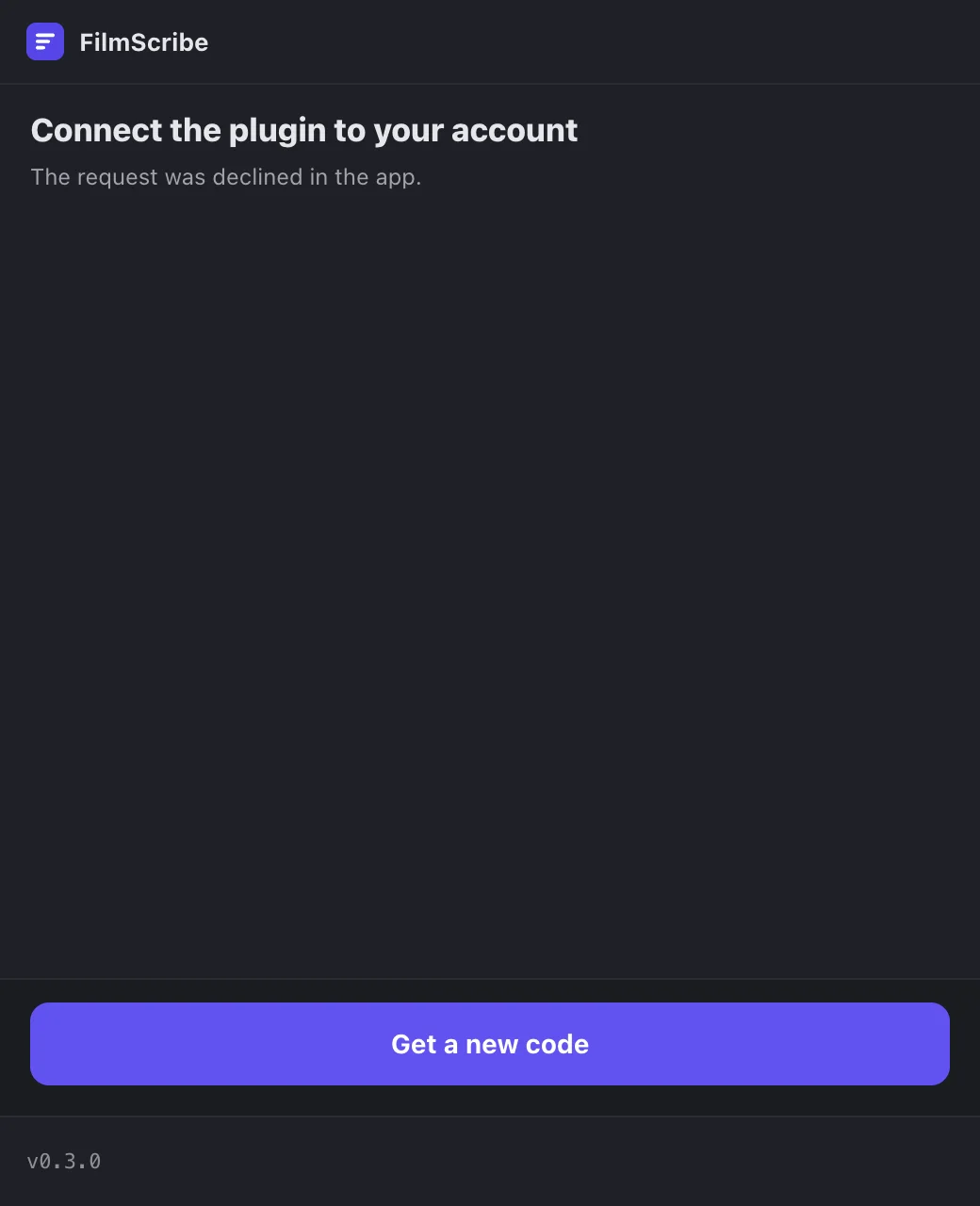
App screenshot The plugin saying the request was declined in the app. -
Step 3: Your subscription is not up to date
With a pending payment, the plugin only reads: what is already on the timeline stays, but nothing new comes out of it. Click Fix it in the browser and the plugin works again right away.
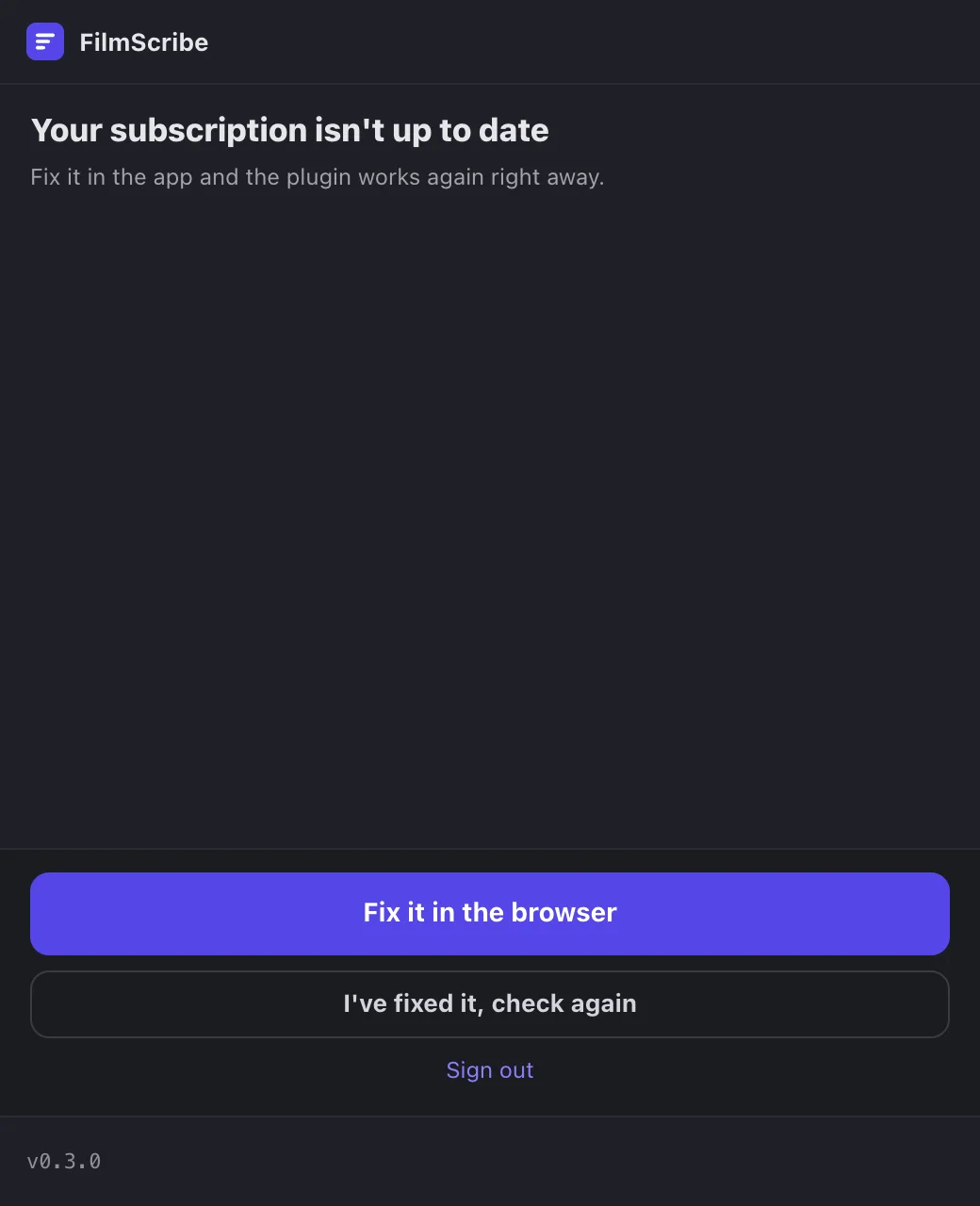
App screenshot The subscription warning, in the plugin. -
Step 4: Update the FilmScribe Plugin
When the installed version is too old, the plugin shows your version and the minimum one. During the closed beta, ask our support team for the new version and install it over the old one, with DaVinci closed.
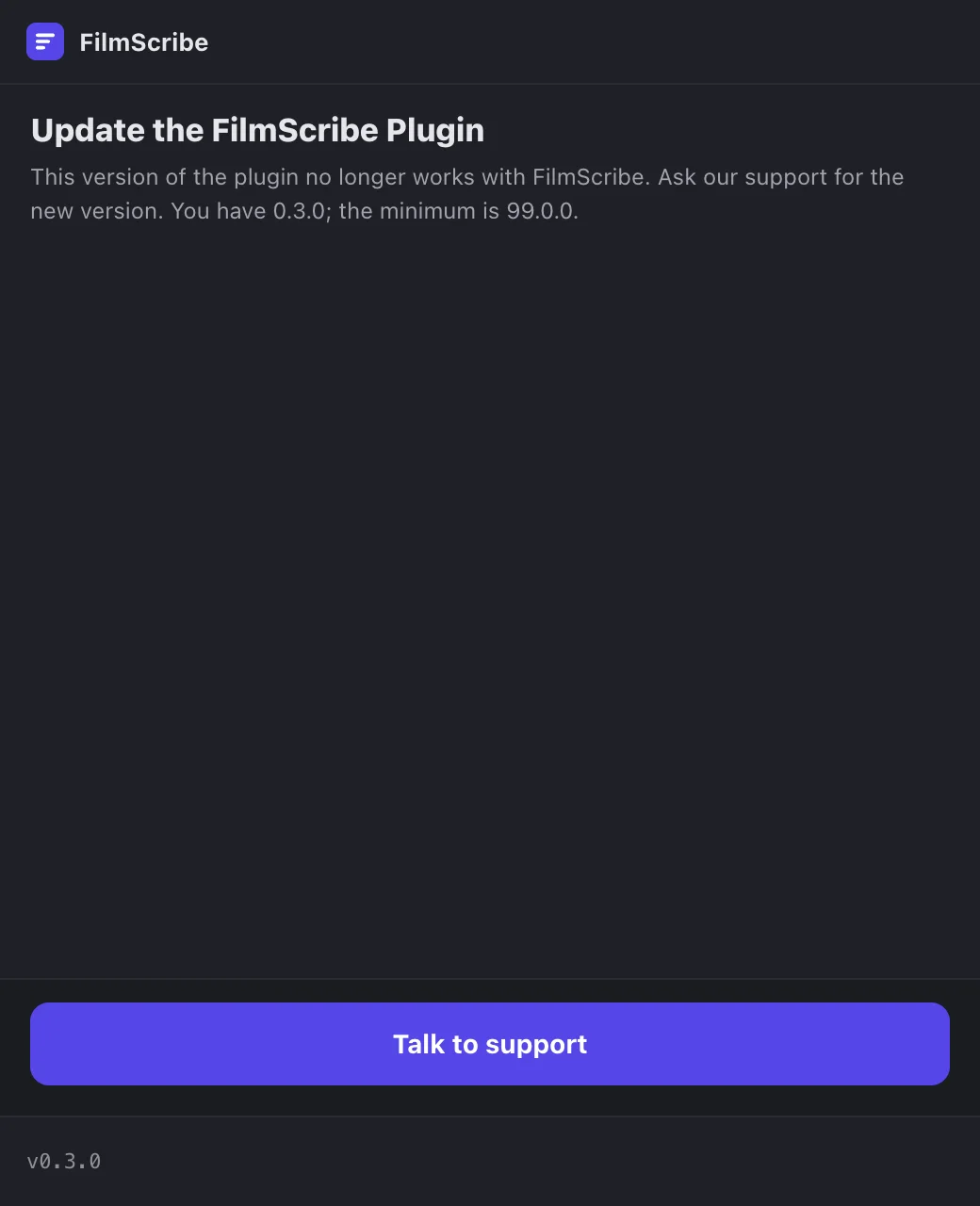
App screenshot The plugin's version warning, with the installed and minimum versions. -
Step 5: DaVinci didn't render the timeline's audio
Check that the project and the timeline are open in DaVinci and that no other render is running on the Deliver page. Then click Try again.
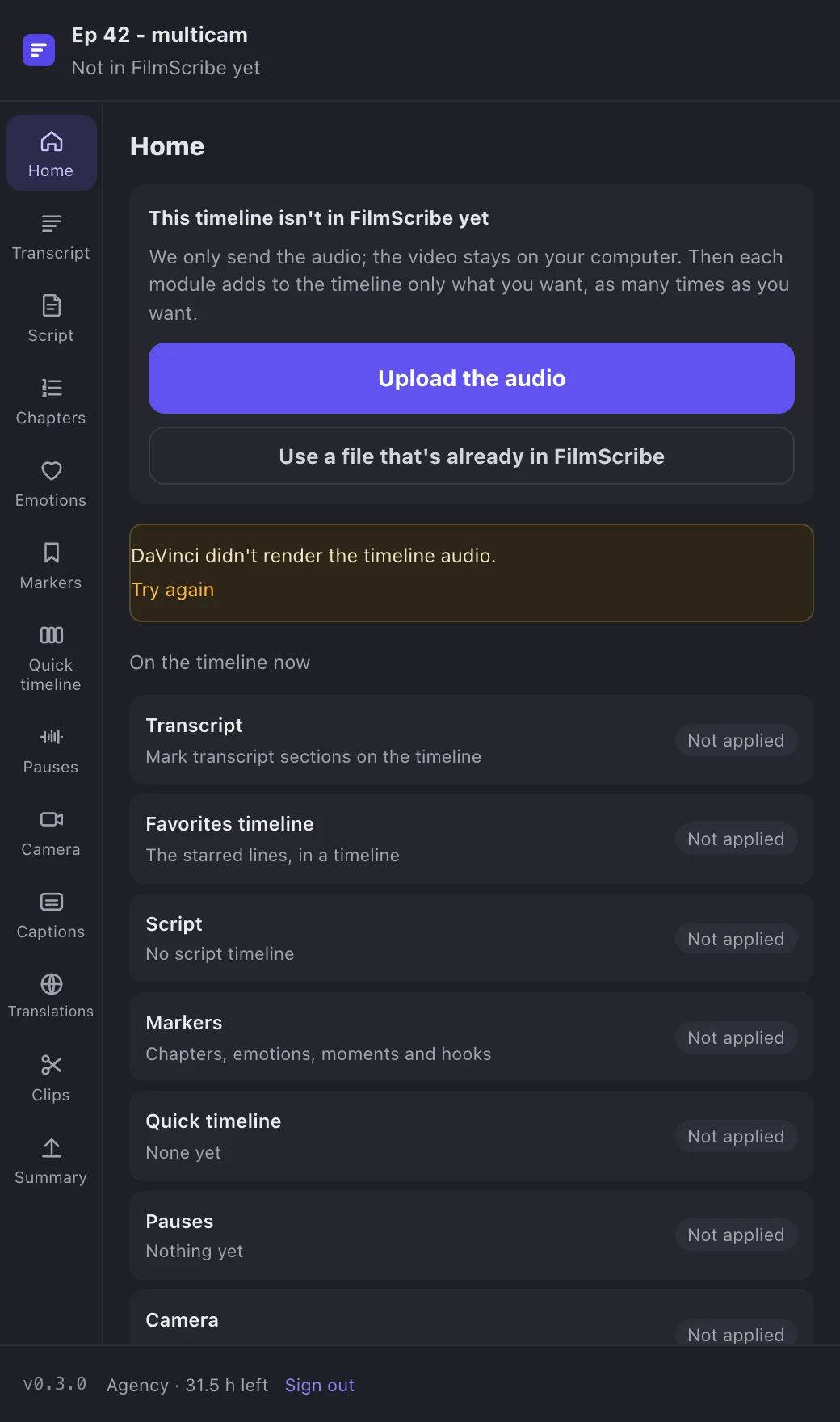
App screenshot The warning that DaVinci didn't render the audio, with Try again.