
How to create a manual clip

On the Clips page, click New clip and choose where the clip starts and ends, word by word. Or, on the Transcription page, select the words of the passage and click Create clip. The clip you create shows up on the Manual tab of the Clips page.
Before you start
Manual clips exist only for video, just like automatic ones.
Step by step
-
Step 1: Click New clip
On the Clips page, click New clip, at the top.
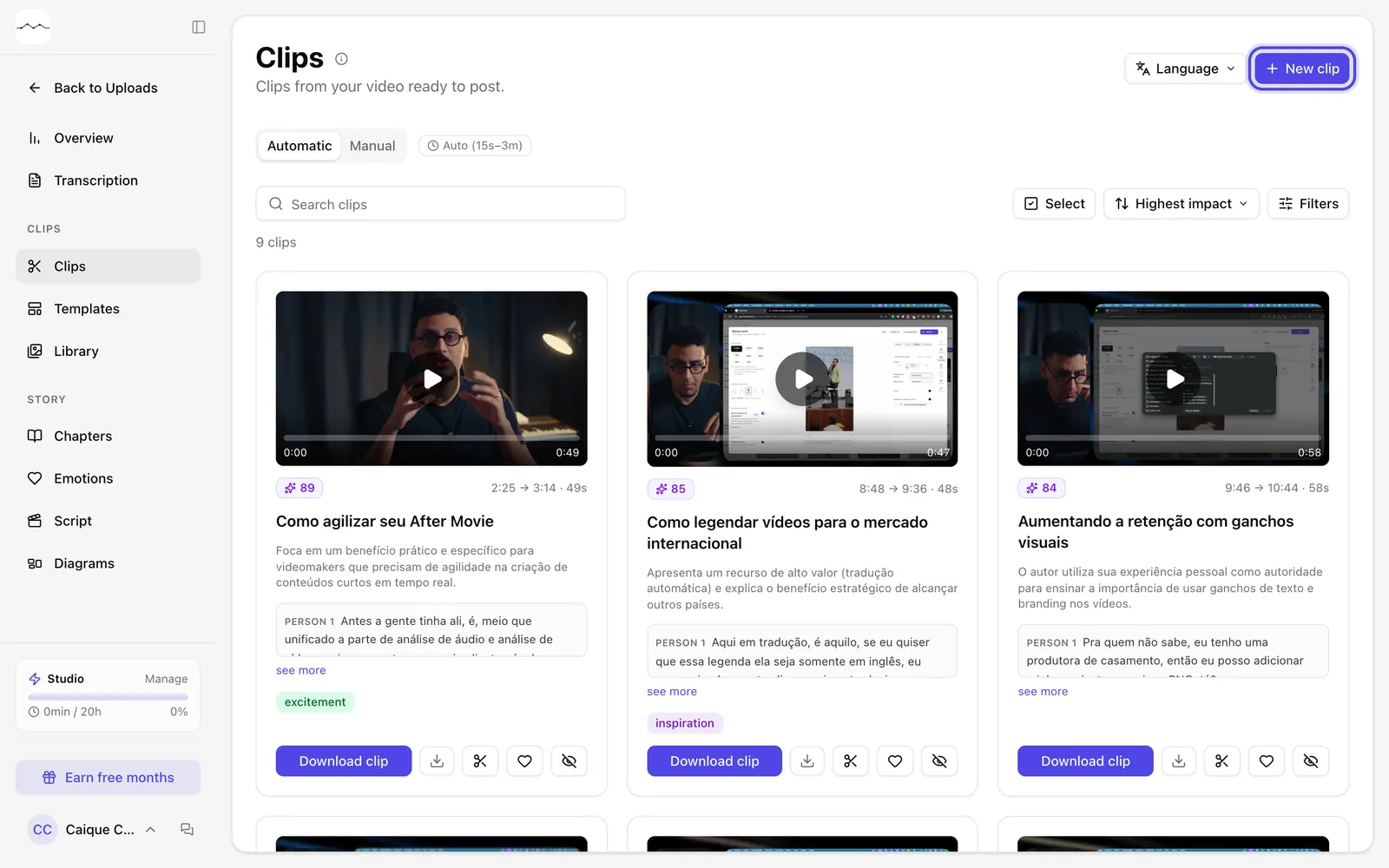
App screenshot The New clip button, at the top of the Clips page. -
Step 2: Choose the passage
The window opens on the Transcript panel, with the Clip range. Click a word to set where the clip starts or ends, or use the slider. Give it a name in Clip title, if you like.
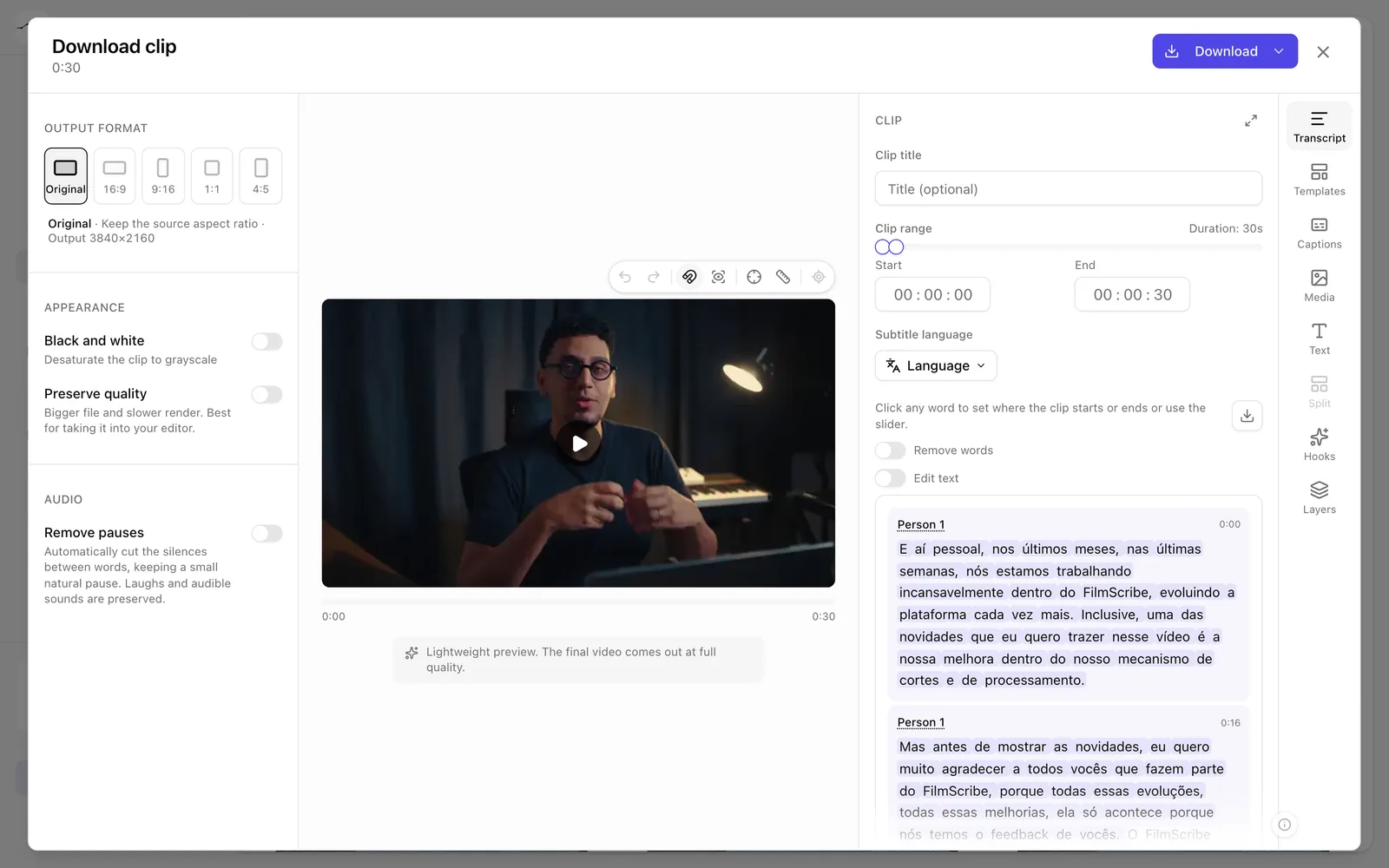
App screenshot The Transcript panel, with the range and the clip's words. -
Step 3: Download the clip
Choose the format and, if you like, the captions, as with any clip, and click Download. The clip then shows up on the Manual tab.
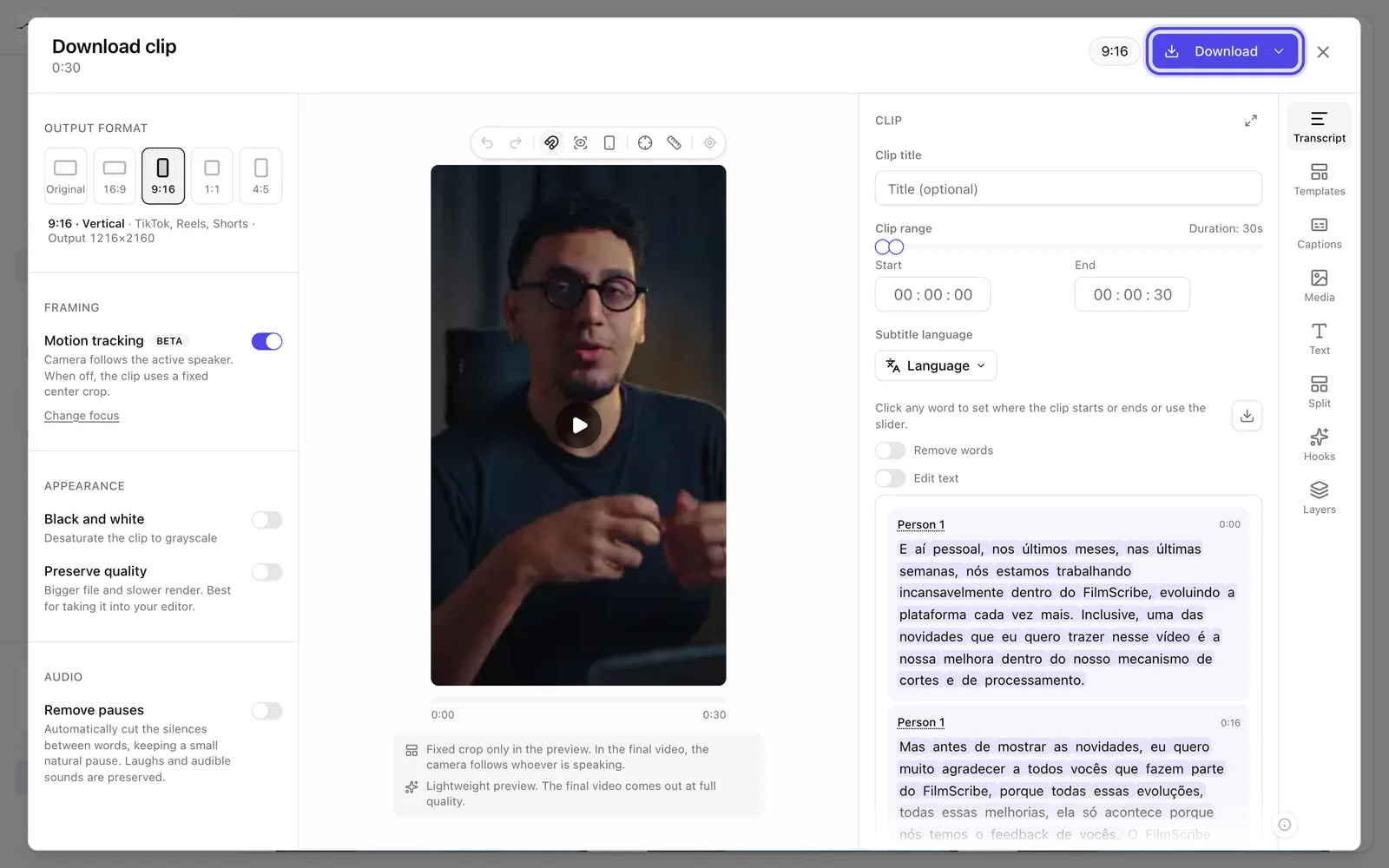
App screenshot The 9:16 format chosen and the Download button, at the top of the window.
Optional steps
You don't need these steps to finish the task. Use them if you want.
-
OptionalCreate the clip from the transcript
On the Transcription page, select the passage's words with your mouse. In the menu that appears over the selection, click the scissors, Create clip.
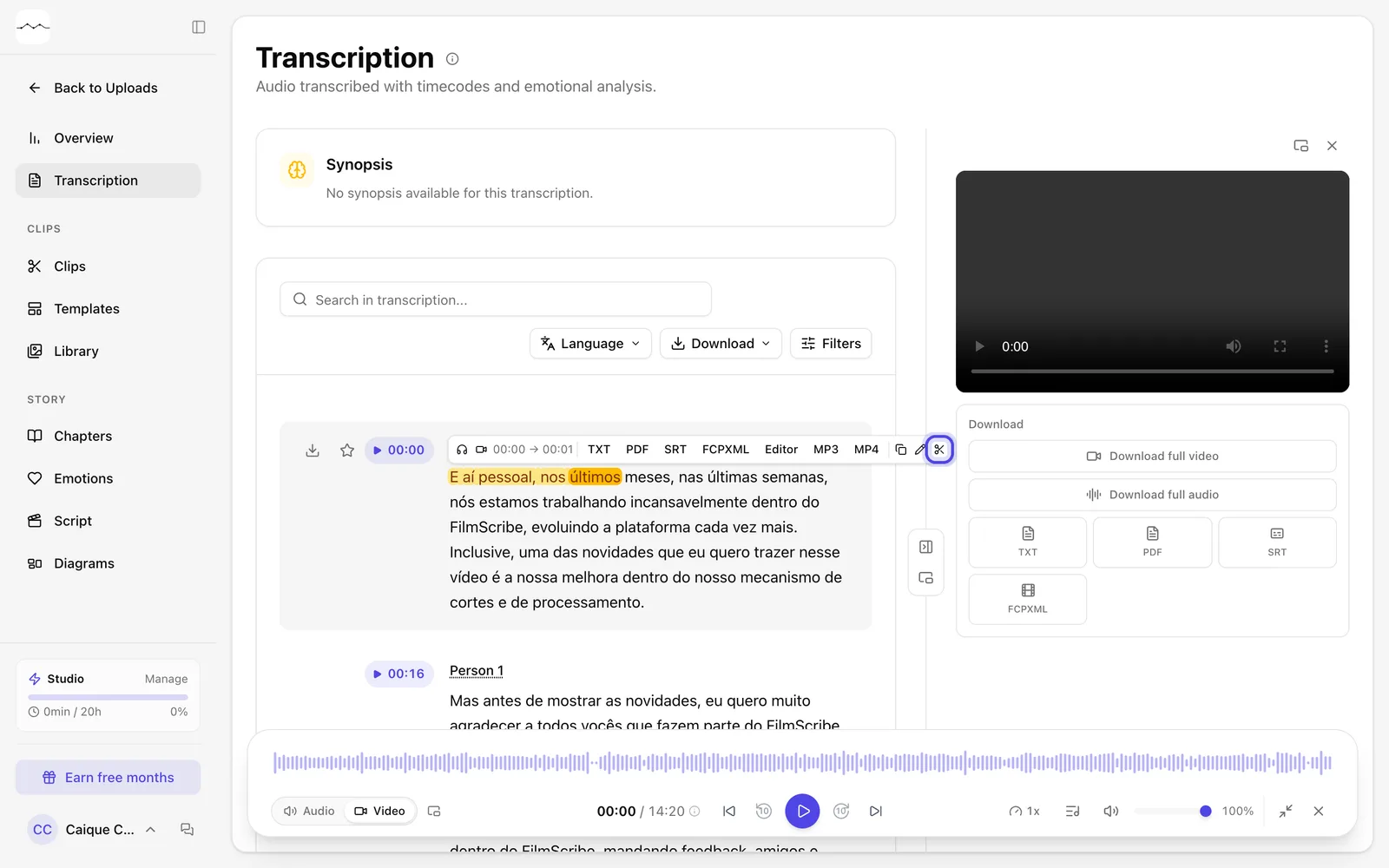
App screenshot Words selected in the transcript and the Create clip button.