
How to download a passage of the transcript

On the Transcription page, click the download button next to the passage. The menu offers Audio MP3, Copy text and, under Technical, Text TXT, PDF document, Subtitle SRT and Captions for Final Cut. For video, Create clip turns the passage into a clip.
Step by step
-
Step 1: Open the passage's menu
On the Transcription page, click the download icon next to the passage (Download segment).
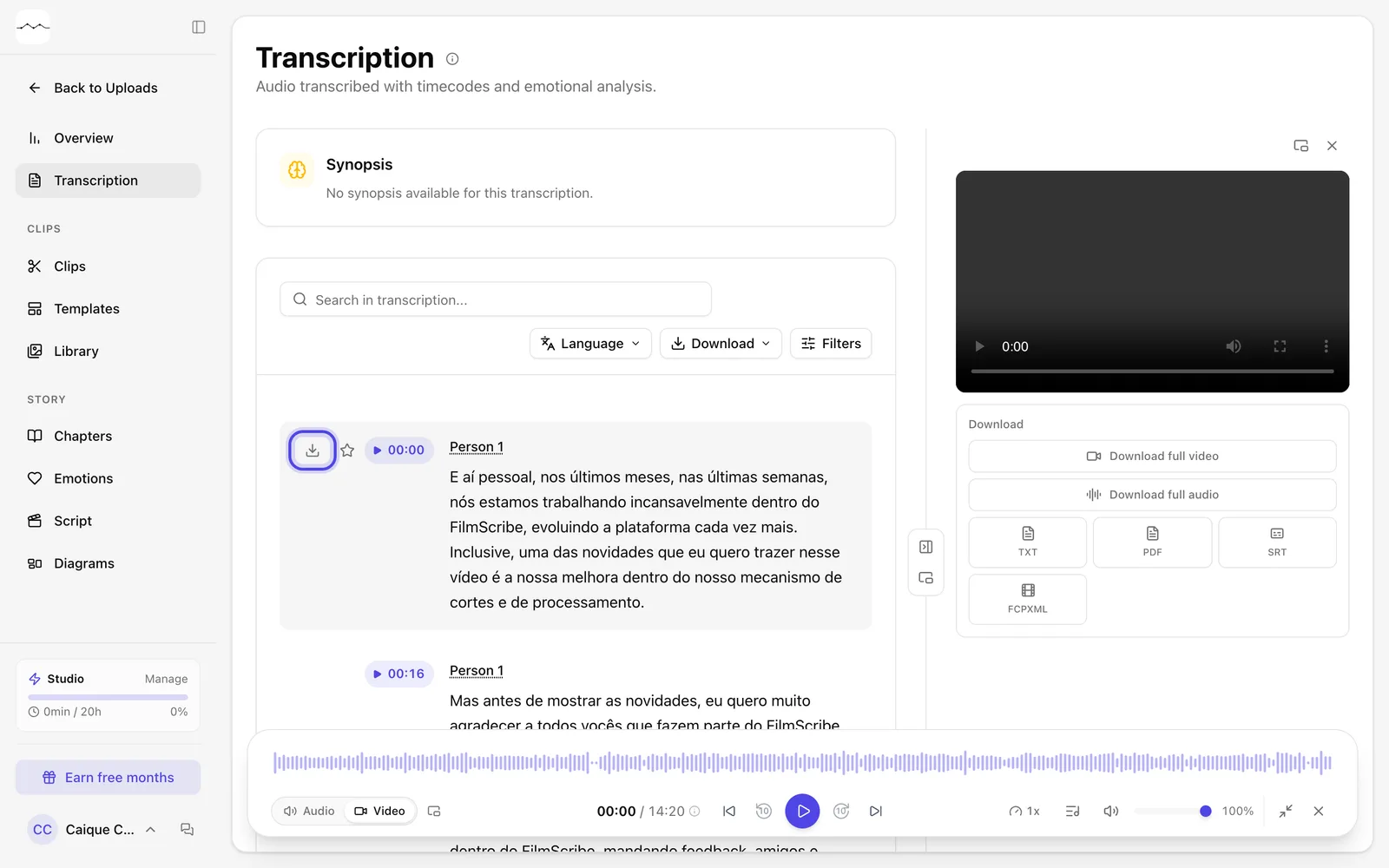
App screenshot The download icon, which shows when you hover over the passage. -
Step 2: Choose the format
Under Common, choose Audio MP3 or Copy text. Under Technical, choose Text TXT, PDF document, Subtitle SRT or Captions for Final Cut.
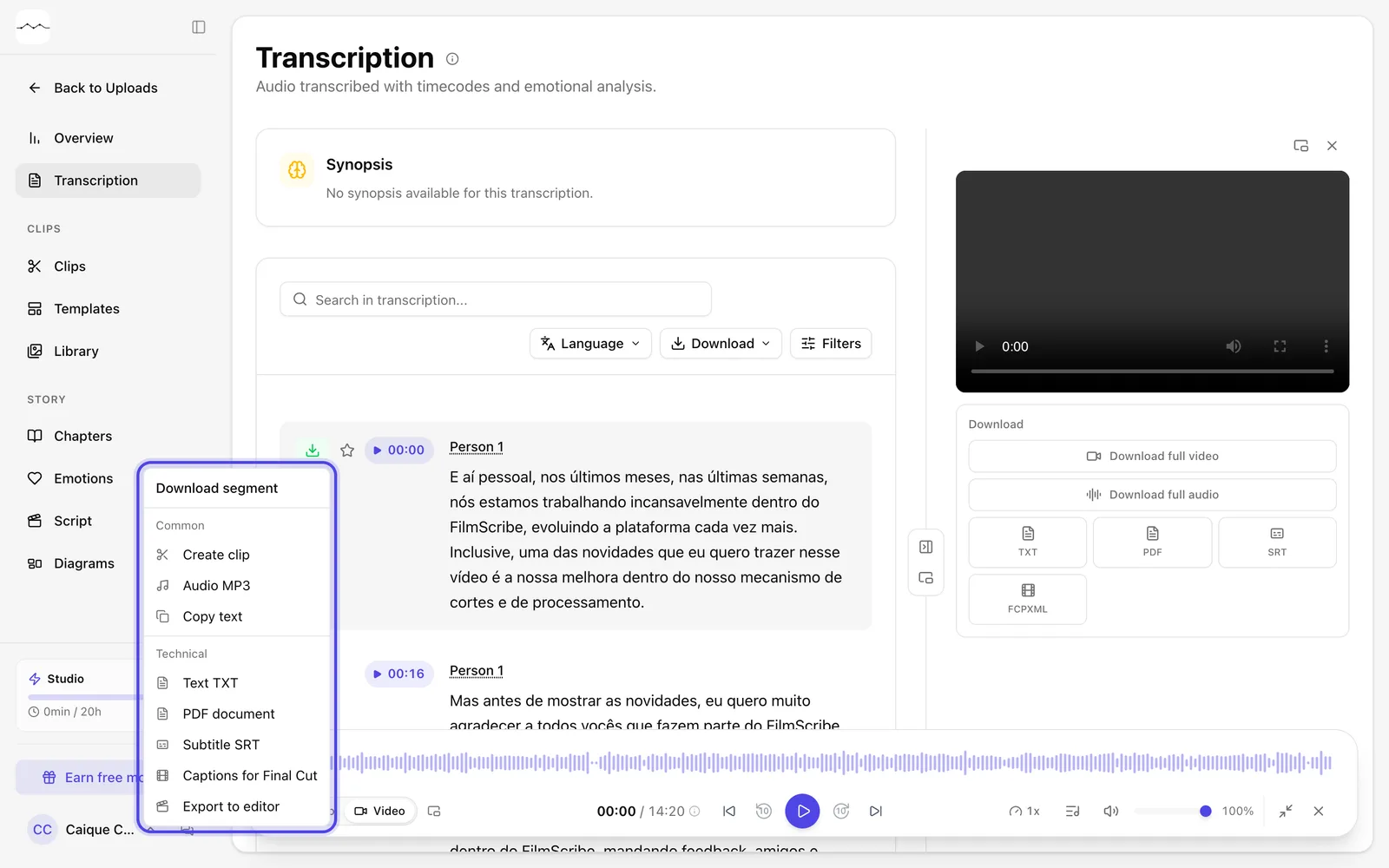
App screenshot A passage's download menu, with the Common and Technical parts.
Optional steps
You don't need these steps to finish the task. Use them if you want.
-
OptionalTurn the passage into a clip
In video files, Create clip opens the Download clip window with that passage, ready to become a clip.
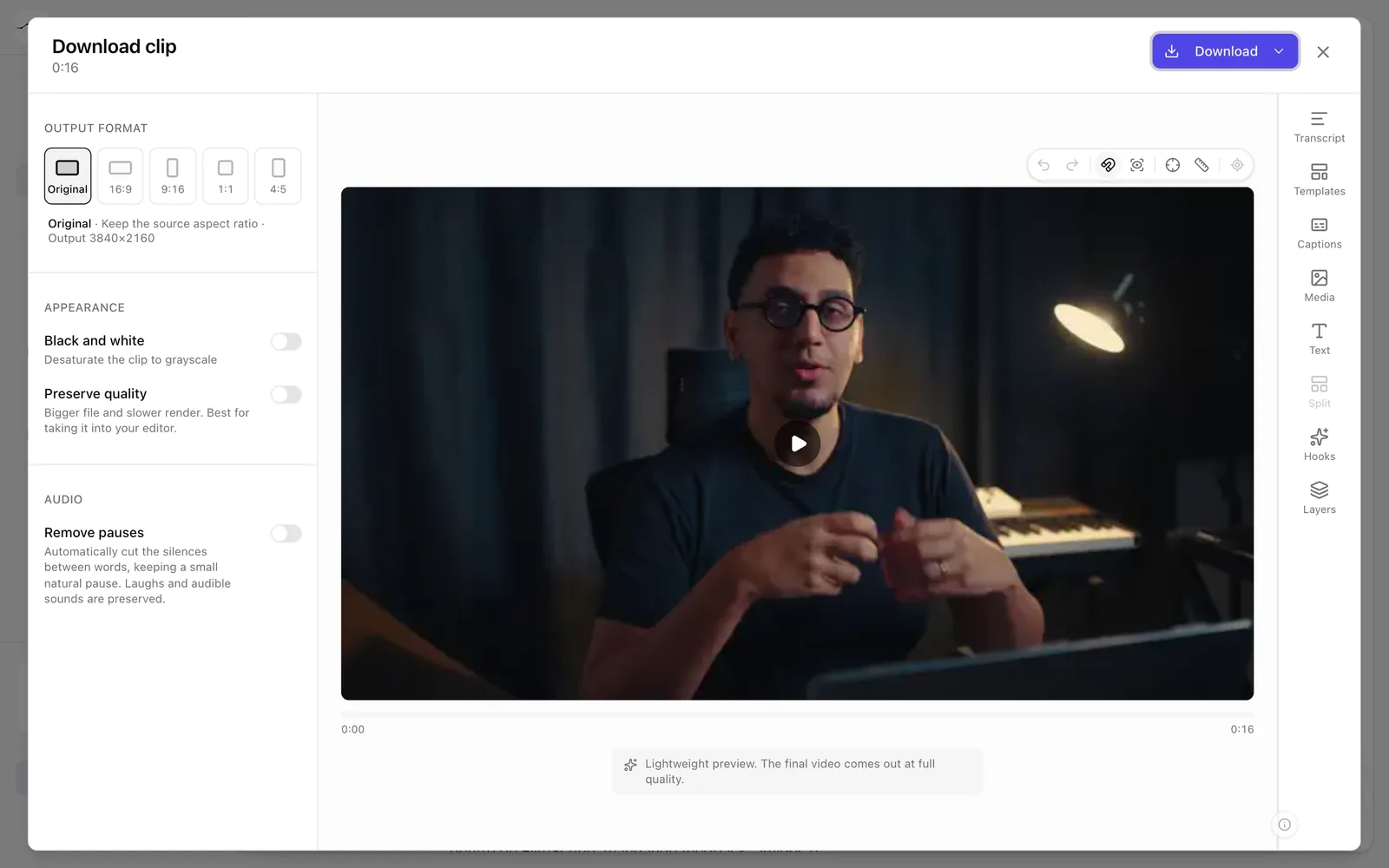
App screenshot The Download clip window, opened by a passage's Create clip. -
OptionalDownload part of a passage
Select the words you want with your mouse, even across different passages, and choose the format in the menu that appears over the selection.
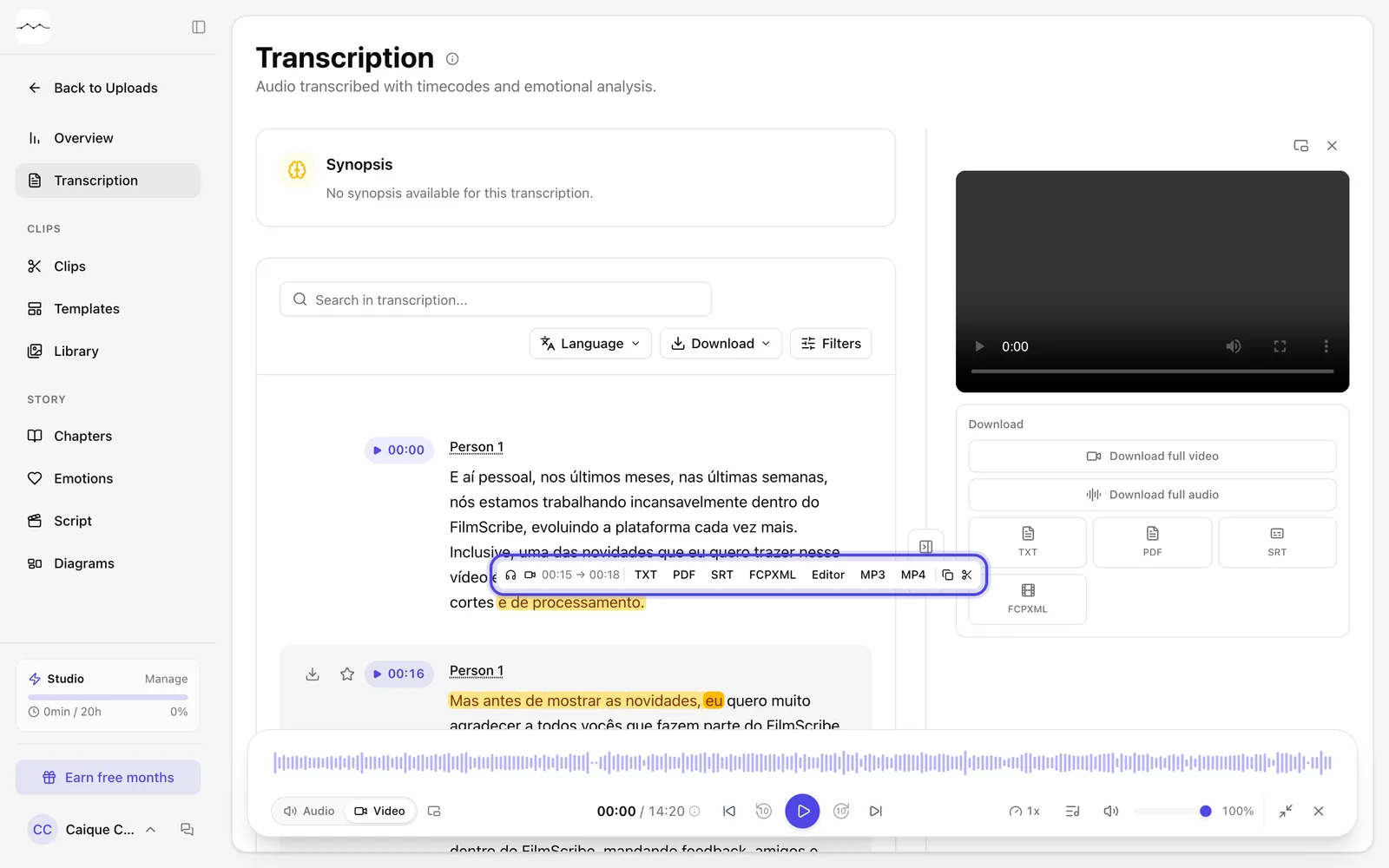
App screenshot Words from two passages selected, with the formats over the selection.