
How to download several clips at once

On the Clips page, click Select and check the clips. In the bar that appears, click Download and choose how to receive them: one .zip file or separate files. If a clip already has a saved look, you also choose between the same look for all or each clip's own. If you like, get the links by email.
Step by step
-
Step 1: Select the clips
On the Clips page, click Select and check the clips you want. The bottom bar shows how many are selected.
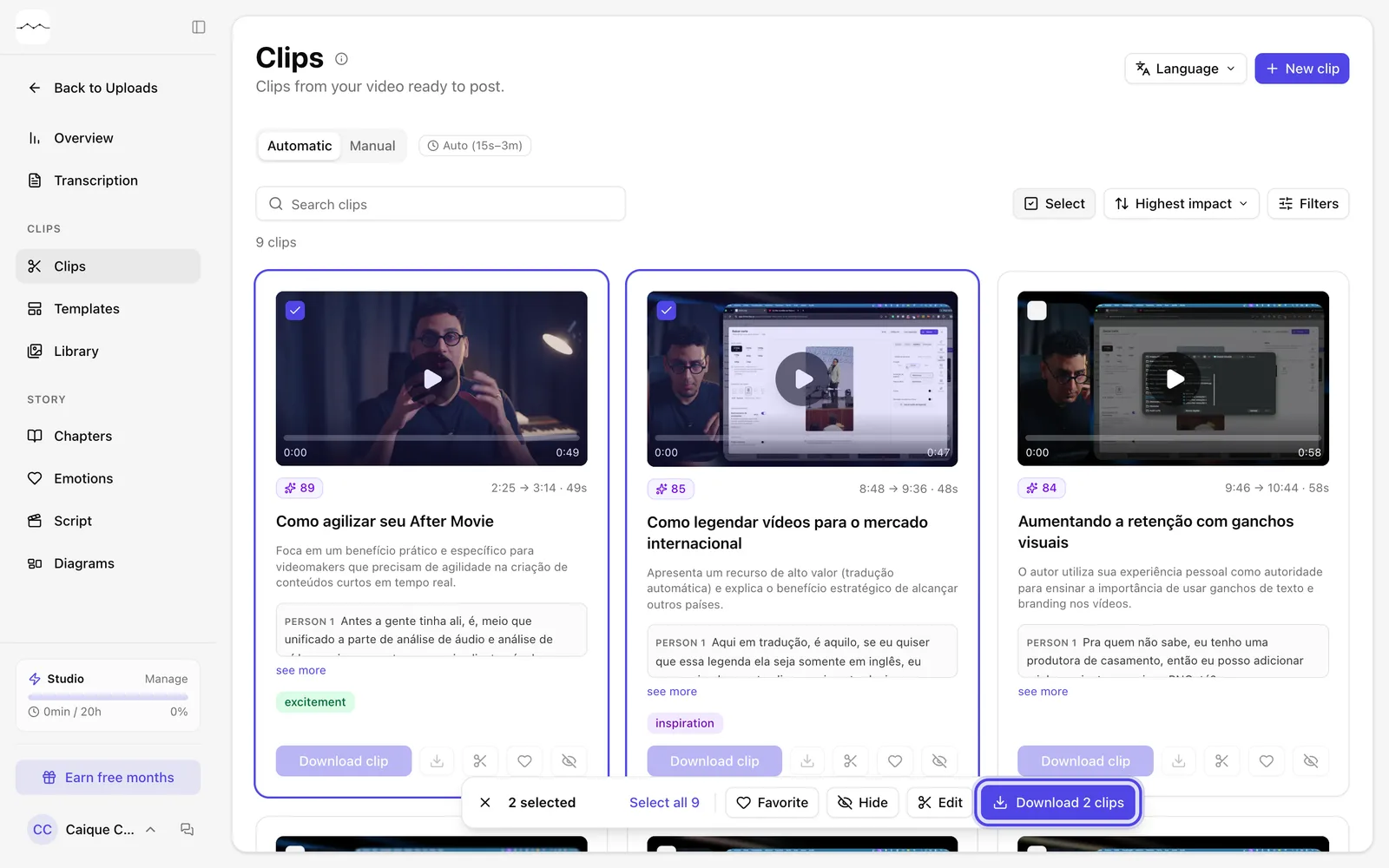
App screenshot Two clips selected and the bar with the download button. -
Step 2: Choose how to receive them
Click the bar's download button. In How to receive, choose One .zip file or Separate files. If a clip already has a saved look, Look shows up too: choose Same look for all or Each clip's saved look.
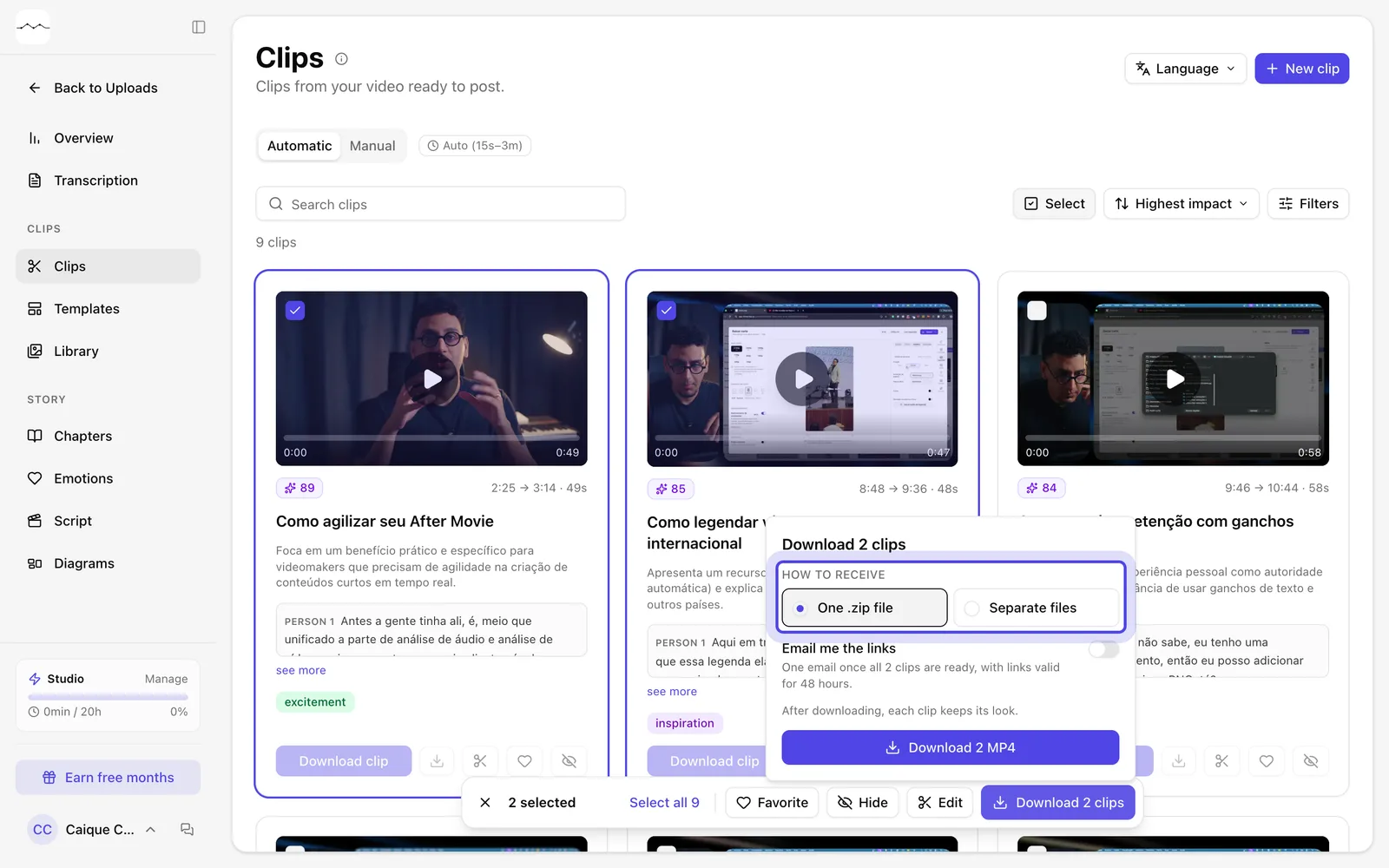
App screenshot The download box, with the delivery options. -
Step 3: Download
Click the Download MP4 button at the bottom of the box to start.
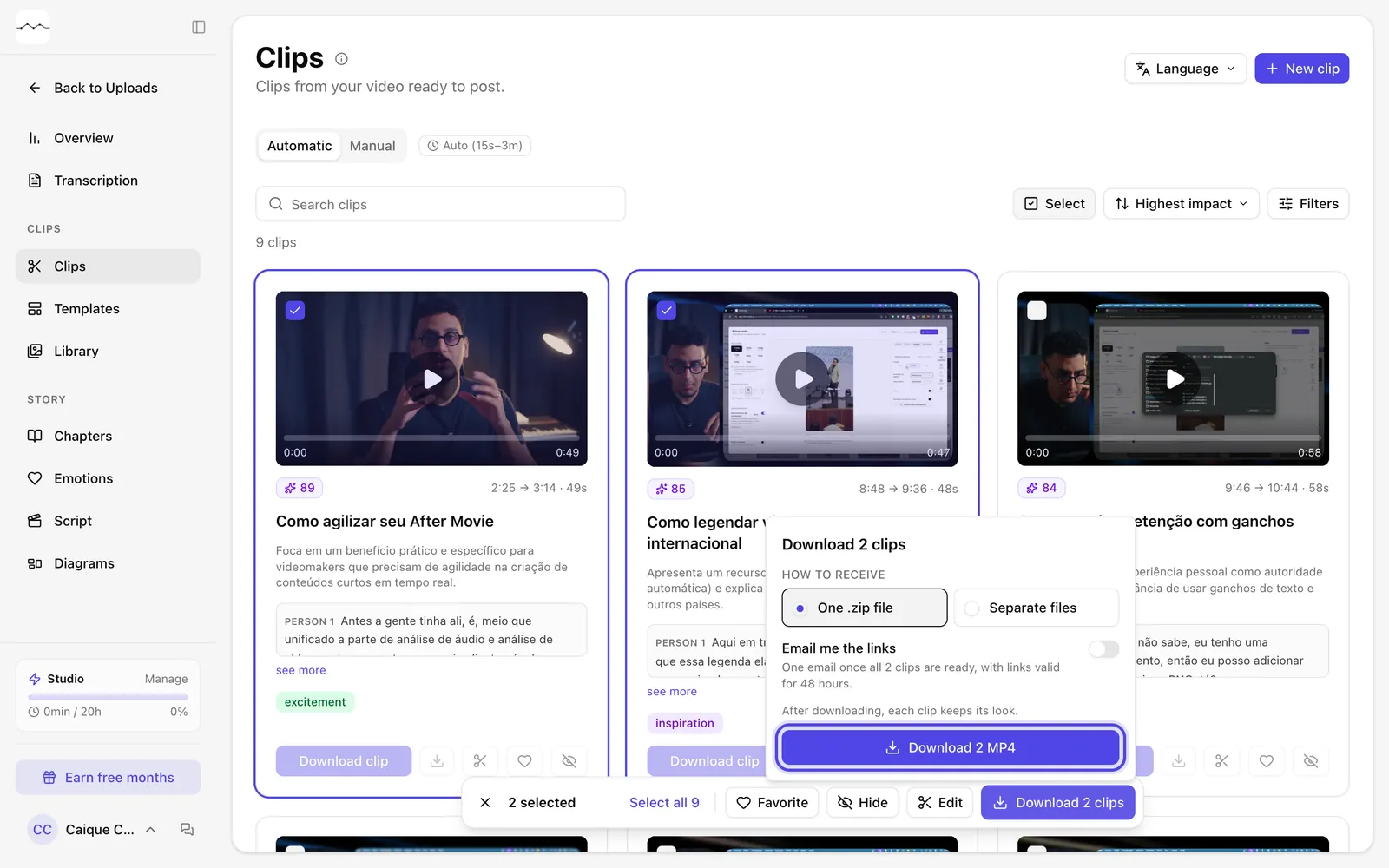
App screenshot The Download 2 MP4 button, in the download box.
Optional steps
You don't need these steps to finish the task. Use them if you want.
-
OptionalGet the links by email
Turn on Email me the links to get a single email with the links to every clip.
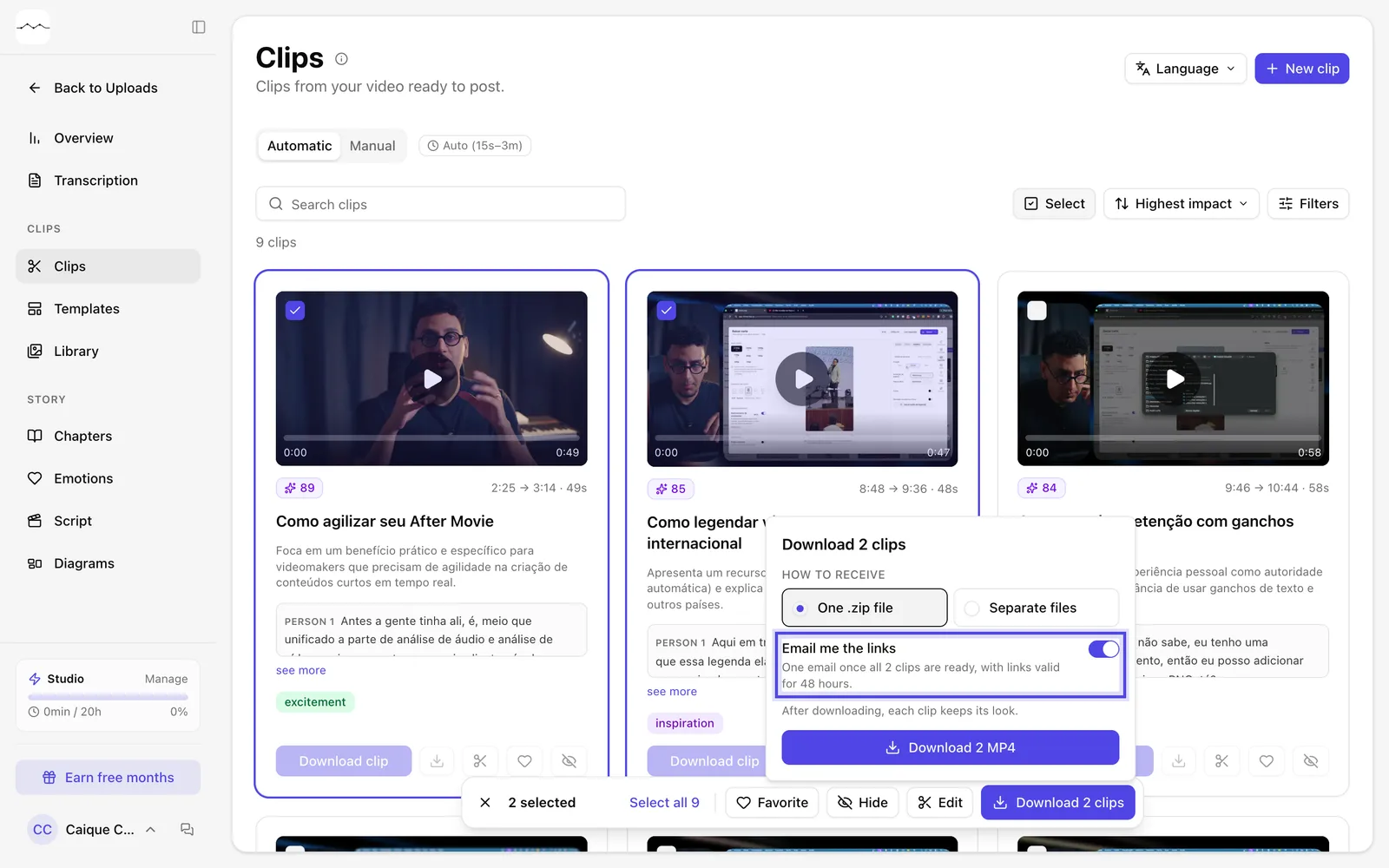
App screenshot Email me the links, turned on. -
OptionalChange the look of all of them at once
In the bar, Edit opens the clip window: whatever you change there applies to every selected clip. After downloading, the look stays saved in each clip.
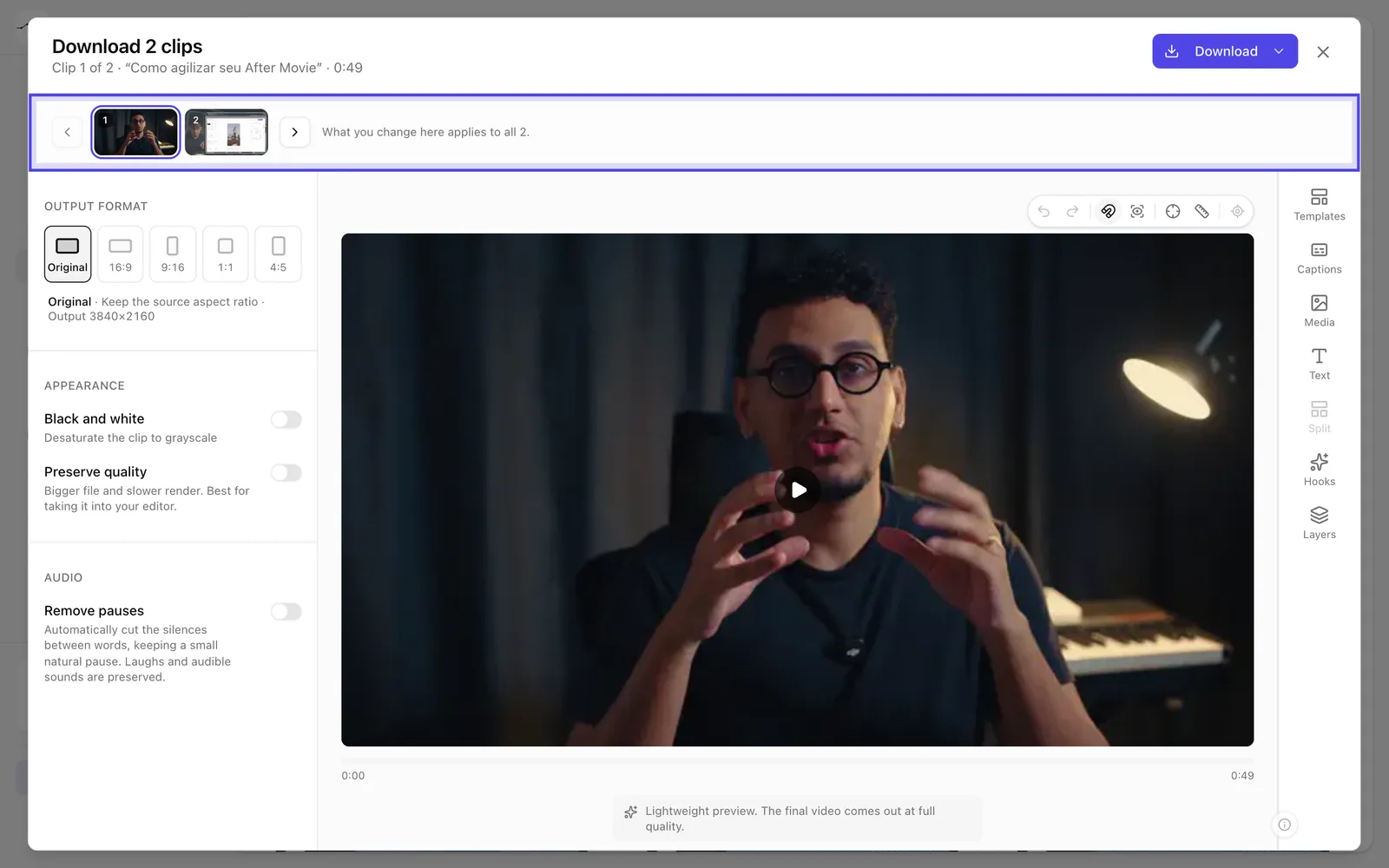
App screenshot The clip window opened by Edit, with the selected clips at the top.