Skip to content
Getting started

Which formats and sizes can I upload?

Updated

Short answer

For audio, MP3, WAV, M4A, AAC, OGG and OPUS; for video, MP4, MOV, AVI and MKV; WEBM is accepted too. Each file can be up to 10 GB. We recommend MP3 for audio and MP4 for video: they give the best experience from upload to clip export.

Available on Pro, Studio and Agency (every plan)

Step by step

  1. Step 1: Check the file format

    On the Upload File page, the list of accepted formats is in the upload area, below Drop your file here.
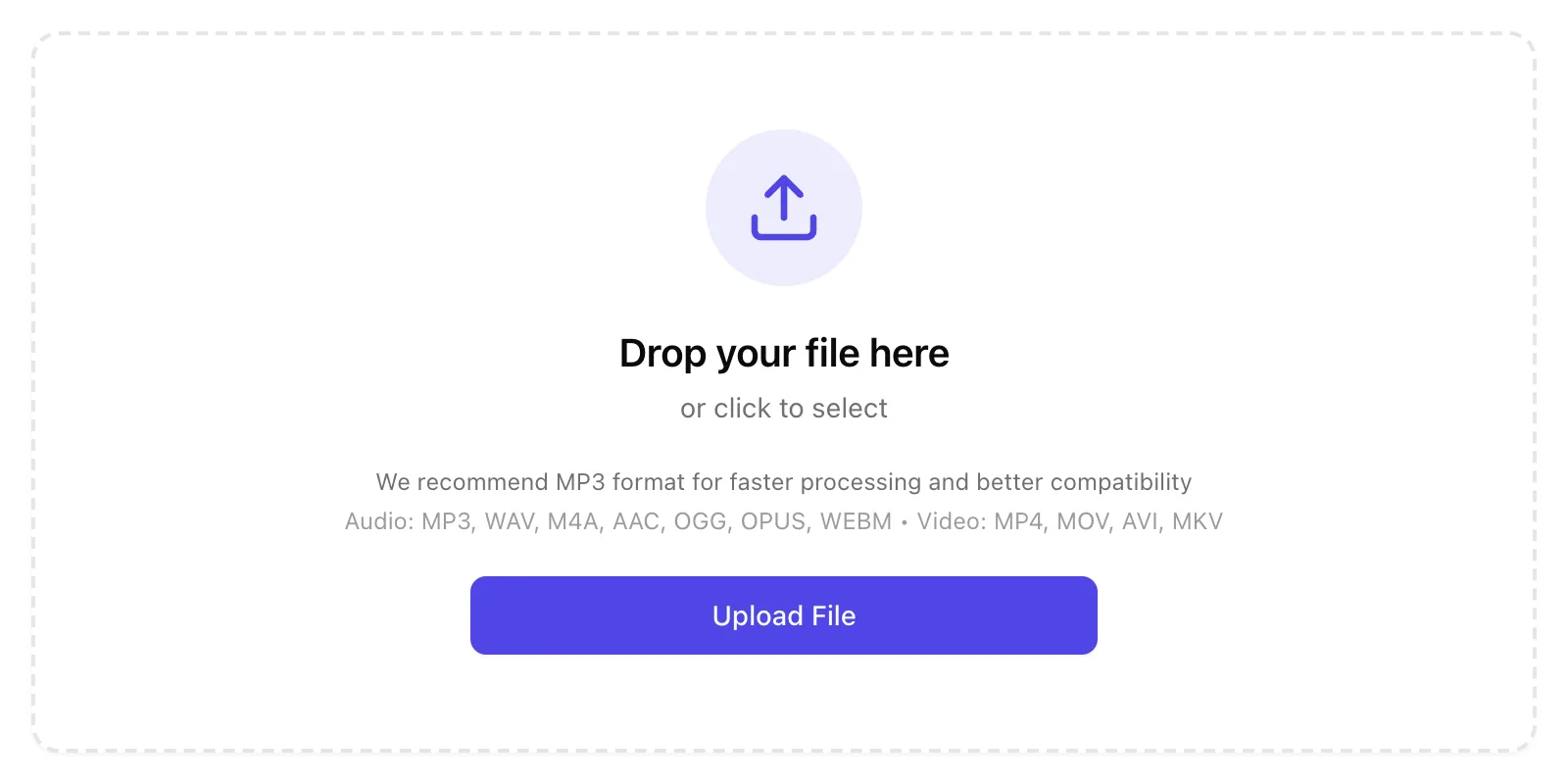
    The accepted formats, in the upload area.
    App screenshot The accepted formats, in the upload area.
  2. Step 2: See the recommended format

    Click About file formats to see why MP3 and MP4 are the best choices.
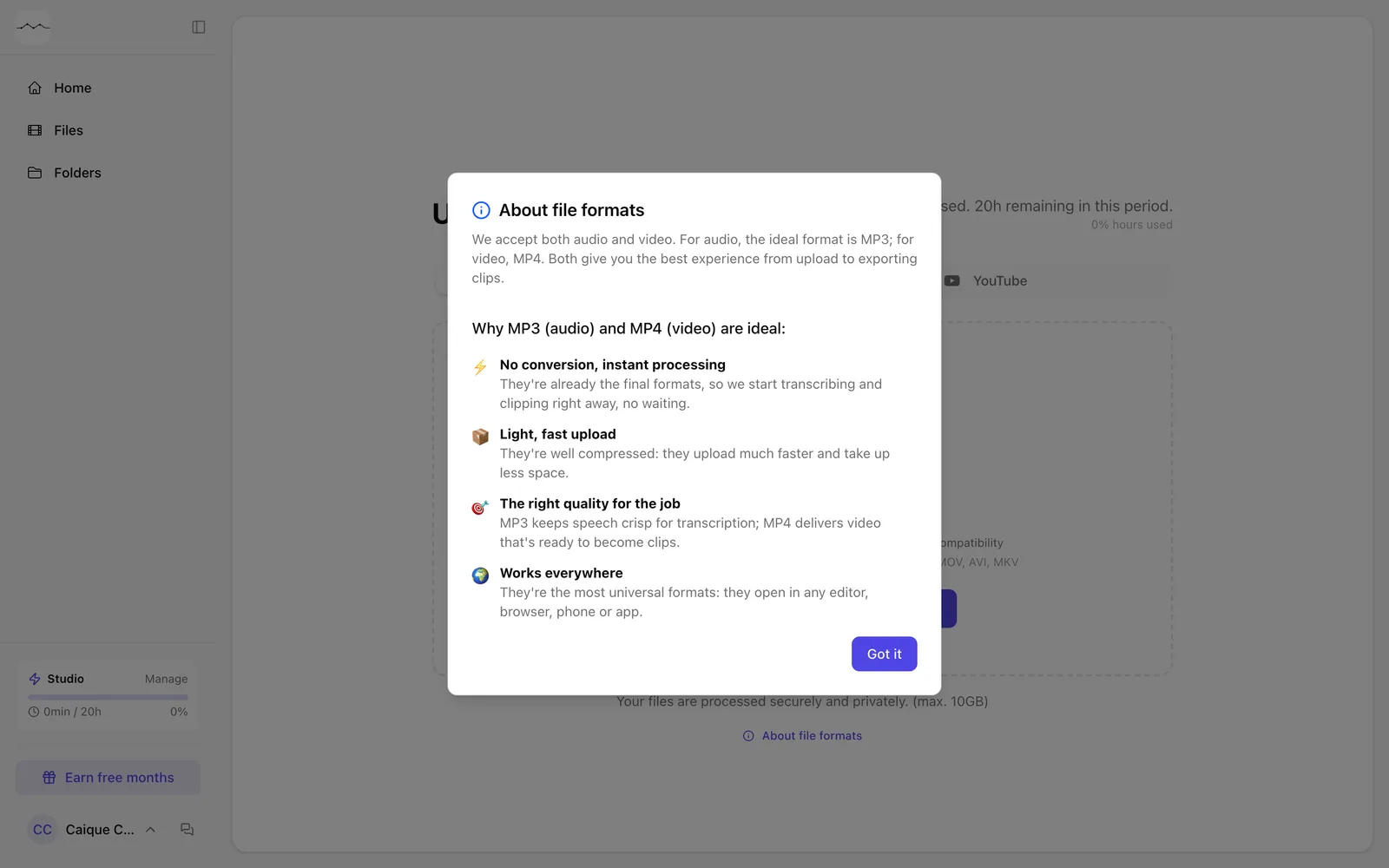
    The About file formats window.
    App screenshot The About file formats window.

Frequently asked questions

What's the maximum file size?

10 GB per file. Above that, FilmScribe tells you the file is too large.

Is there a length limit?

There's no length limit per file. The hours you process count toward your plan.

Does audio get clips?

No. Clips are made from video. Audio gets the transcript, chapters, emotions and the rest.

Why did my file show up empty?

Check that the file was fully downloaded to your device and that it's the right file before uploading it again.

Still need help?

Talk to us. We answer on WhatsApp and by email.

Your next story is already waiting.

Upload a file or paste a YouTube link and see the transcript, chapters and clips from your own recording.