
Getting started
How to import a YouTube video

Short answer
In Upload File, open the YouTube tab and paste the video link into YouTube URL. Choose the content type and click Start Processing. It works with links to videos, Shorts and livestreams that have already ended. Use public videos and avoid age-restricted ones.
Available on Pro, Studio and Agency (every plan)
Step by step
-
Step 1: Open the YouTube tab
In Files, click Upload File and open the YouTube tab.
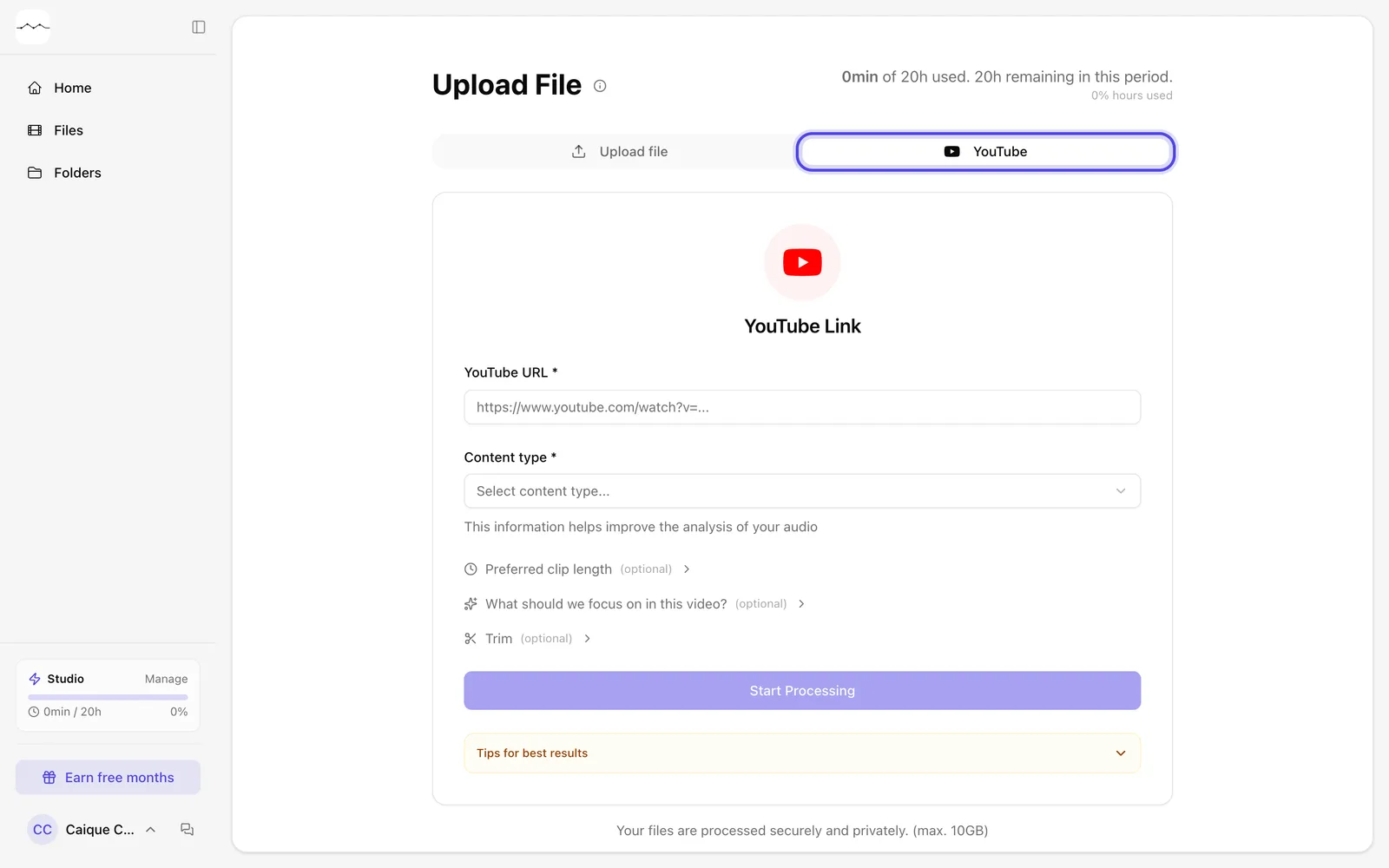
App screenshot The YouTube tab of the Upload File page. -
Step 2: Paste the link and choose the type
Paste the video link into the YouTube URL field and choose the content type.
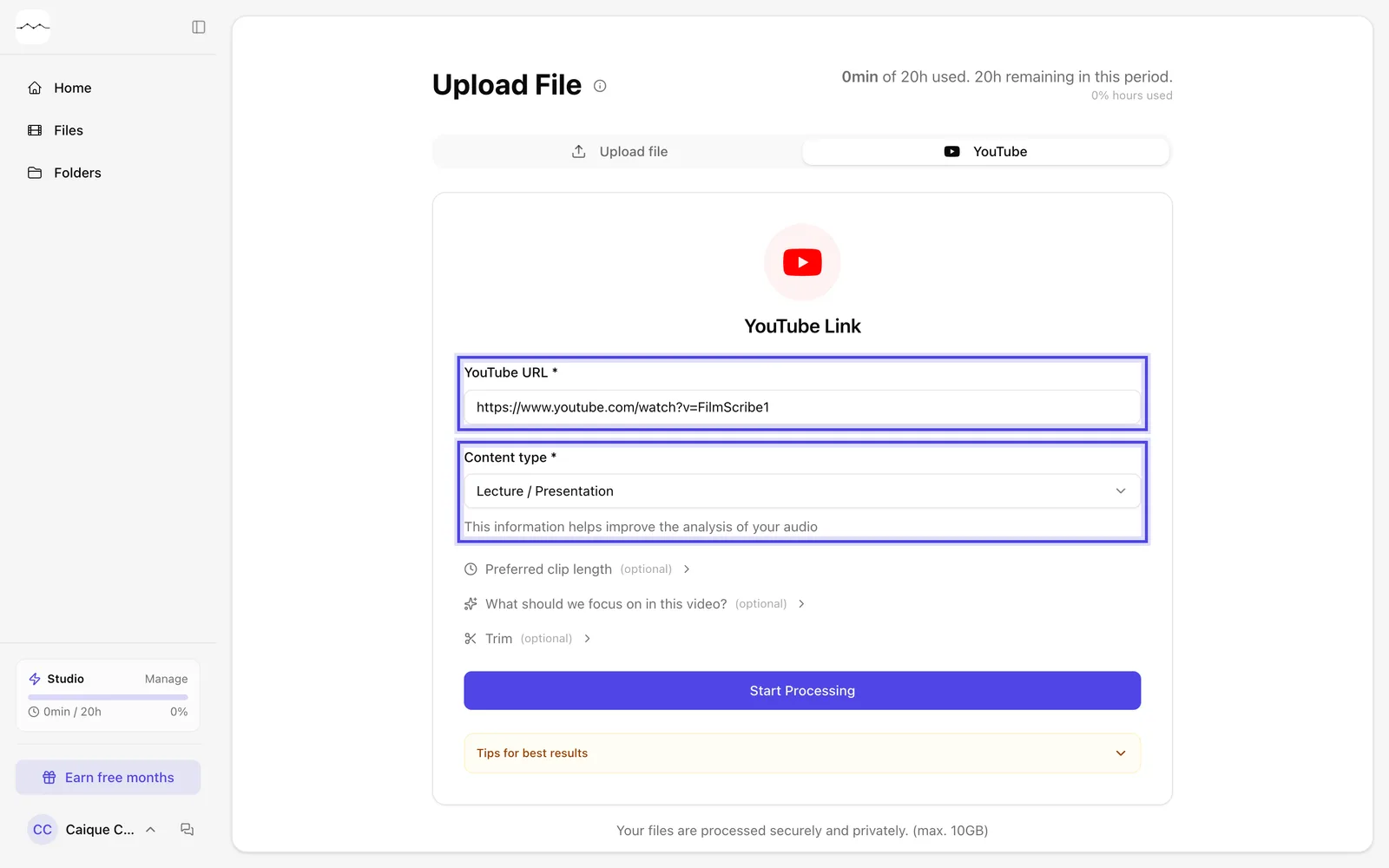
App screenshot The link pasted and the content type picked. -
Step 3: Start processing
Click Start Processing.
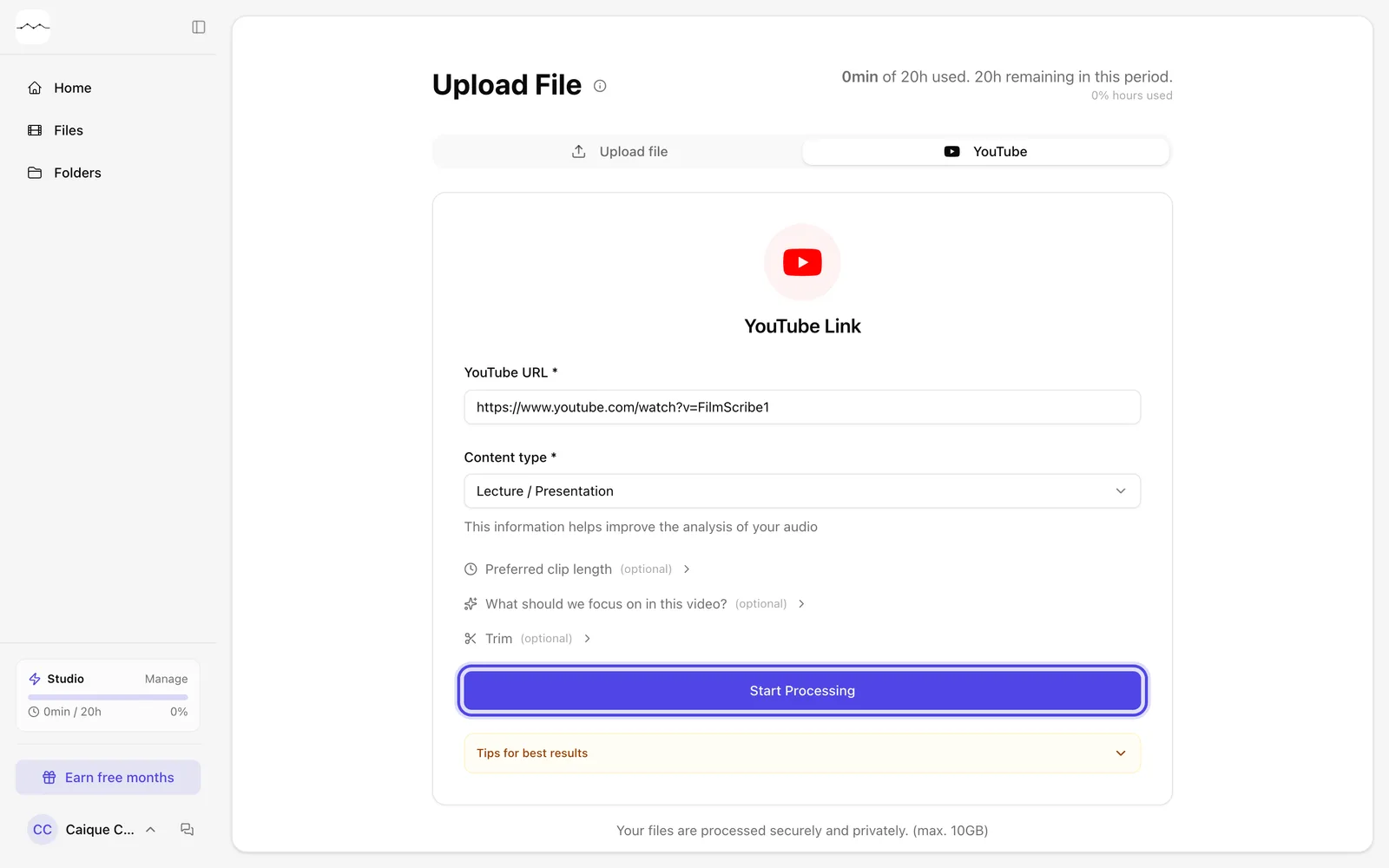
App screenshot The Start Processing button, on once the link and the type are filled in.
Optional steps
You don't need these steps to finish the task. Use them if you want.
-
OptionalAdjust the clips and the section
Just like uploading a file, you can choose the Preferred clip length, tell us what to look for in What should we focus on in this video? and process only part of it in Trim.
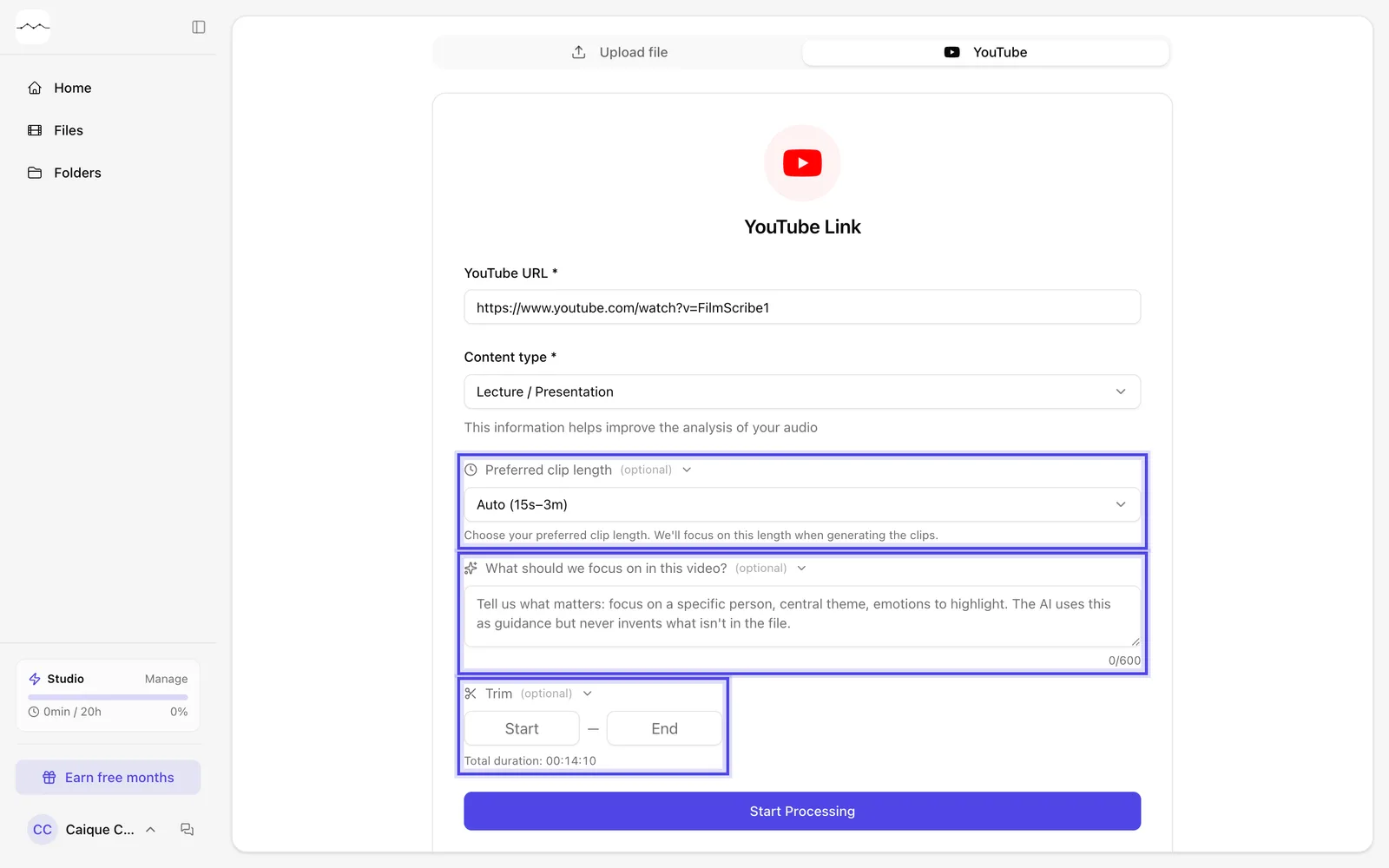
App screenshot The options open: clip length, what to focus on and Trim, with the video's total length.