
How to use chapters and moments

Open Chapters in the file's menu. Each chapter has a title, summary, start, duration, speakers, emotions and topics, and clicking the number plays the chapter. Export timestamps copies or downloads the times in YouTube's chapter format. Generate moments shows the parts of each chapter.
Step by step
-
Step 1: Open Chapters
Inside the file, click Chapters in the left menu. Each chapter shows the title, the summary, the start, the duration, who speaks, the emotions and the topics. Click the chapter number to play it.
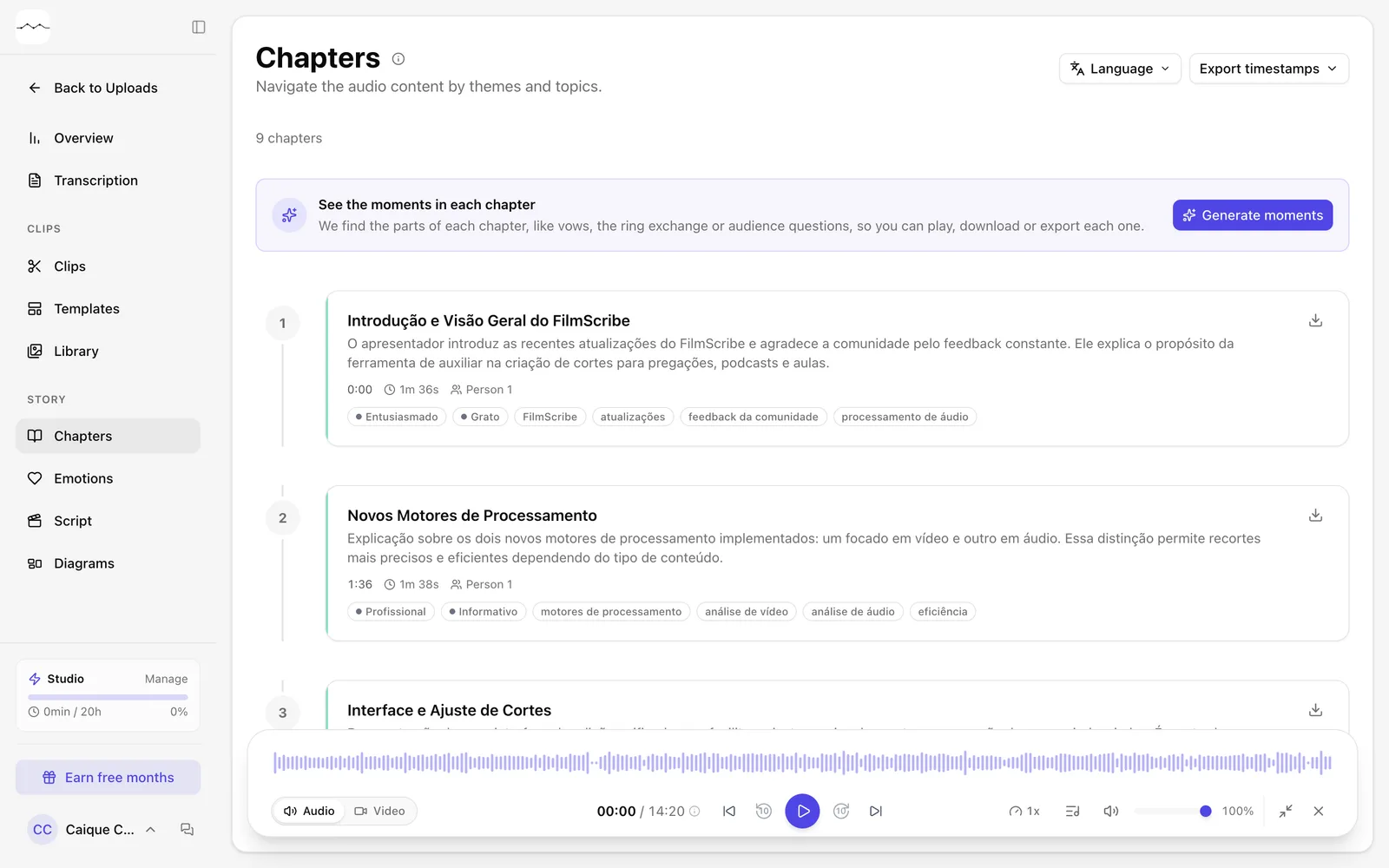
App screenshot The Chapters page. -
Step 2: Copy the times to YouTube
Click Export timestamps and choose Copy to clipboard to paste them into the YouTube description, or Download .txt.
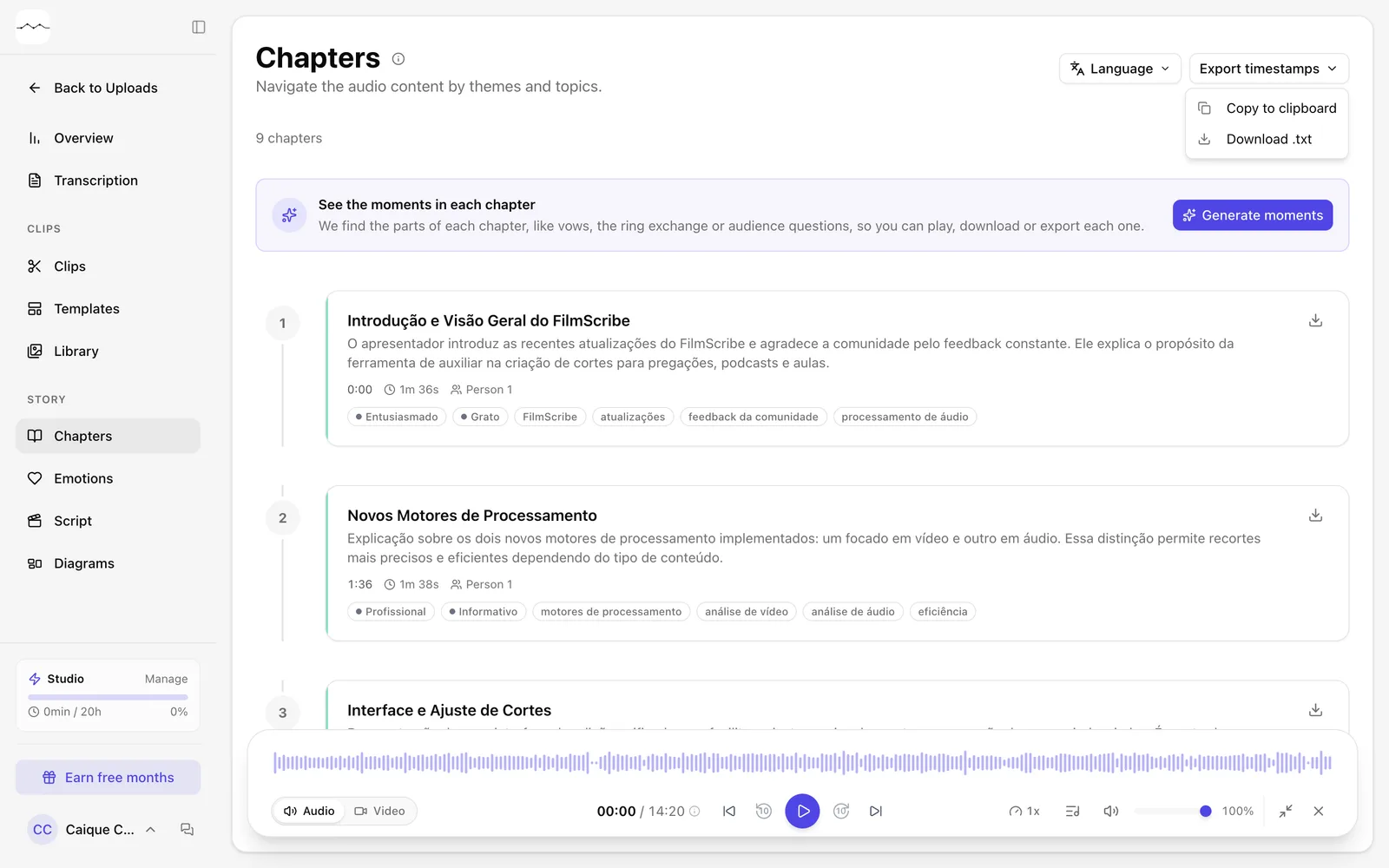
App screenshot The Export timestamps menu.
Optional steps
You don't need these steps to finish the task. Use them if you want.
-
OptionalSee the moments in each chapter
In the See the moments in each chapter box, click Generate moments. We find the parts of each chapter, such as vows, rings or audience questions, so you can play, download or export each one. It can take a few minutes; the chapters stay on the page in the meantime.
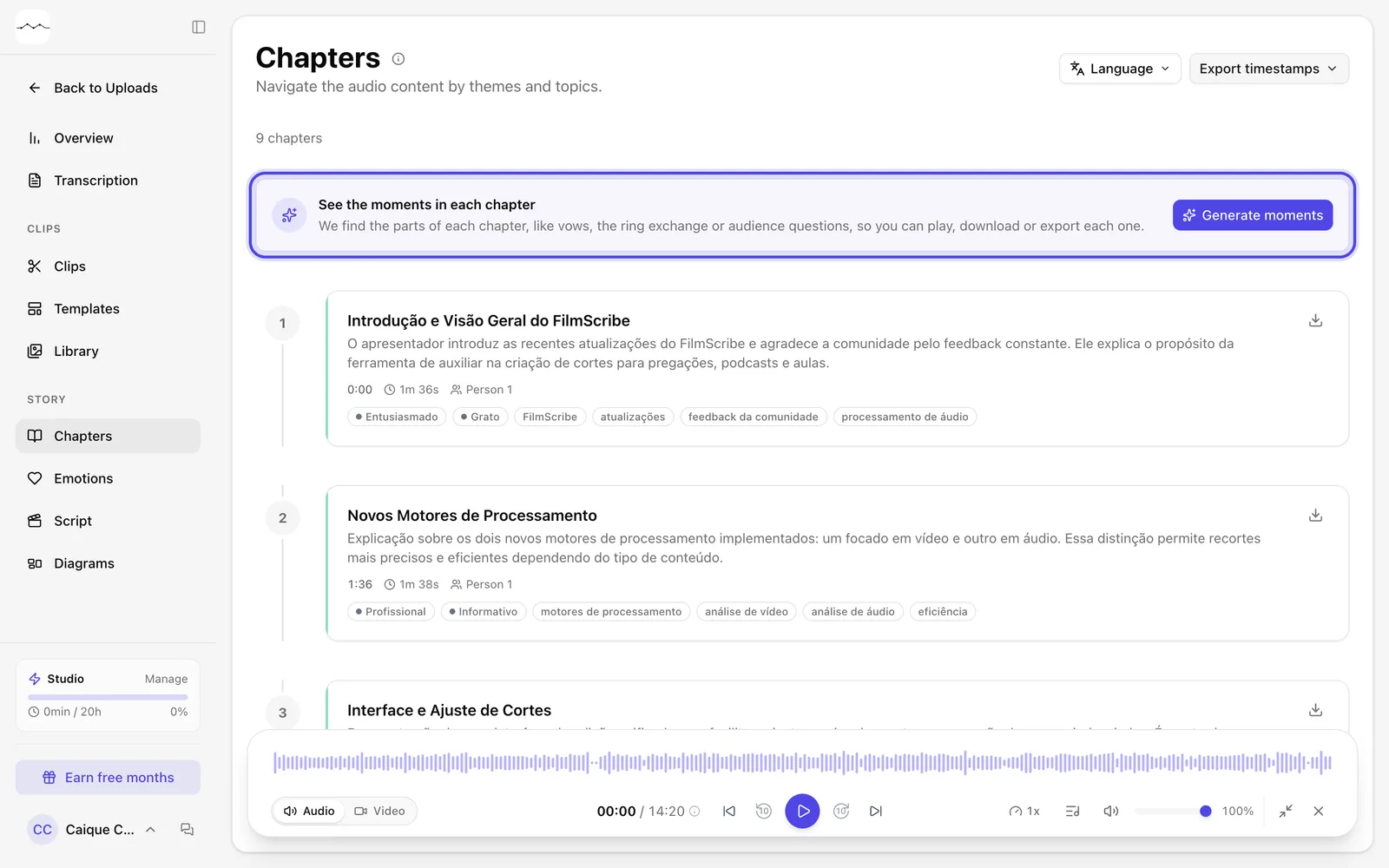
App screenshot The box to generate the moments in each chapter. -
OptionalDownload a chapter
Each chapter has a download menu with the same formats as a transcript passage, such as Audio MP3 and Subtitle SRT.
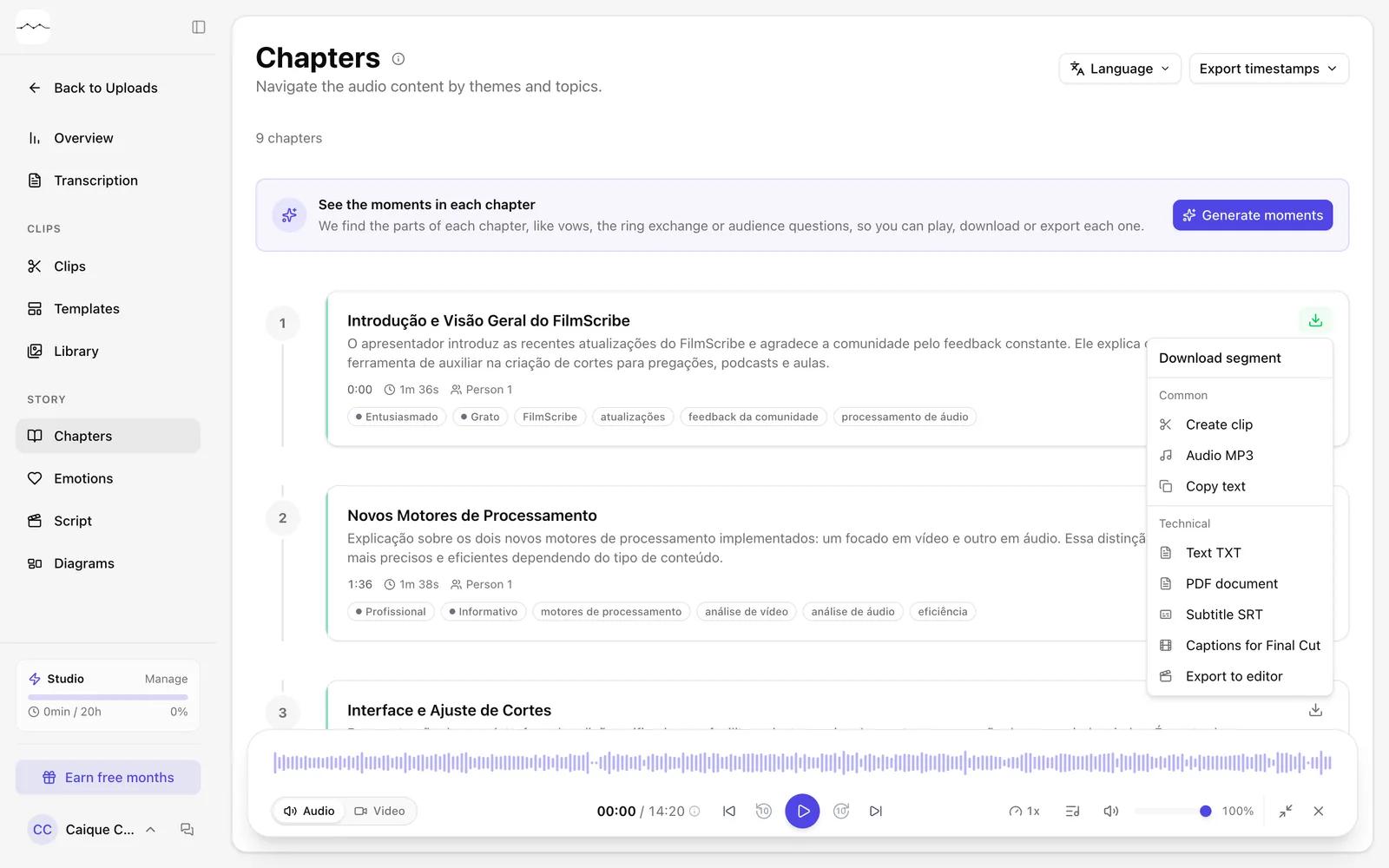
App screenshot A chapter's download menu.