
How to use the Emotions page

Open Emotions in the file's menu. Episode map opens a chart of the intensity across the recording: click a passage to read it. Pick an emotion, filter by intensity and sort by the most intense, by video order or by the longest. Further down are the Best Phrases by Impact.
Step by step
-
Step 1: Open Emotions
Inside the file, click Emotions in the left menu. At the top, click Episode map to open the chart: the height is the intensity, and clicking a passage takes you to it.
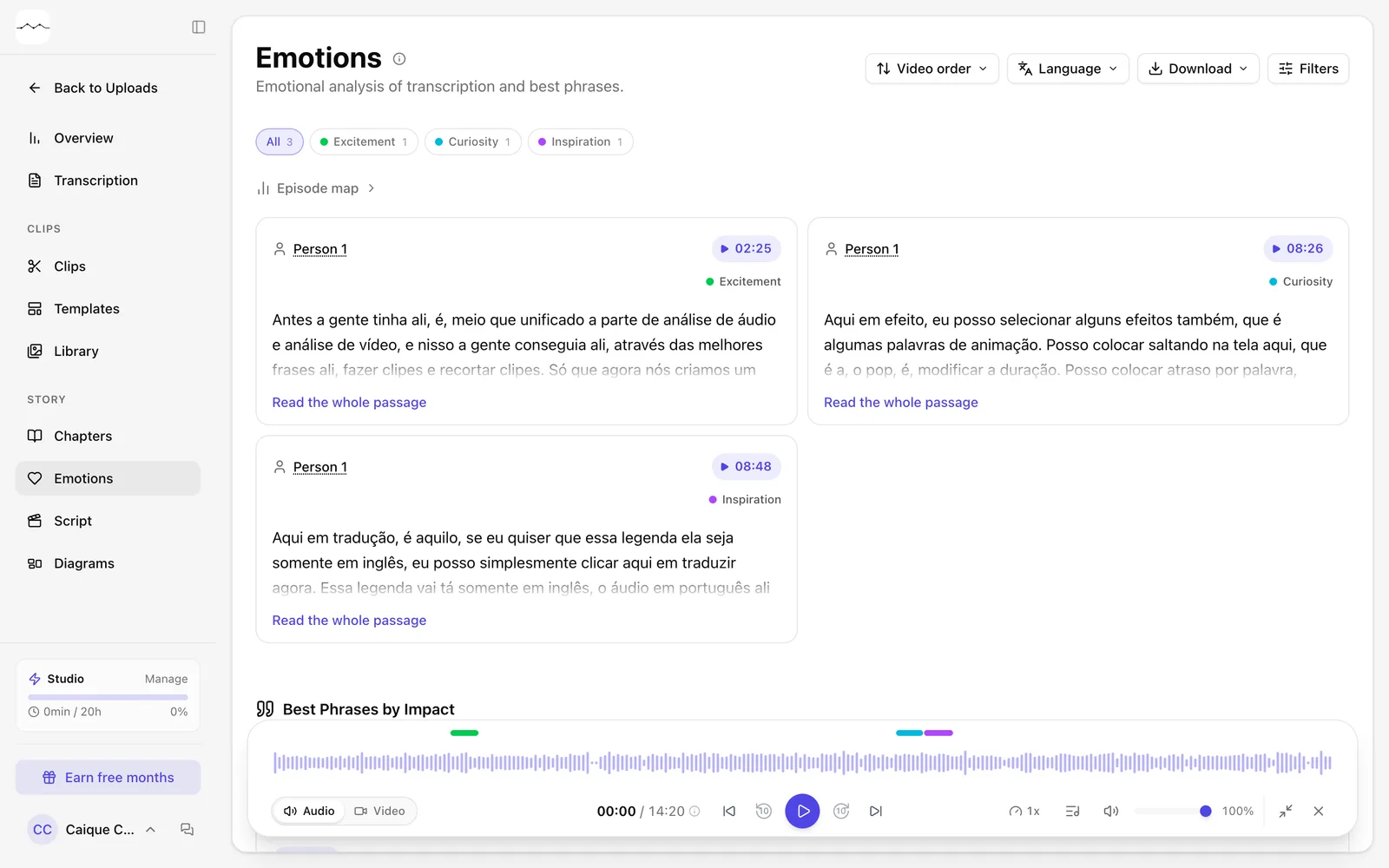
App screenshot The Emotions page, with Episode map at the top. -
Step 2: Filter and sort
Click an emotion to see only its passages. In Filters, choose the Intensity and turn on Favorites only if you like. In the sort button, choose Most intense, Video order or Longest.
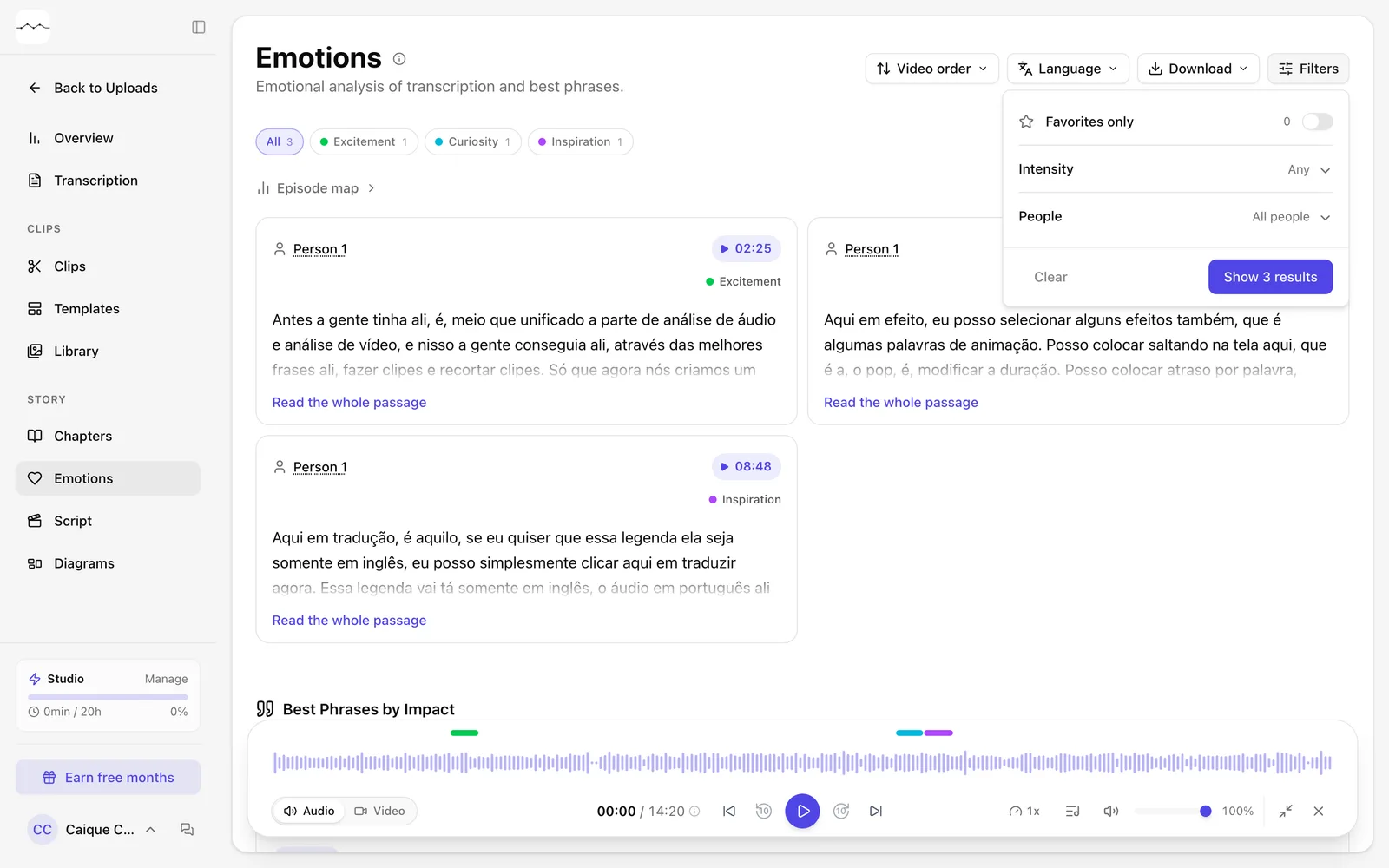
App screenshot The filters of the Emotions page. -
Step 3: See the best phrases
Scroll down to Best Phrases by Impact to see the strongest lines in the file, each with its impact score and download button.
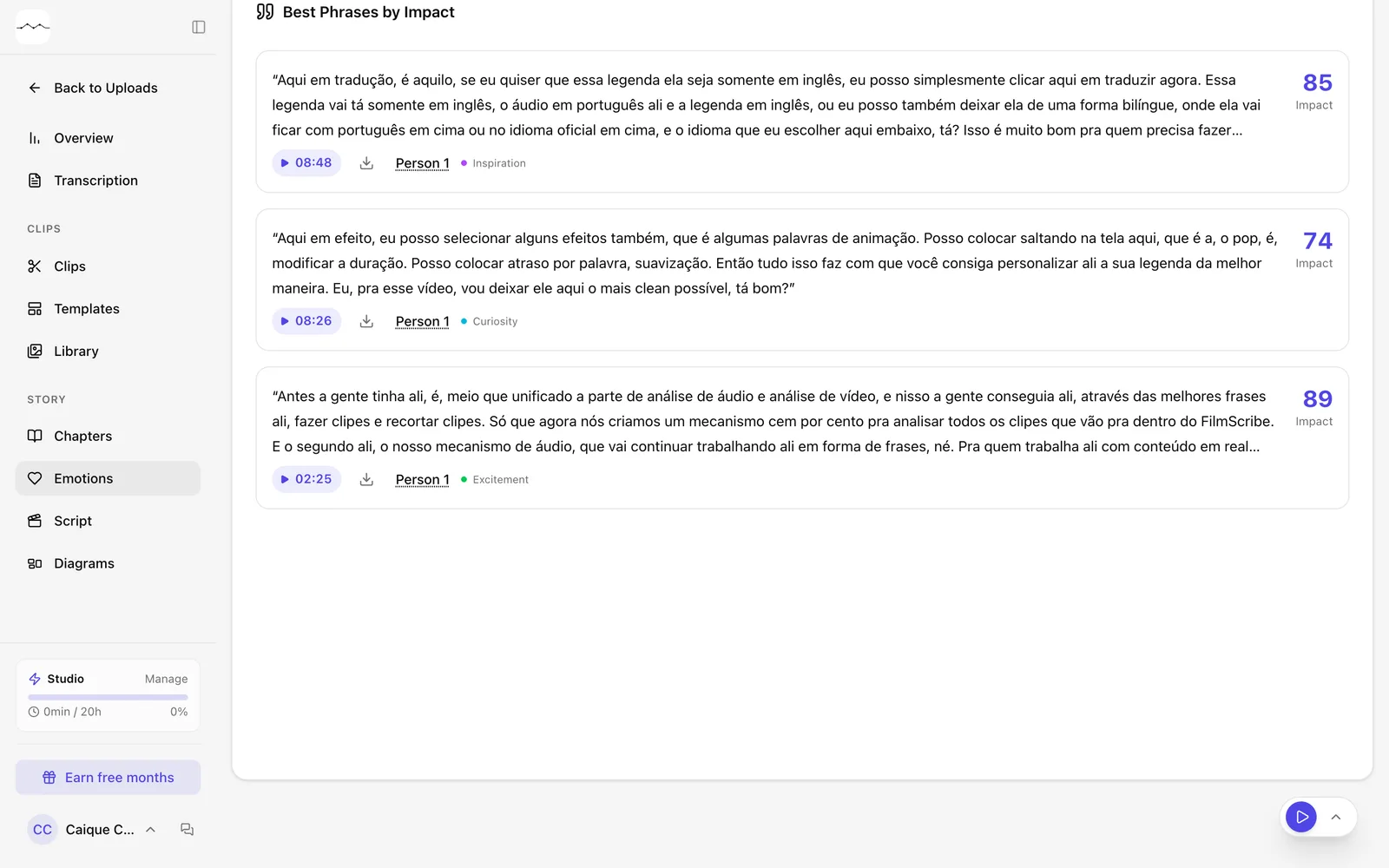
App screenshot Best Phrases by Impact.
Optional steps
You don't need these steps to finish the task. Use them if you want.
-
OptionalFavorite, download or make a clip
Each passage has the favorite star and Download segment. For video, Create clip opens the Download clip window with the passage.
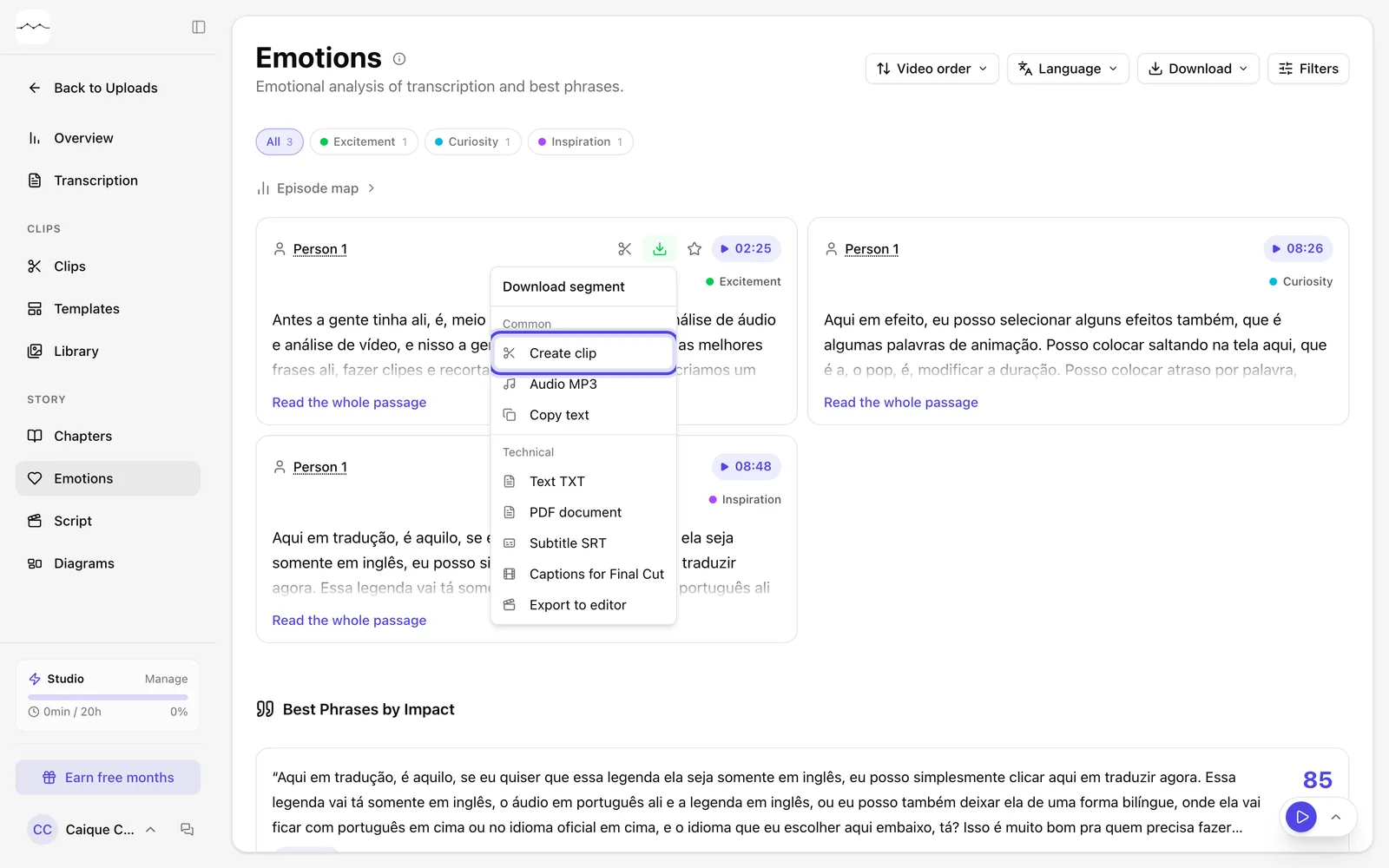
App screenshot A passage's menu, with Create clip; the star is next to it.