
Story
How to use the diagrams

Short answer
Open Diagrams in the file's menu and click Generate diagrams. We turn the transcript into a mind map, a flow and a timeline, in about a minute. Click any point to open the passage in the player, edit titles and notes and download as Markdown, PDF or TXT.
Available on Studio and Agency
Step by step
-
Step 1: Generate the diagrams
Inside the file, click Diagrams in the left menu and then Generate diagrams. It takes about a minute.
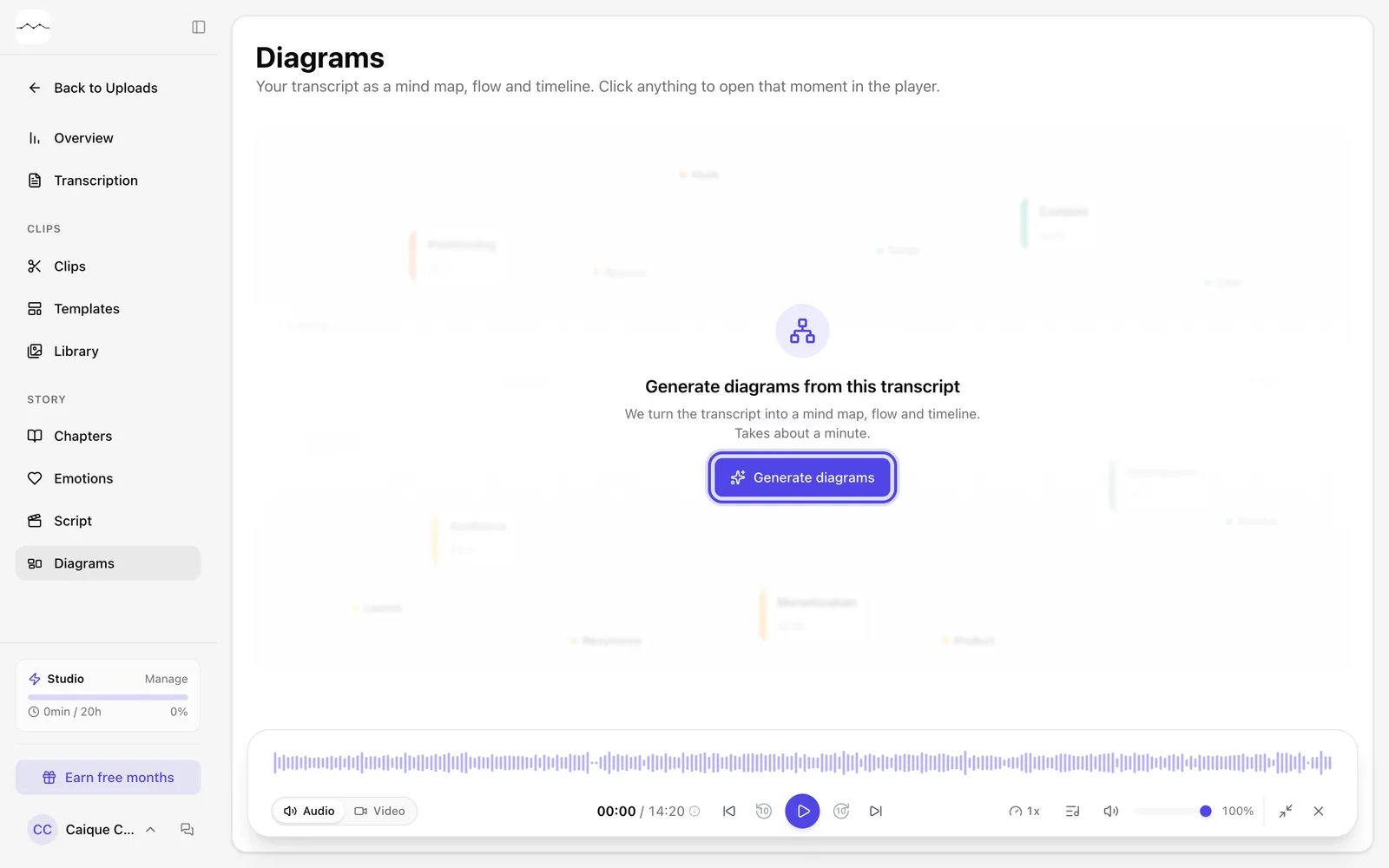
App screenshot The Diagrams page before generating. -
Step 2: Choose the view
Switch between Mind map, Flow and Timeline. Click any point to read the summary and the transcript of that passage and use Play from here to listen.
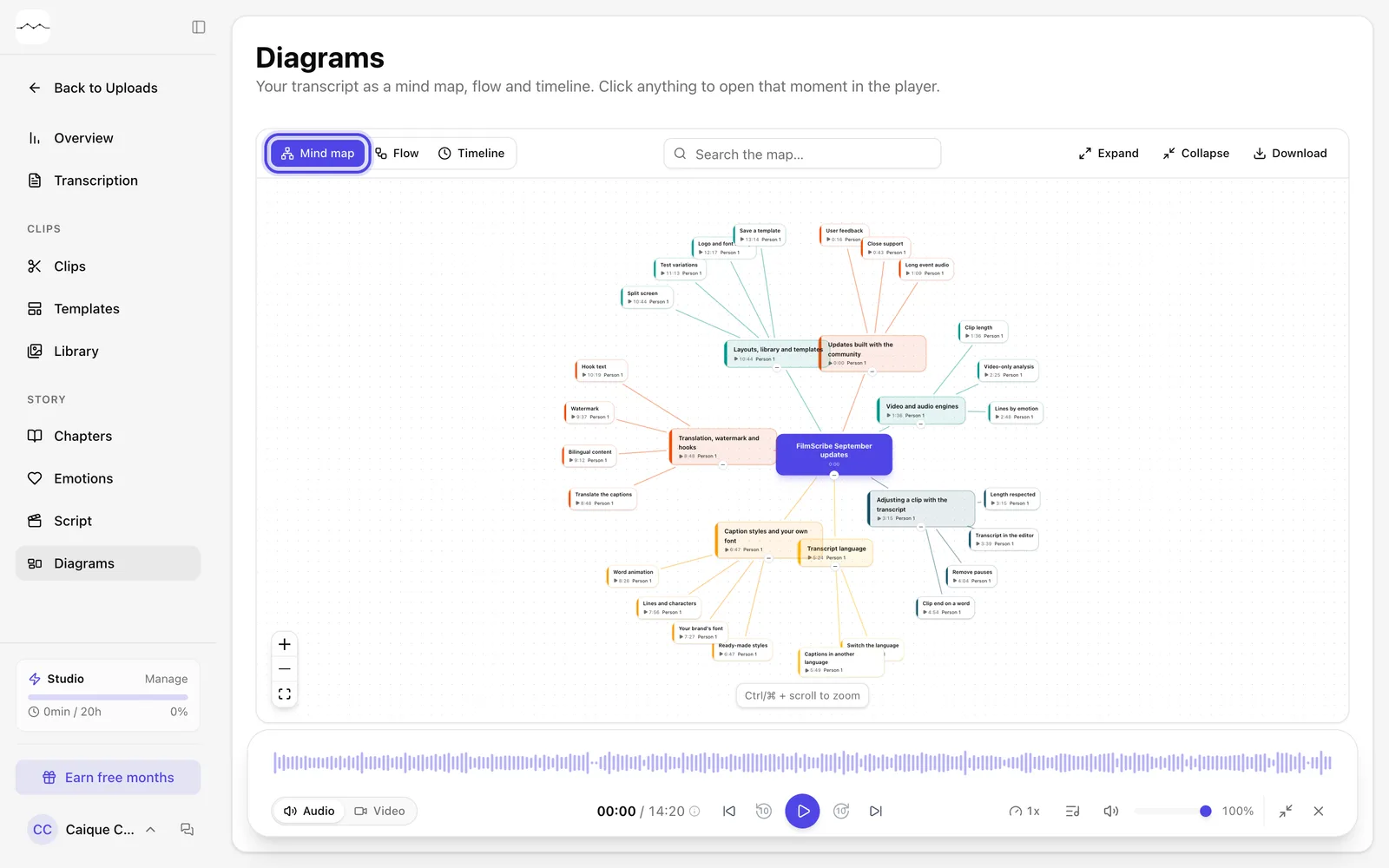
App screenshot The Mind map of a video. 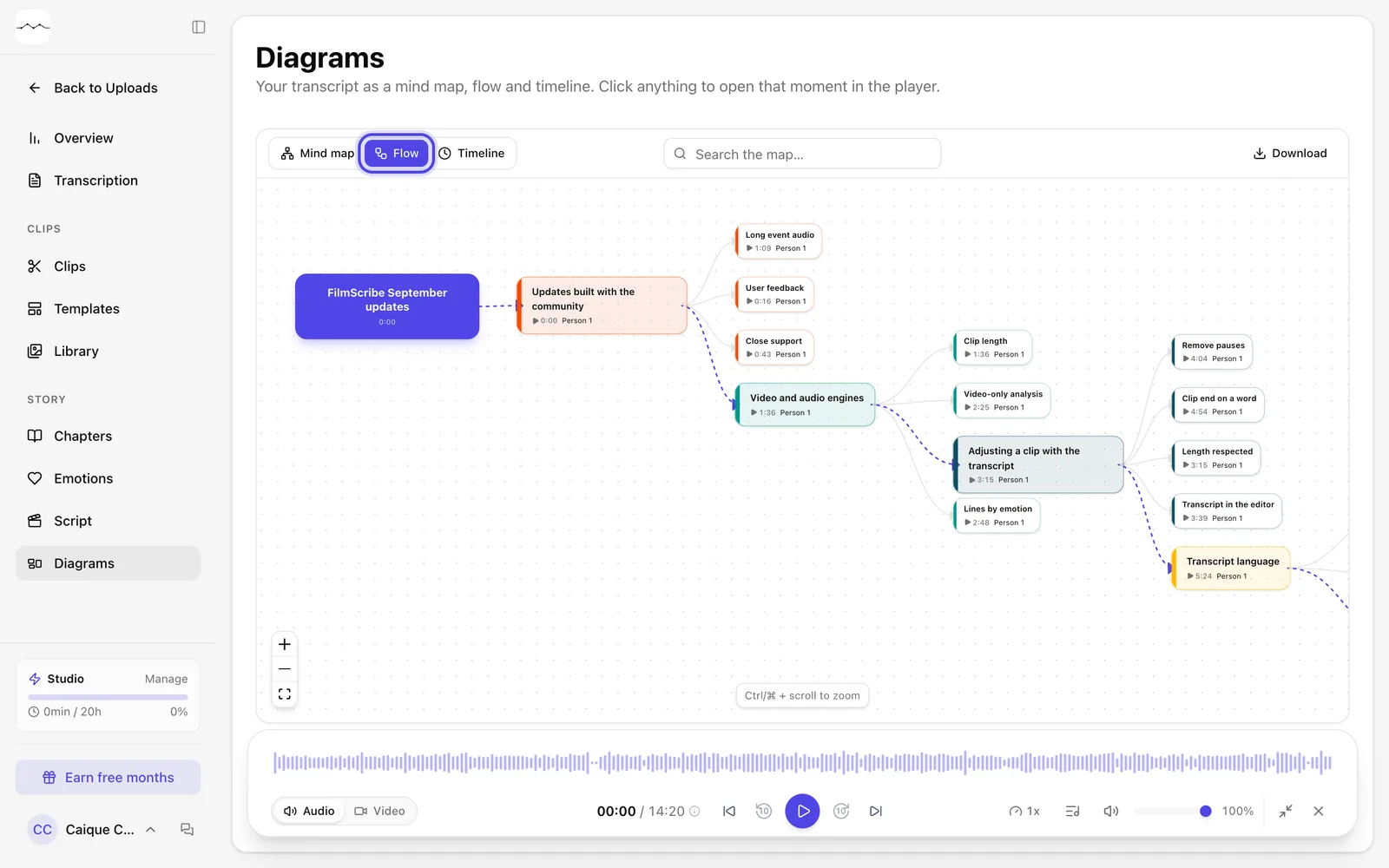
App screenshot The same video in Flow. 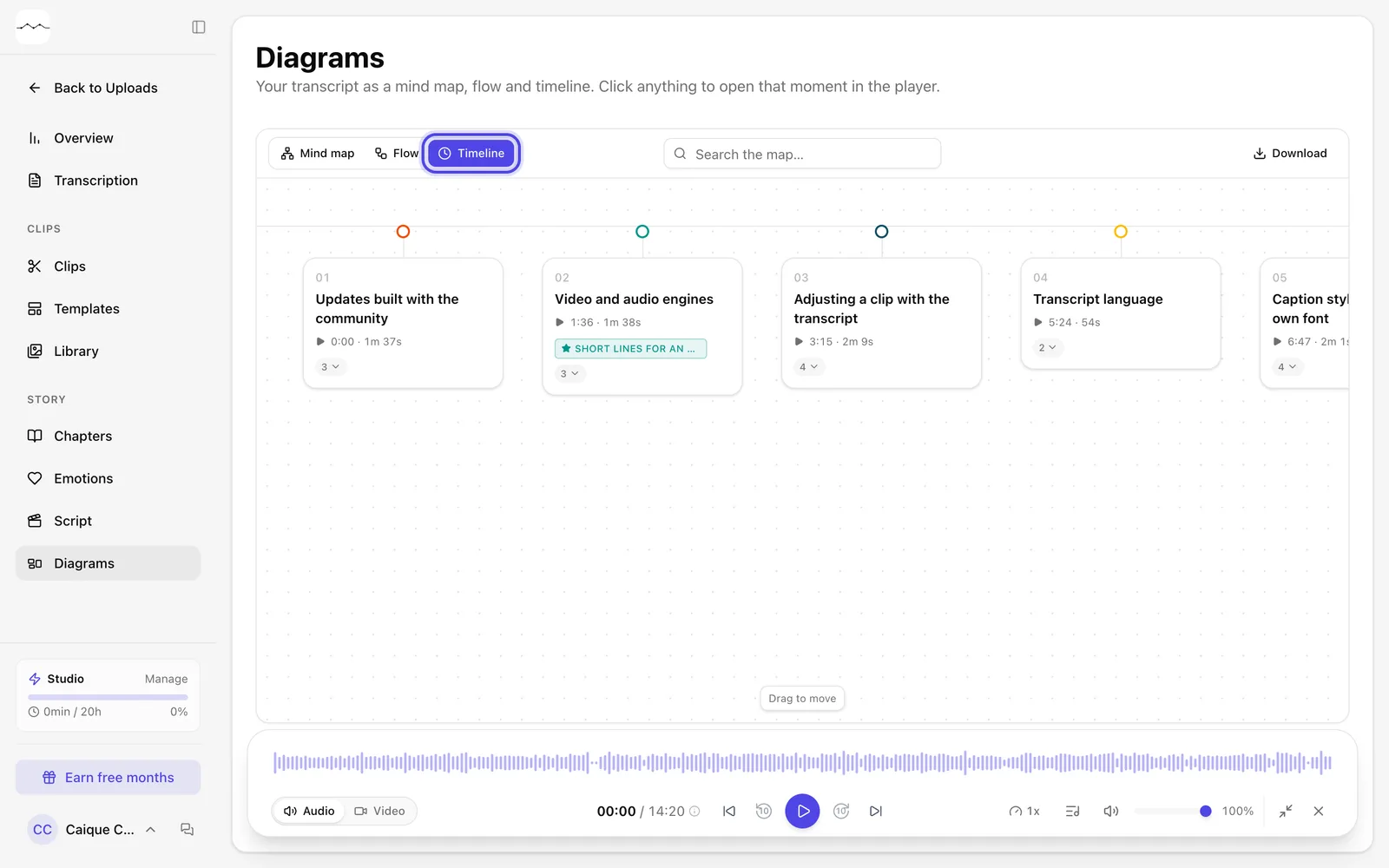
App screenshot The same video in Timeline. 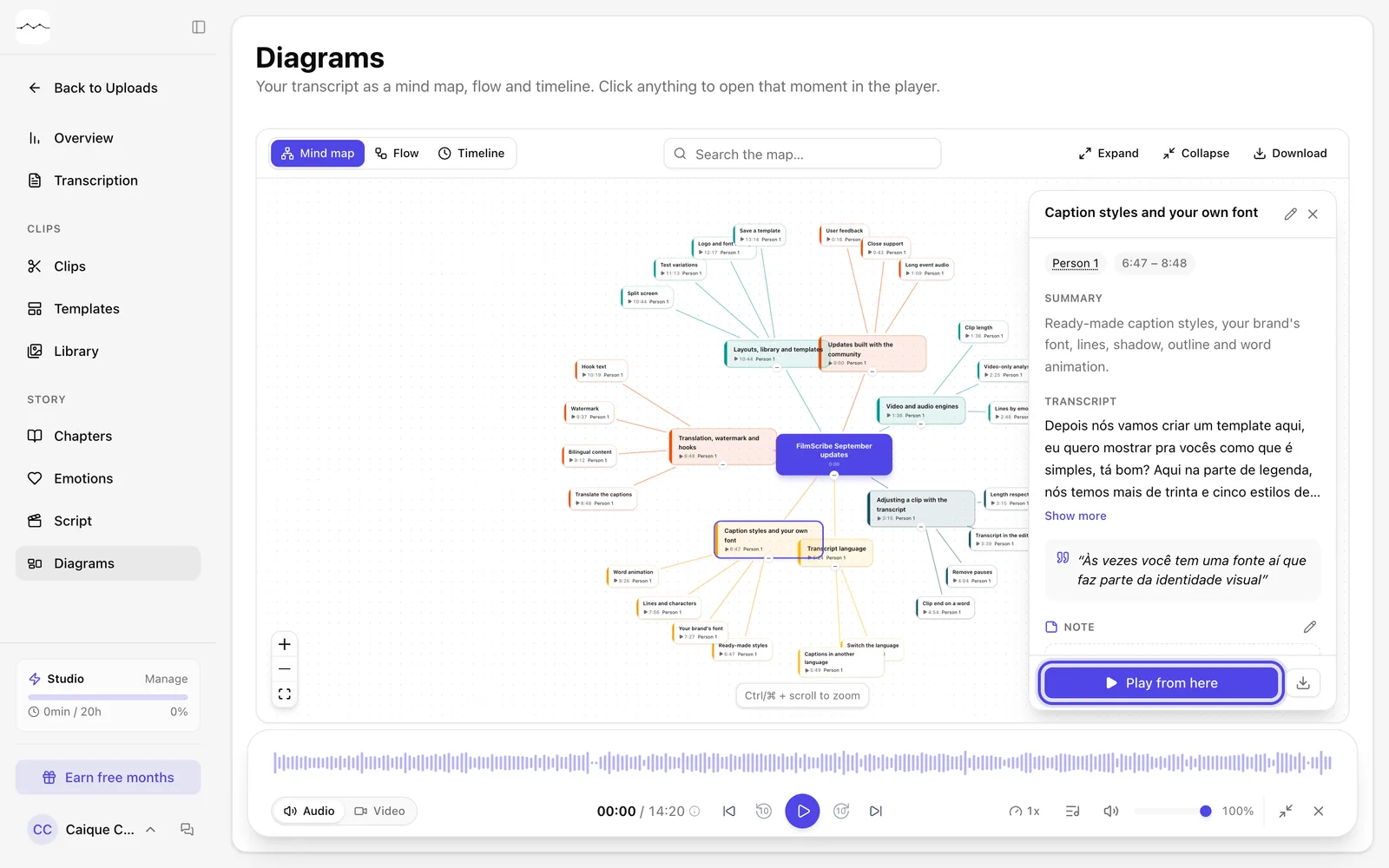
App screenshot A point's panel, with the summary, the transcript and Play from here.
Optional steps
You don't need these steps to finish the task. Use them if you want.
-
OptionalEdit and download
In a point's panel, use Edit title and Edit note. To take the diagram with you, click Download and choose Markdown, PDF or TXT.
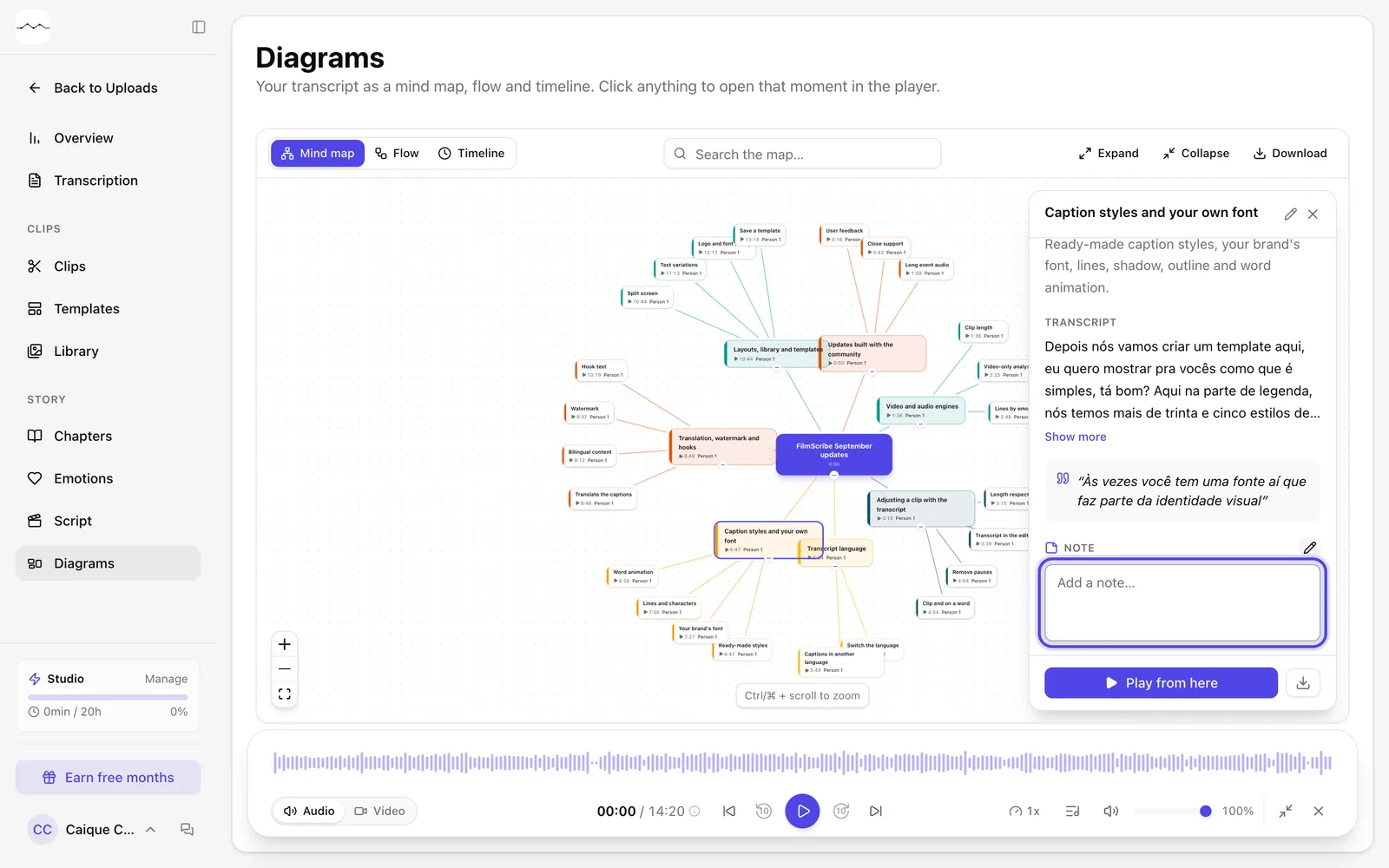
App screenshot Edit note opens the note field in the point's panel. 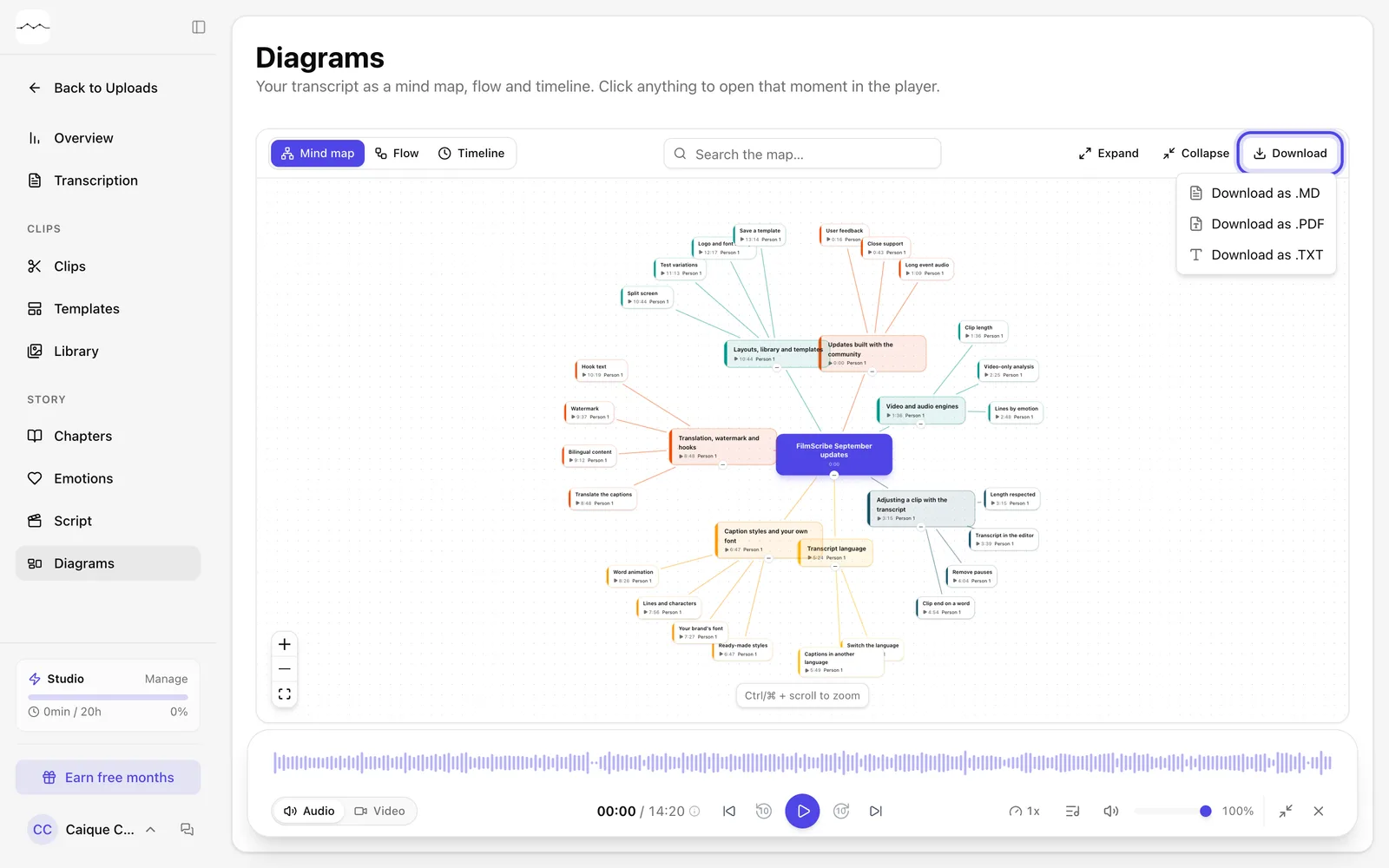
App screenshot The Download menu, with Markdown, PDF and text.