
How to create a script from the transcript

Open Script in the file's menu and click New script. Choose the delivery, full film or teaser, the duration and, if you like, a style, outside context and scenes. Then click See the possibilities to compare paths before writing, or Write directly. Each passage of the script points to the exact line in the transcript.
Step by step
-
Step 1: Click New script
Inside the file, click Scripts in the left menu and then New script.
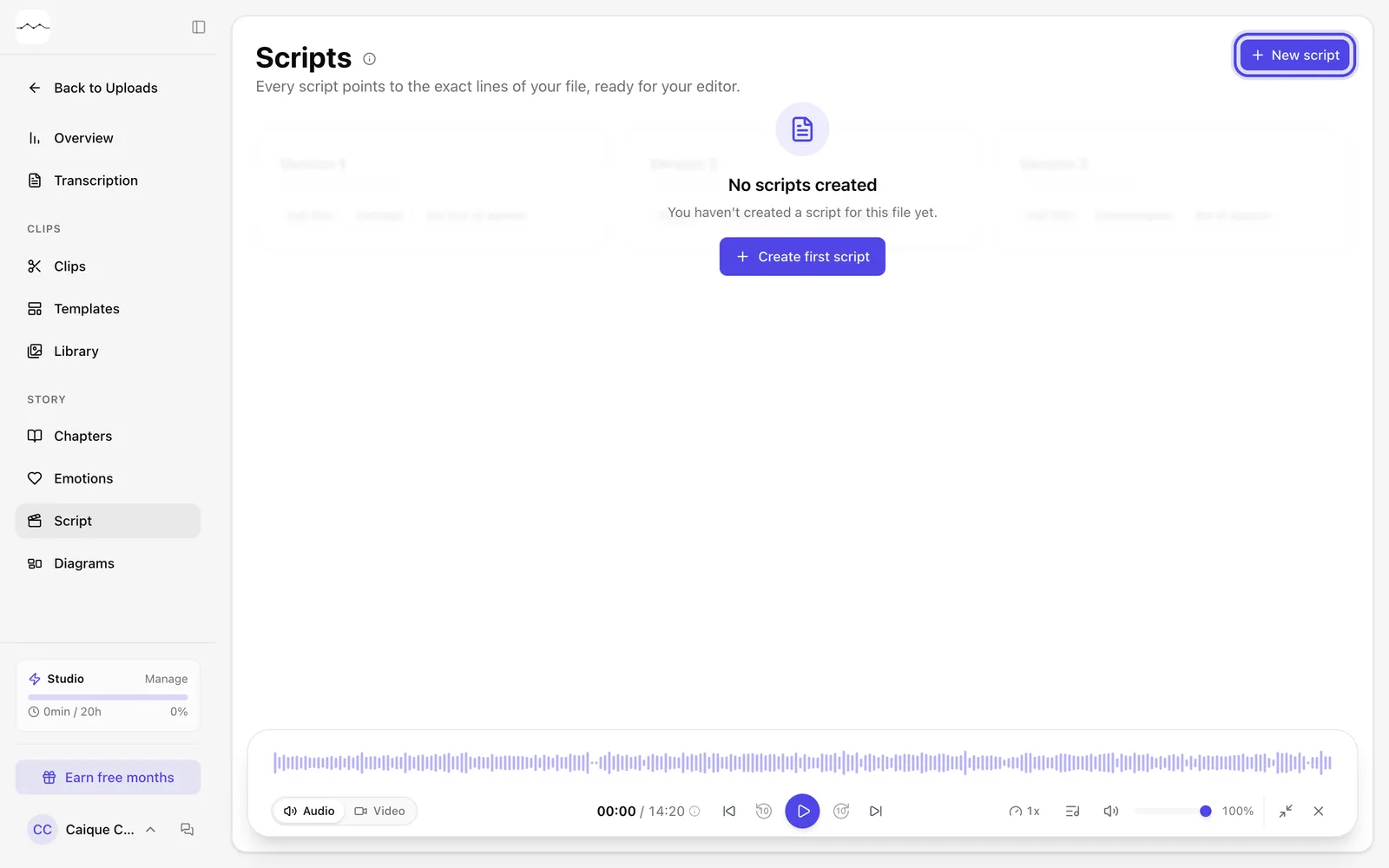
App screenshot The Scripts page, with the New script button. -
Step 2: Tell us what you'll deliver
In Delivery, choose Full film or Teaser. In Film duration, leave Automatic or choose a duration. Everything on this screen is optional: whatever you don't answer, FilmScribe decides from the material.
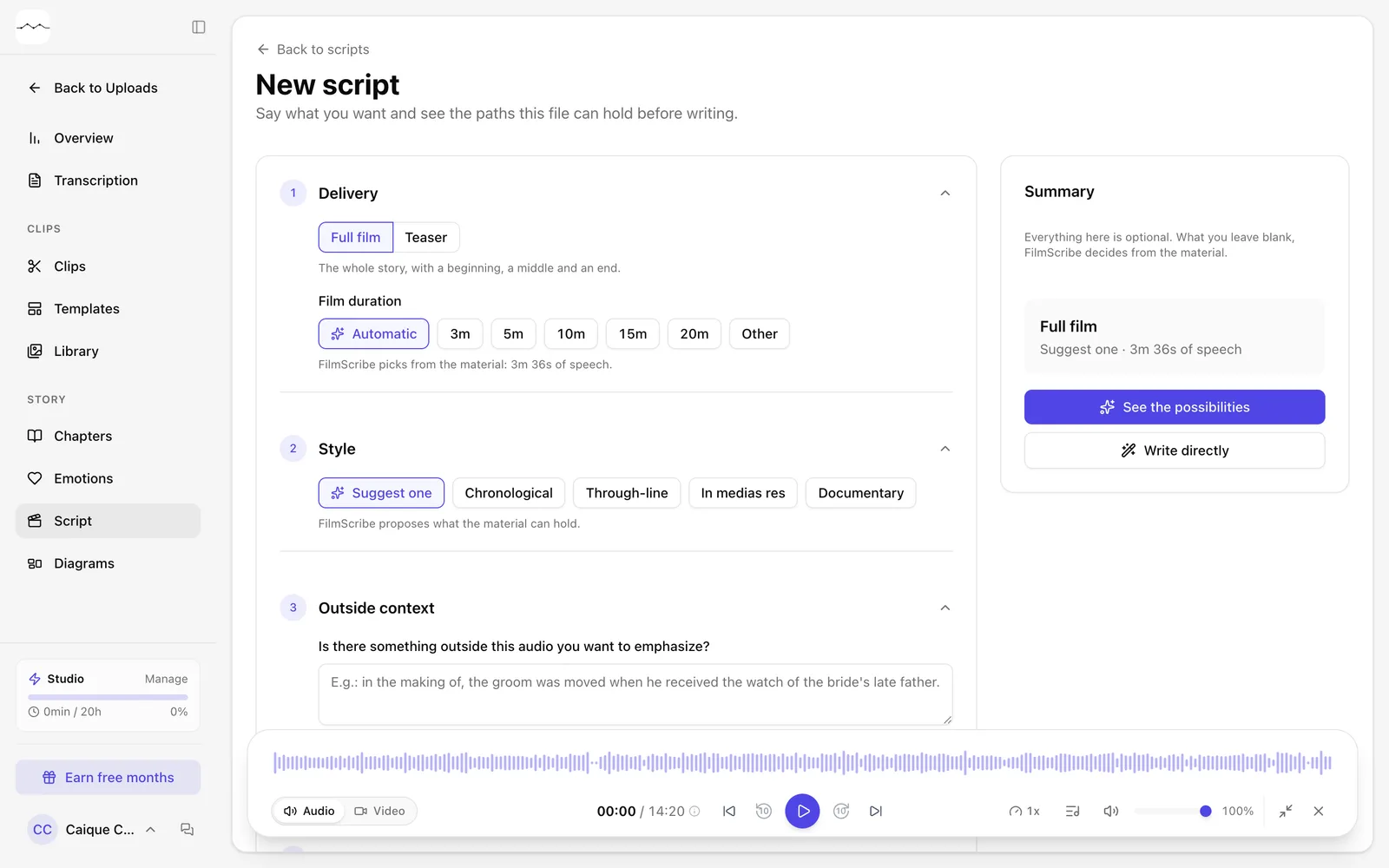
App screenshot The New script screen. -
Step 3: Choose how to write
In the Summary, click See the possibilities to see the paths the file supports and pick one before writing, or Write directly to get the script in one go.
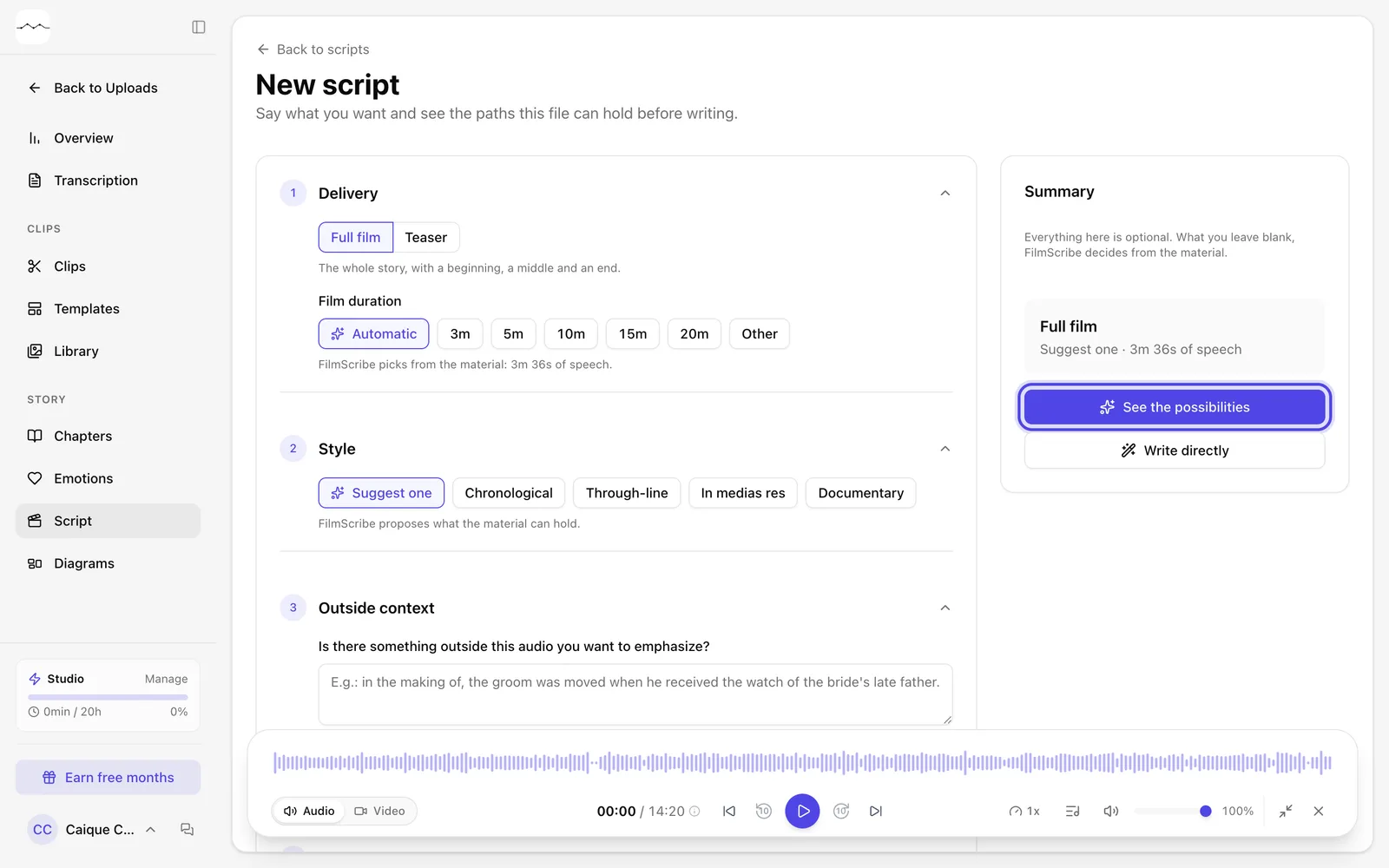
App screenshot The summary, with See the possibilities and Write directly.
Optional steps
You don't need these steps to finish the task. Use them if you want.
-
OptionalChoose a style and the context
In Style, leave Suggest one or choose a style. In Outside context, tell us something that isn't in the audio and that you want to emphasize.
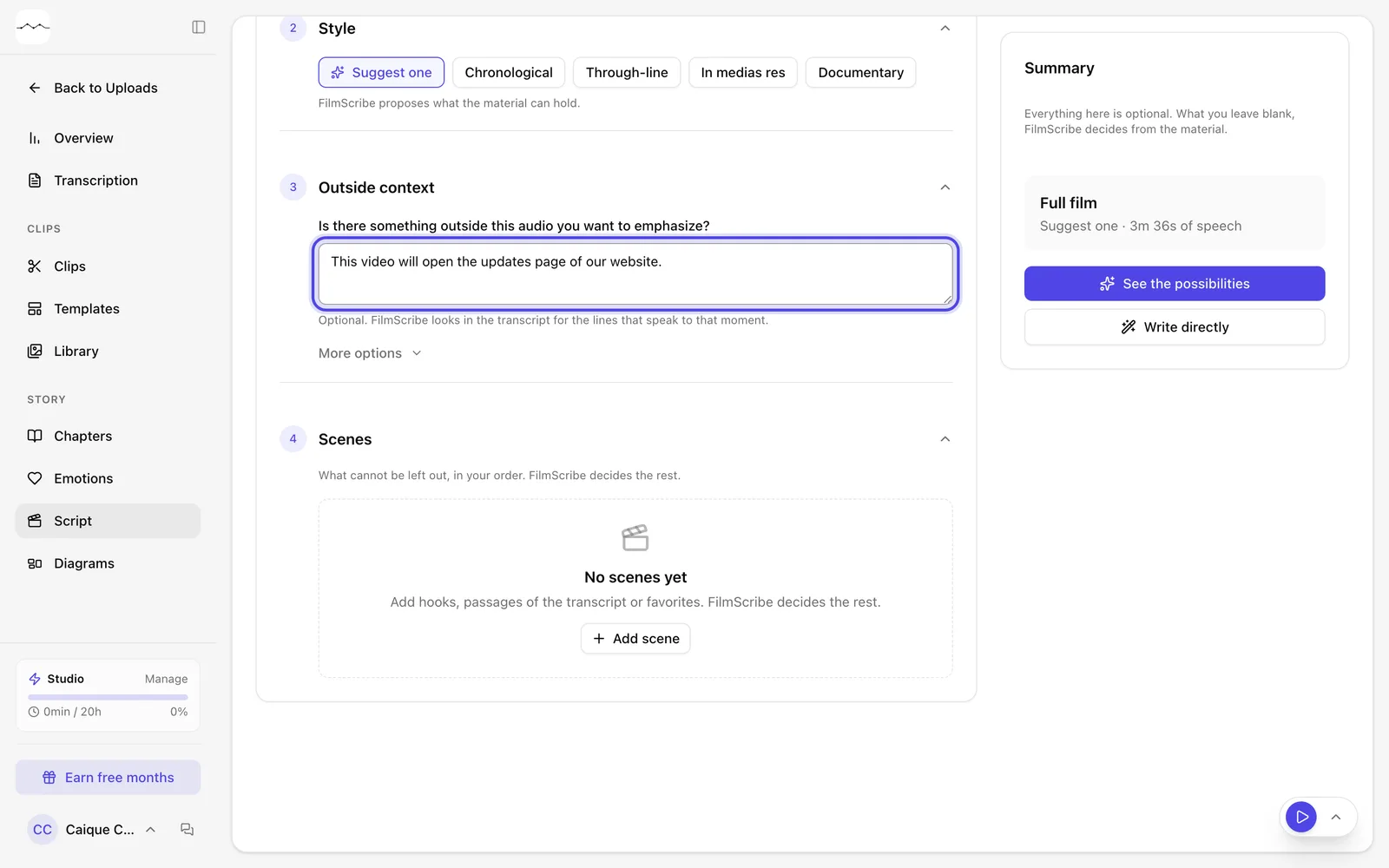
App screenshot Style and Outside context, with an example context. -
OptionalChoose the scenes
In Scenes, click Add scene to pick hooks, passages from the Transcription or from Favorites. Without scenes, FilmScribe picks them for you.
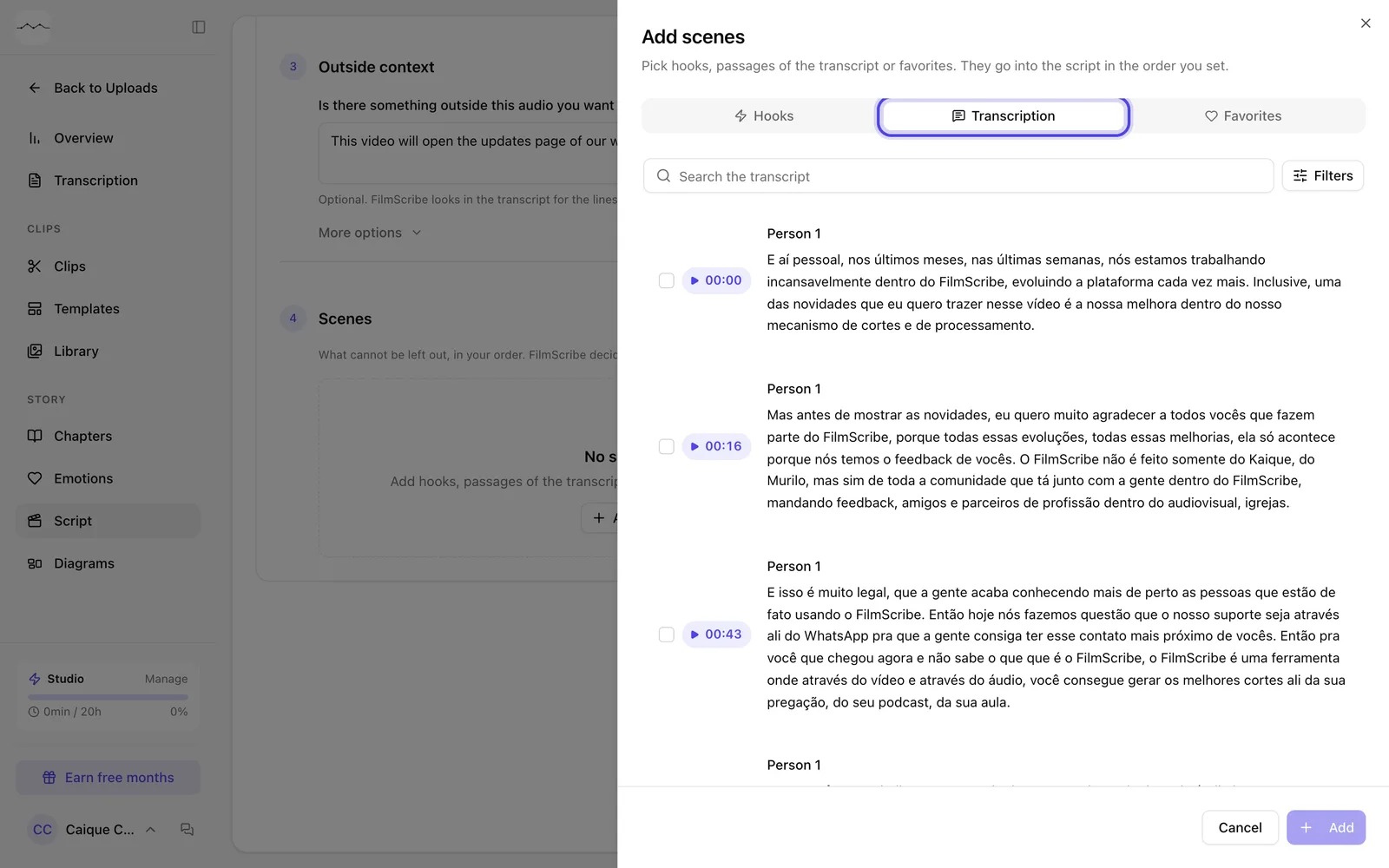
App screenshot The Add scenes window, on the Transcription tab.