
Transcription
How to search for a word in the transcript

Short answer
On the Transcription page, type the word or phrase in the Search in transcription field. Each result is highlighted in the text and the counter shows how many there are. Press Enter to go to the next one and Shift+Enter to go back to the previous one. Search ignores accents and capital letters.
Available on Pro, Studio and Agency (every plan)
Step by step
-
Step 1: Type in the search field
On the Transcription page, type at least two letters in Search in transcription.... Each result is highlighted in the text and the counter shows how many were found.
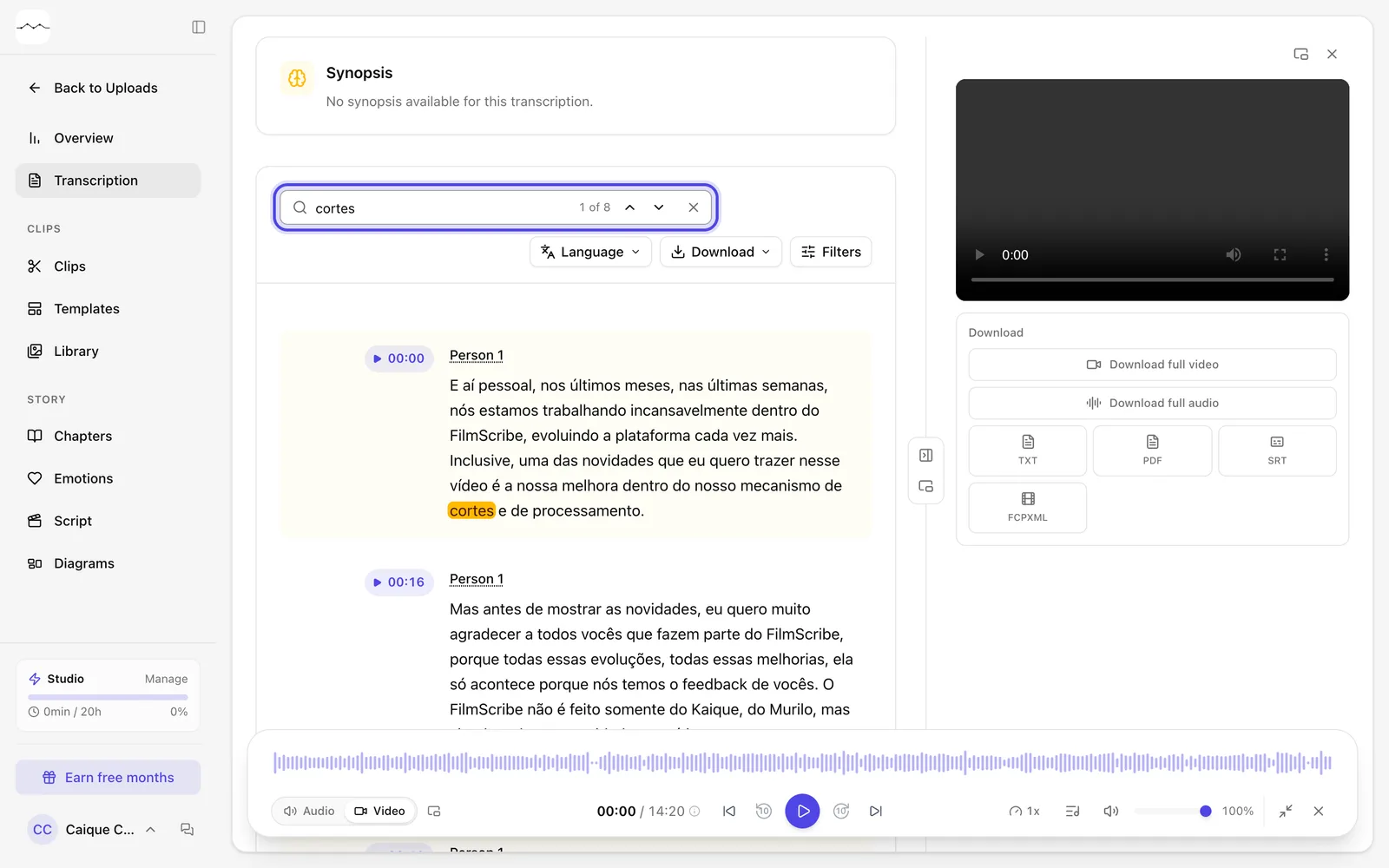
App screenshot A searched word, with the results highlighted and the counter. -
Step 2: Move between results
Press Enter to go to the next result and Shift+Enter to go back to the previous one, or use the arrows next to the field.
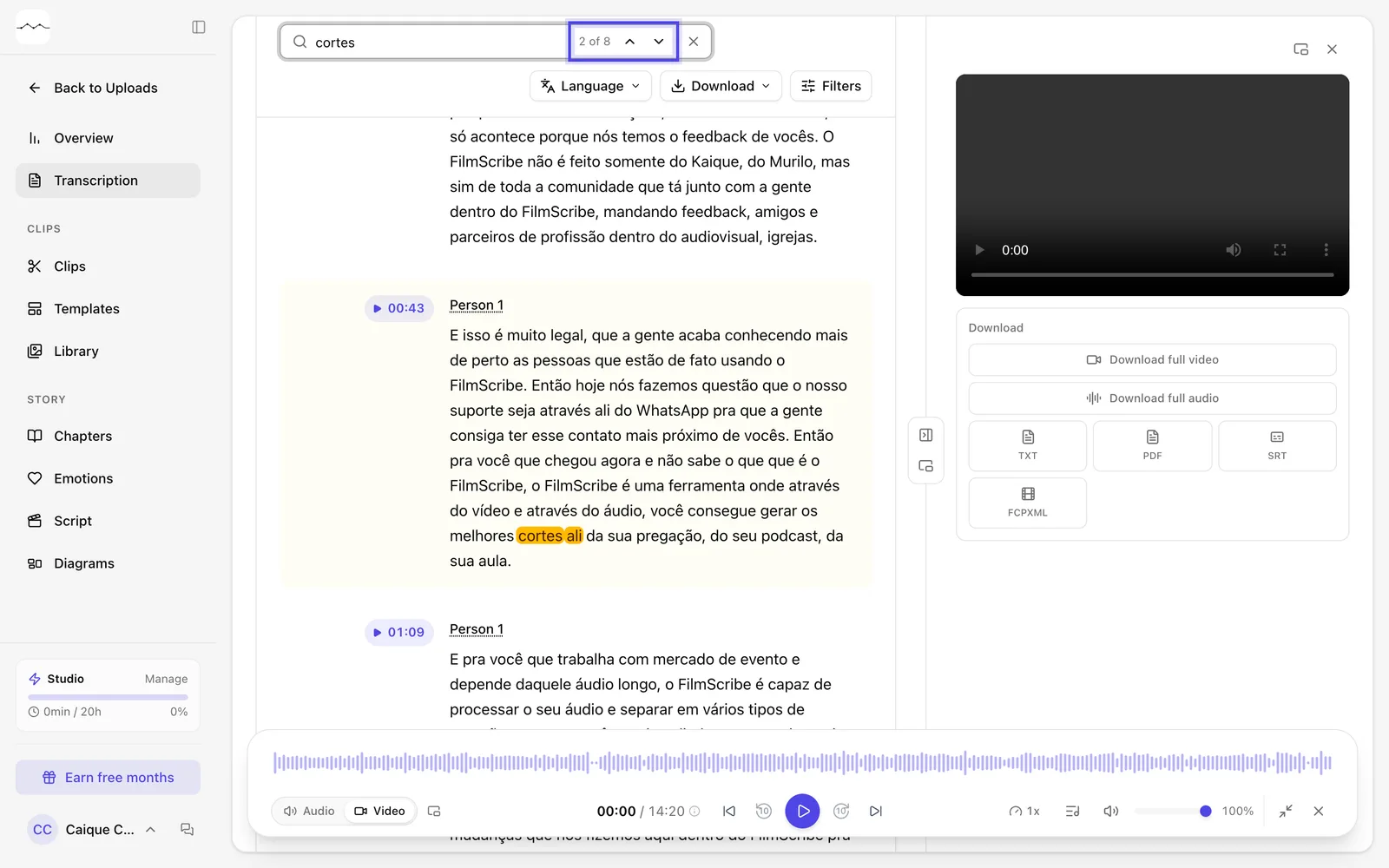
App screenshot The counter and the previous and next arrows, next to the search field.