
How to customize the clip captions

With a style chosen in Captions, use the Font tab to change the font, size, weight, colors, outline, shadow and line breaks, and the Effects tab for position, caption backdrop, keywords and word styles. Drag the caption in the preview to move it.
Before you start
Choose a style on the Styles tab first: the Font and Effects tabs unlock after that.
Step by step
-
Step 1: Adjust the font and colors
On the Font tab, change the Font, the Font size, the Weight, Uppercase and, under Colors and outline, the text color, the Outline and the Shadow. For non-karaoke styles, Highlight the spoken word shows up too.
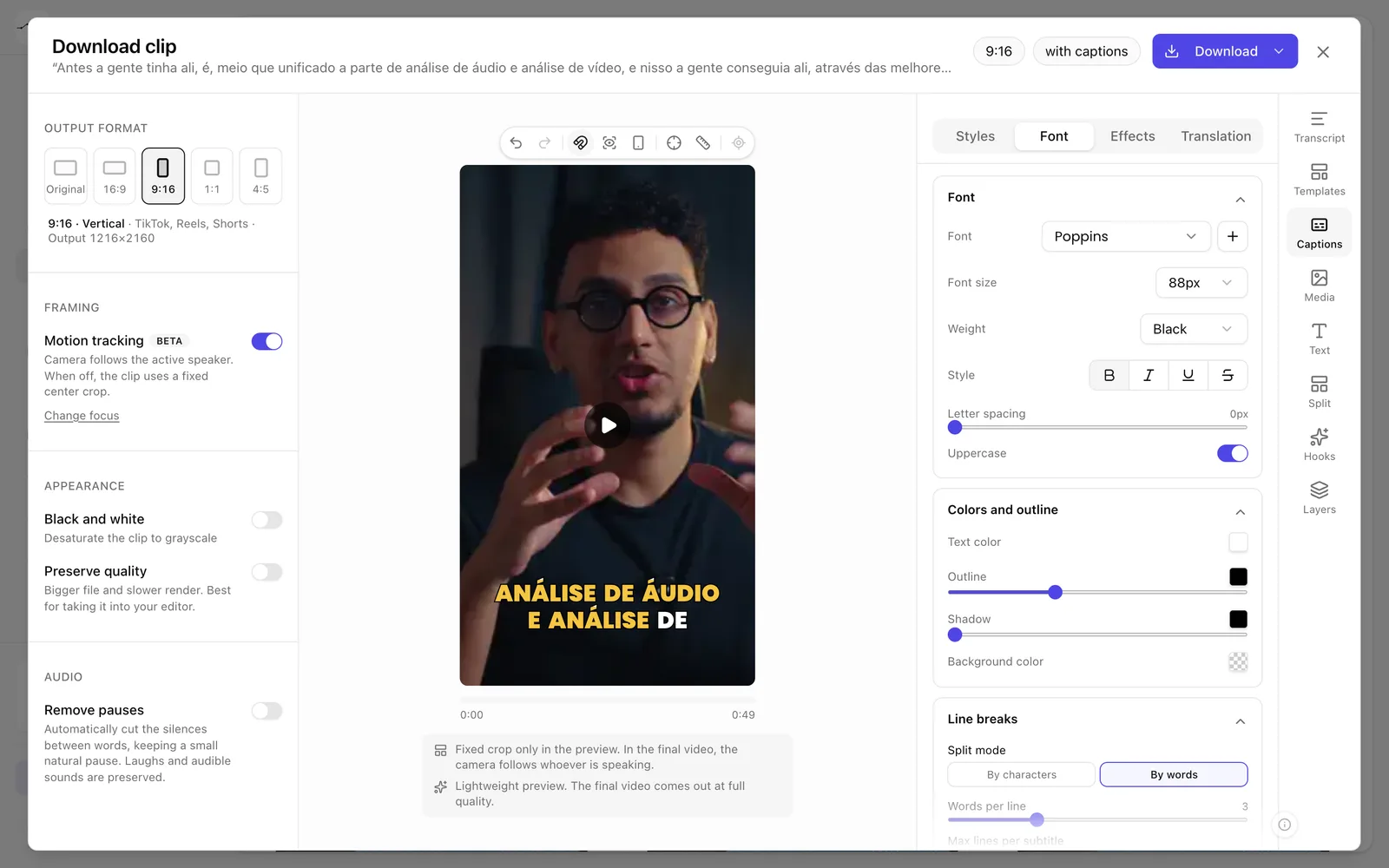
App screenshot The Font tab. -
Step 2: Adjust position and effects
On the Effects tab, under Position, choose Top, Middle or Bottom, or drag the caption in the preview to put it wherever you want. The Caption backdrop and Keywords are here too.
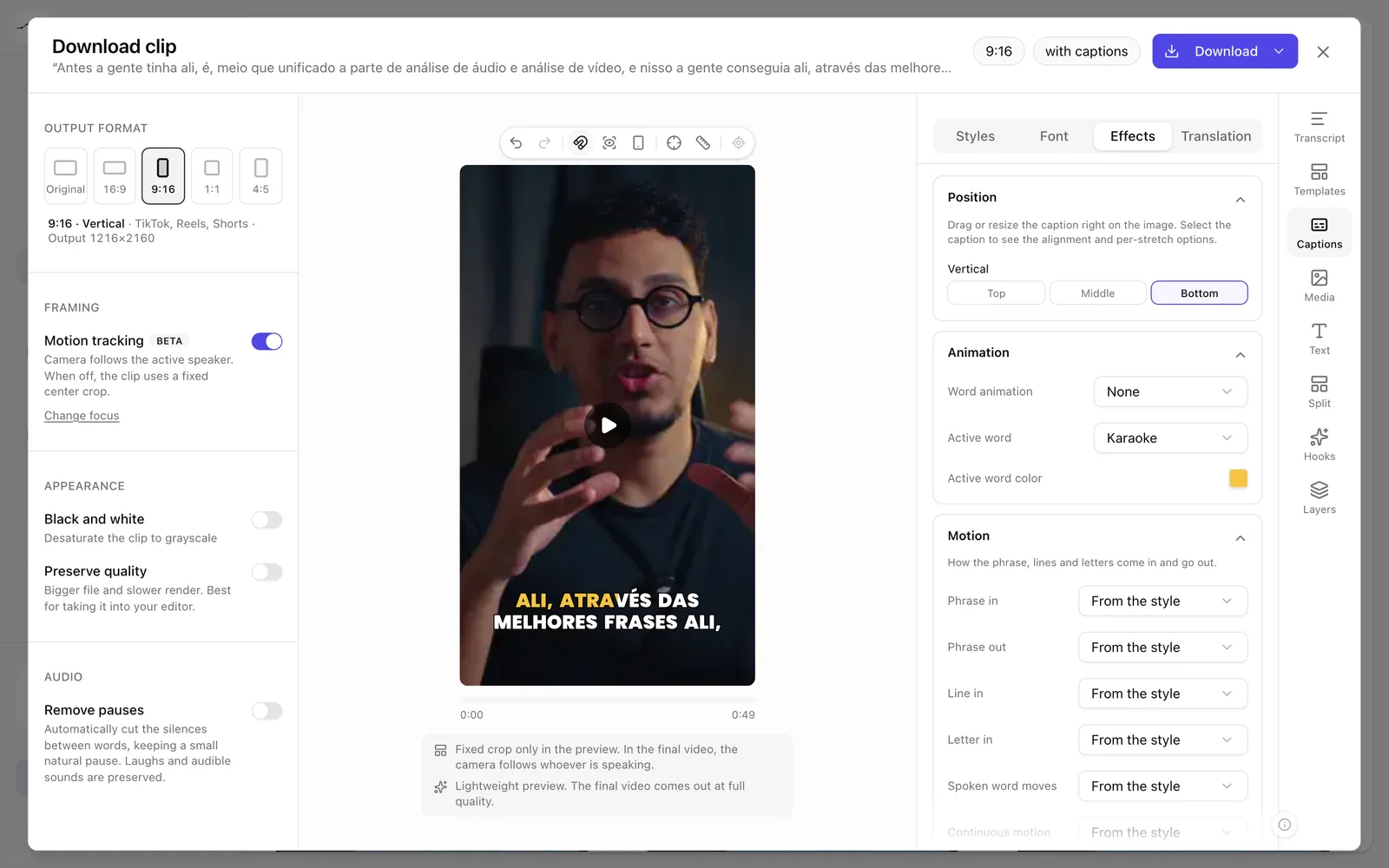
App screenshot The Effects tab.
Optional steps
You don't need these steps to finish the task. Use them if you want.
-
OptionalControl the line breaks
In Line breaks, choose how the caption splits. In Manual line breaks, click the word that should start a new line.
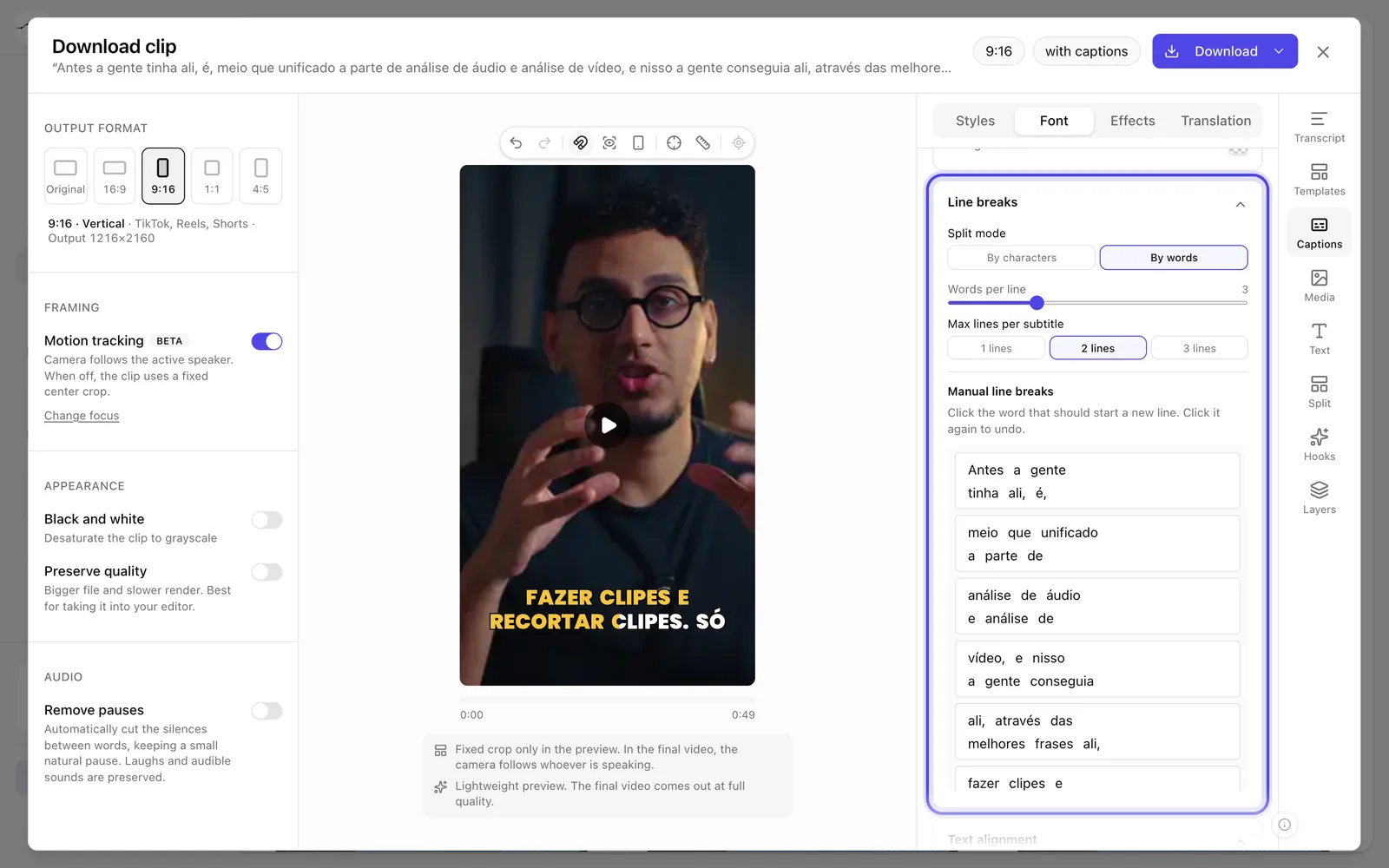
App screenshot Line breaks, with Manual line breaks below. -
OptionalClean up the caption text
In Content, turn on Hide sounds and reactions to remove tags like laughter and applause, Remove punctuation or Capitalize each word.
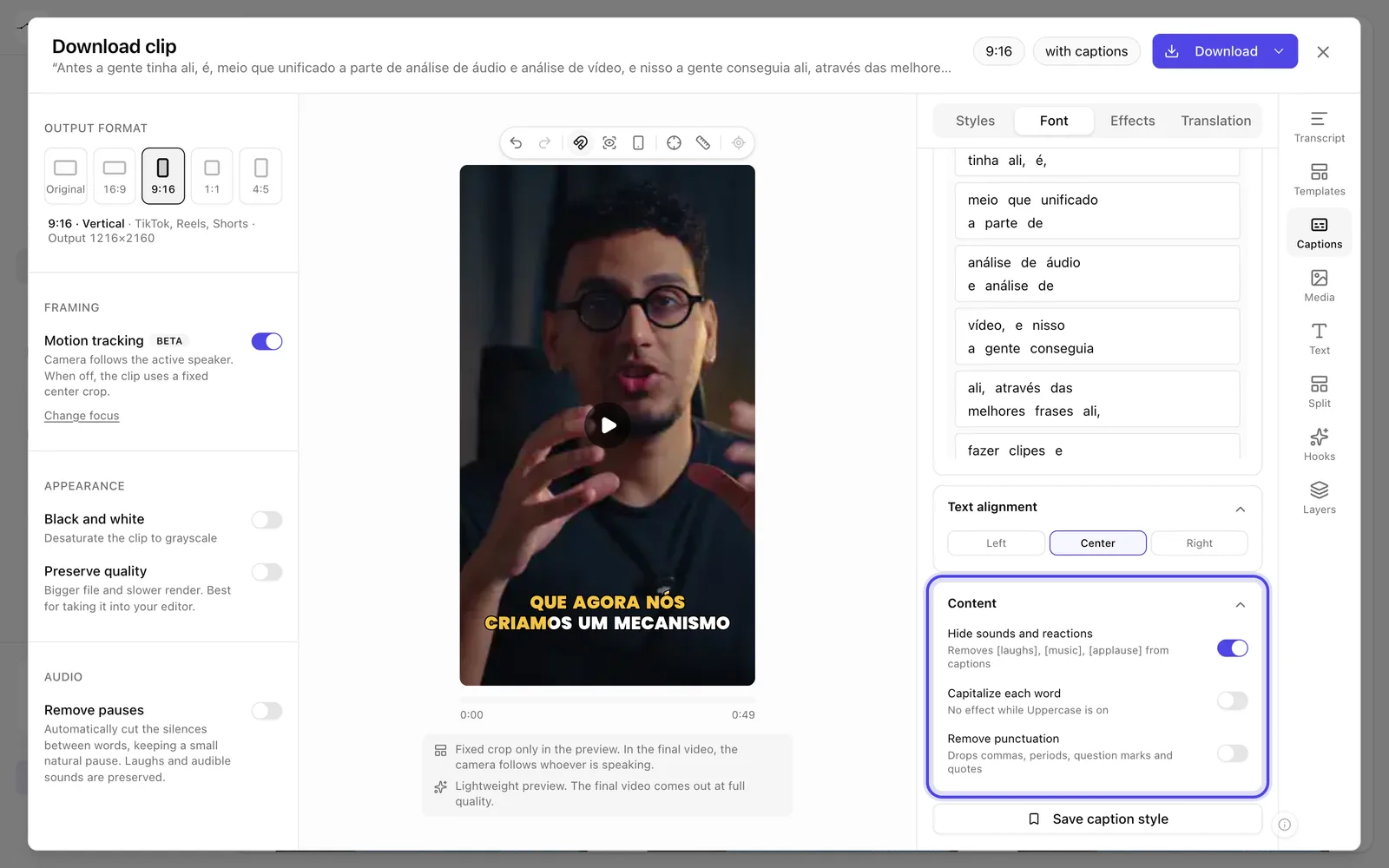
App screenshot The Content section, on the Font tab. -
OptionalHighlight words
In Keywords, Highlight automatically highlights numbers, names and emphasis. In Word styles, create a New style and mark the words that should use it.
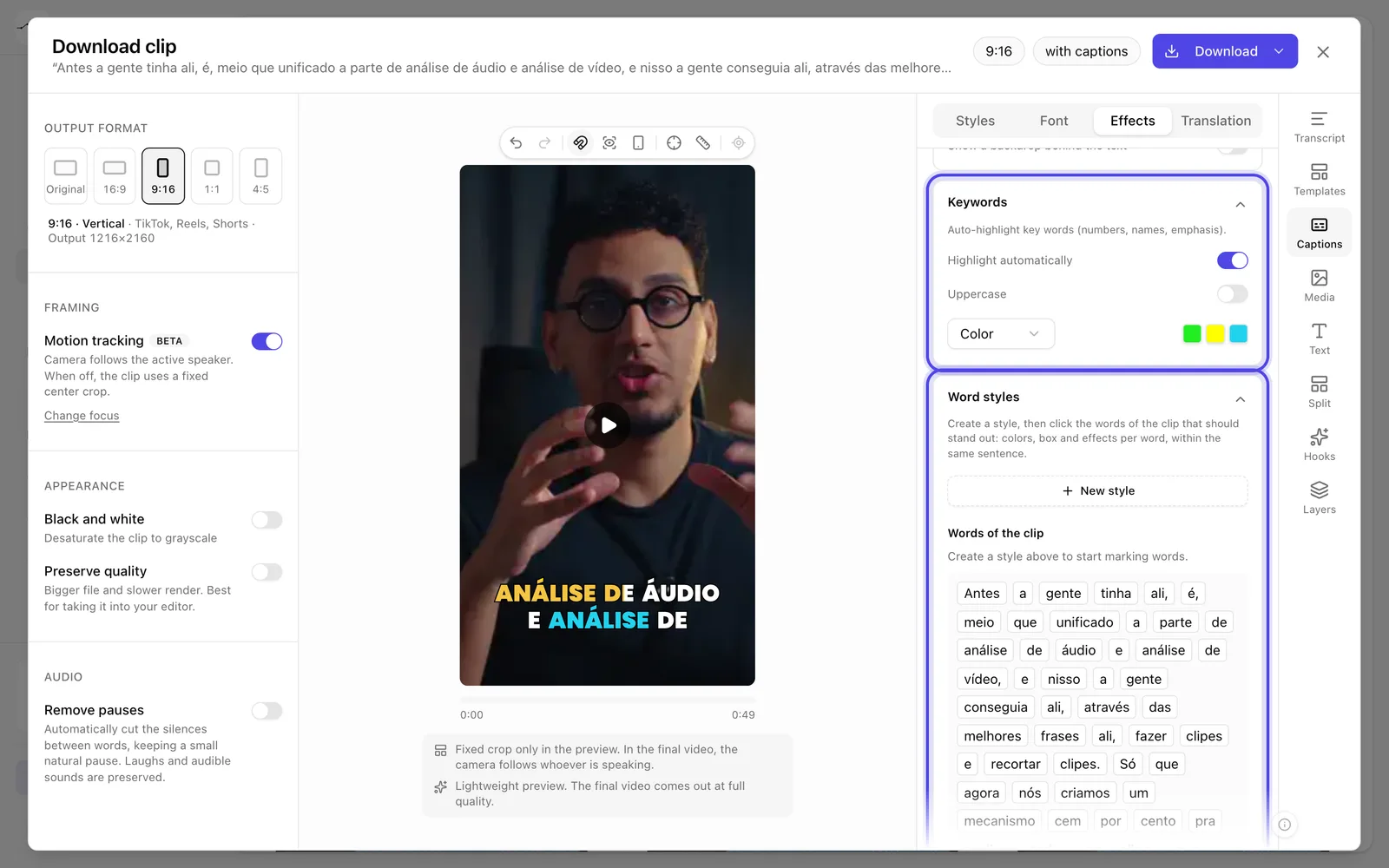
App screenshot Keywords with Highlight automatically turned on, and Word styles.