
Plan and account
What to do when your payment is declined

Short answer
When a charge is declined, the Subscription page shows Payment Pending, with the Pay invoice, Change card and Change plan buttons. While the payment is pending, you can still see your files, but you can't upload new files, download or make changes. Sort out the payment to use everything again.
Step by step
-
Step 1: Open Subscription
Click your name, at the bottom of the menu, and open Subscription. The plan shows as Payment declined, and the Payment Pending notice brings the options.
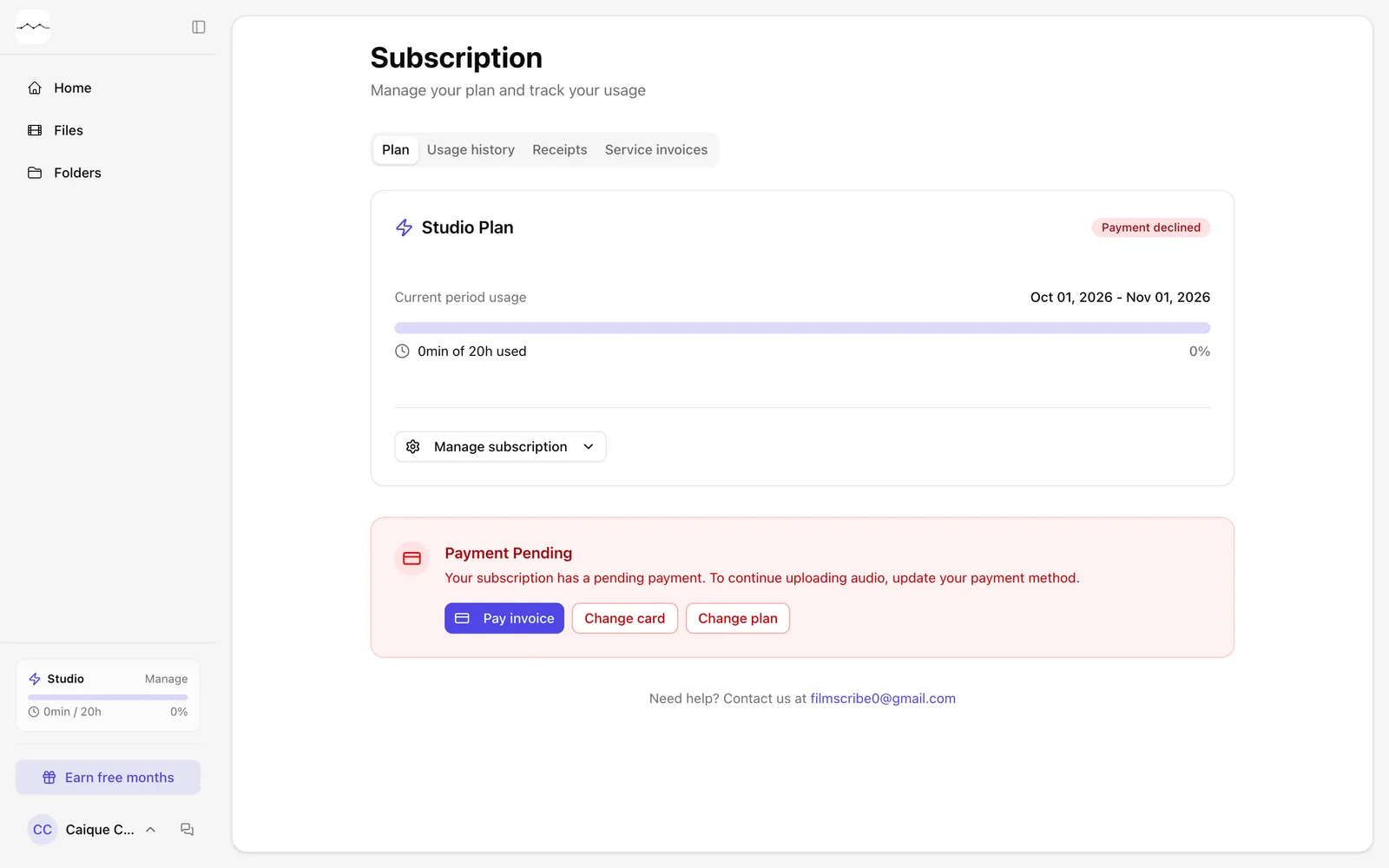
App screenshot The Subscription page with the Payment Pending notice. -
Step 2: Sort out the payment
Click Pay invoice to try again, Change card to use another card or Change plan to switch plans.
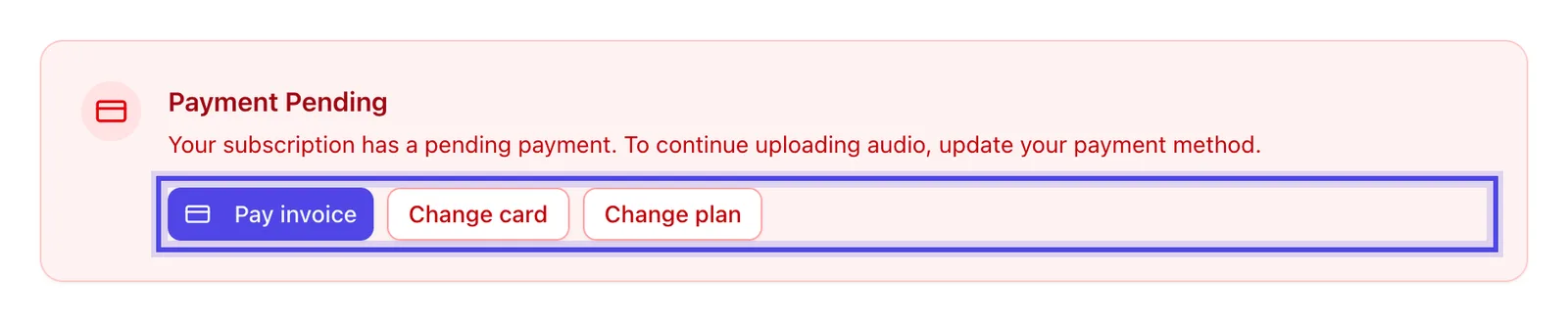
App screenshot Pay invoice, Change card and Change plan, in the Payment Pending notice.