
How plan hours work

Each plan includes audio and video hours: 10 hours a month on Pro, 20 hours a month on Studio and 35 hours a month on Agency. Hours count the length of the material you upload for processing; if you trim a section first, only that section counts. You track your usage in the menu and on the Subscription page.
Step by step
-
Step 1: See your usage in the menu
At the bottom of the menu, the plan card shows how much of the month's hours you've already used. Manage opens the Subscription page.
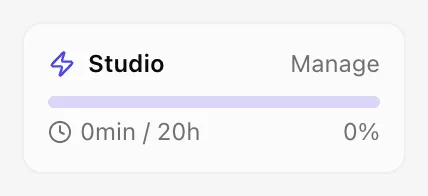
App screenshot The plan card in the menu, with the hours used. -
Step 2: See the period on Subscription
On the Subscription page, on the Plan tab, Current period usage shows the hours used and the dates of the period. The Usage history tab shows the usage of each cycle.
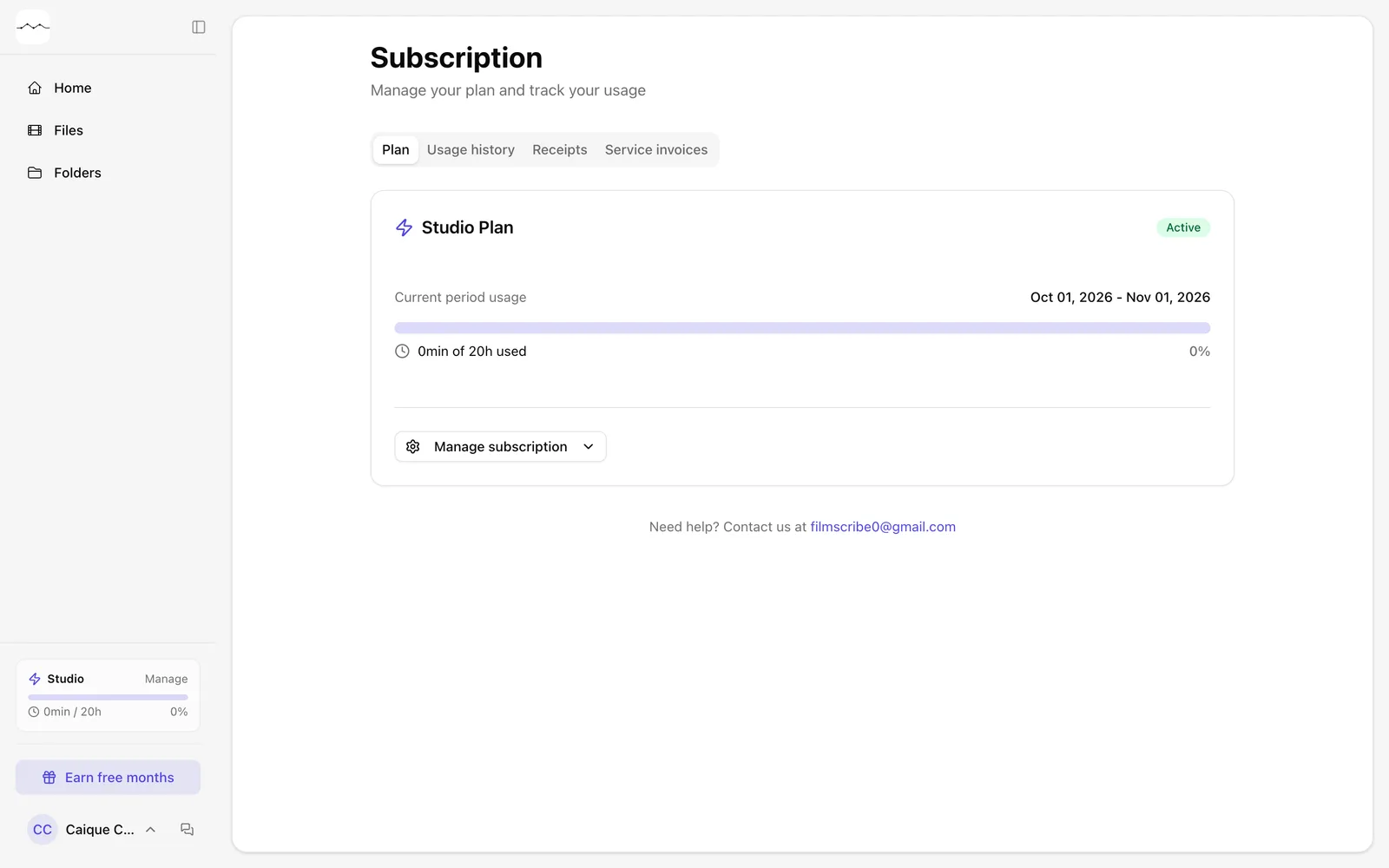
App screenshot The Subscription page, with the period's usage.
Optional steps
You don't need these steps to finish the task. Use them if you want.
-
OptionalRenew before the period ends
Close to the limit, the page shows Renew now: you pay the next monthly fee today and your hours reset right away.
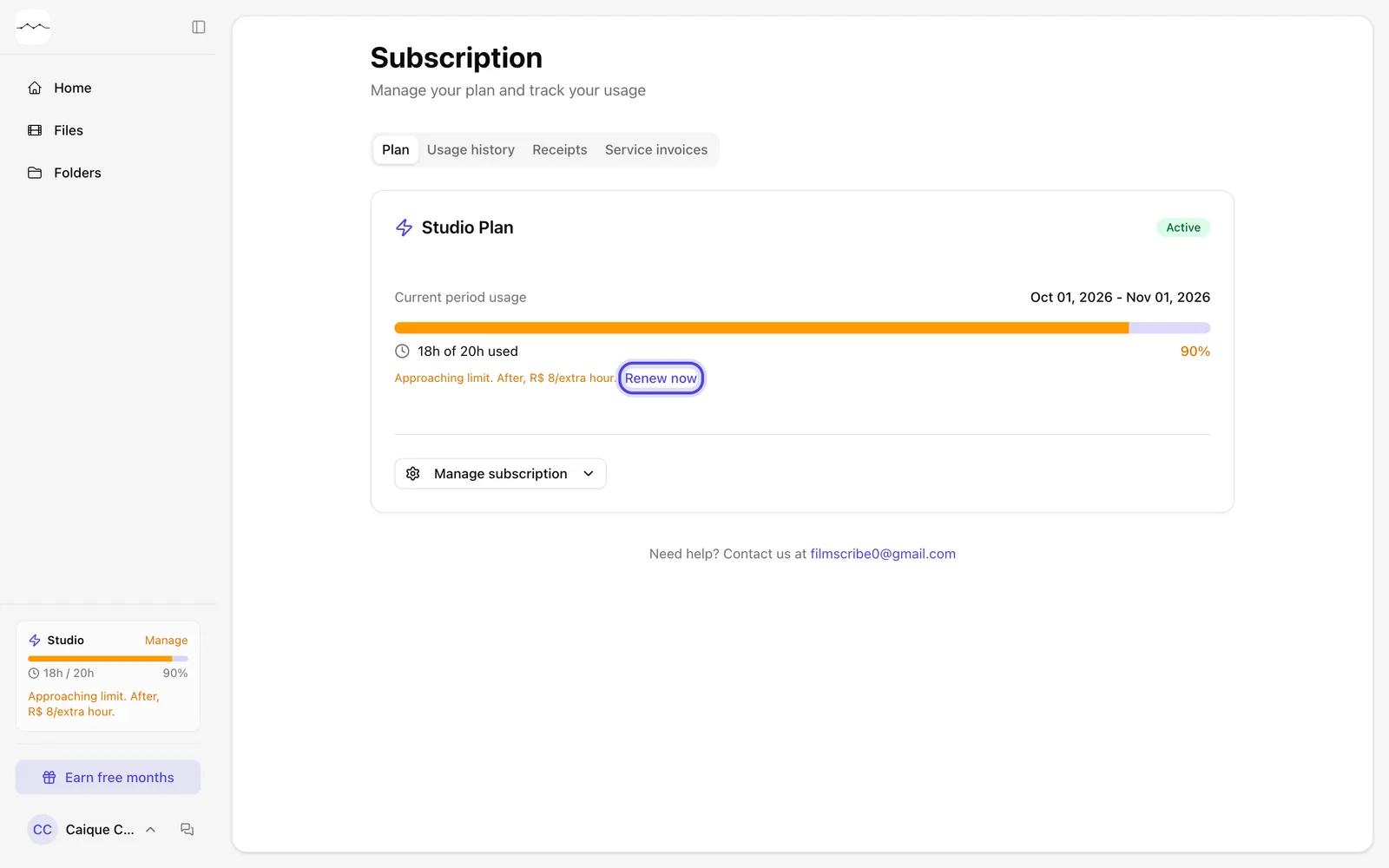
App screenshot Renew now, close to the plan's hour limit.