
How to translate the transcript

On the Transcription page, click Language and choose the language. The translation covers the transcript, the captions, the hooks and the chapters, and stays saved in the file; you can close the window while it runs. Afterwards, the same picker switches between the original and the translations.
Step by step
-
Step 1: Open the language picker
On the Transcription page, click Language. The list shows Original and the languages you can translate into.
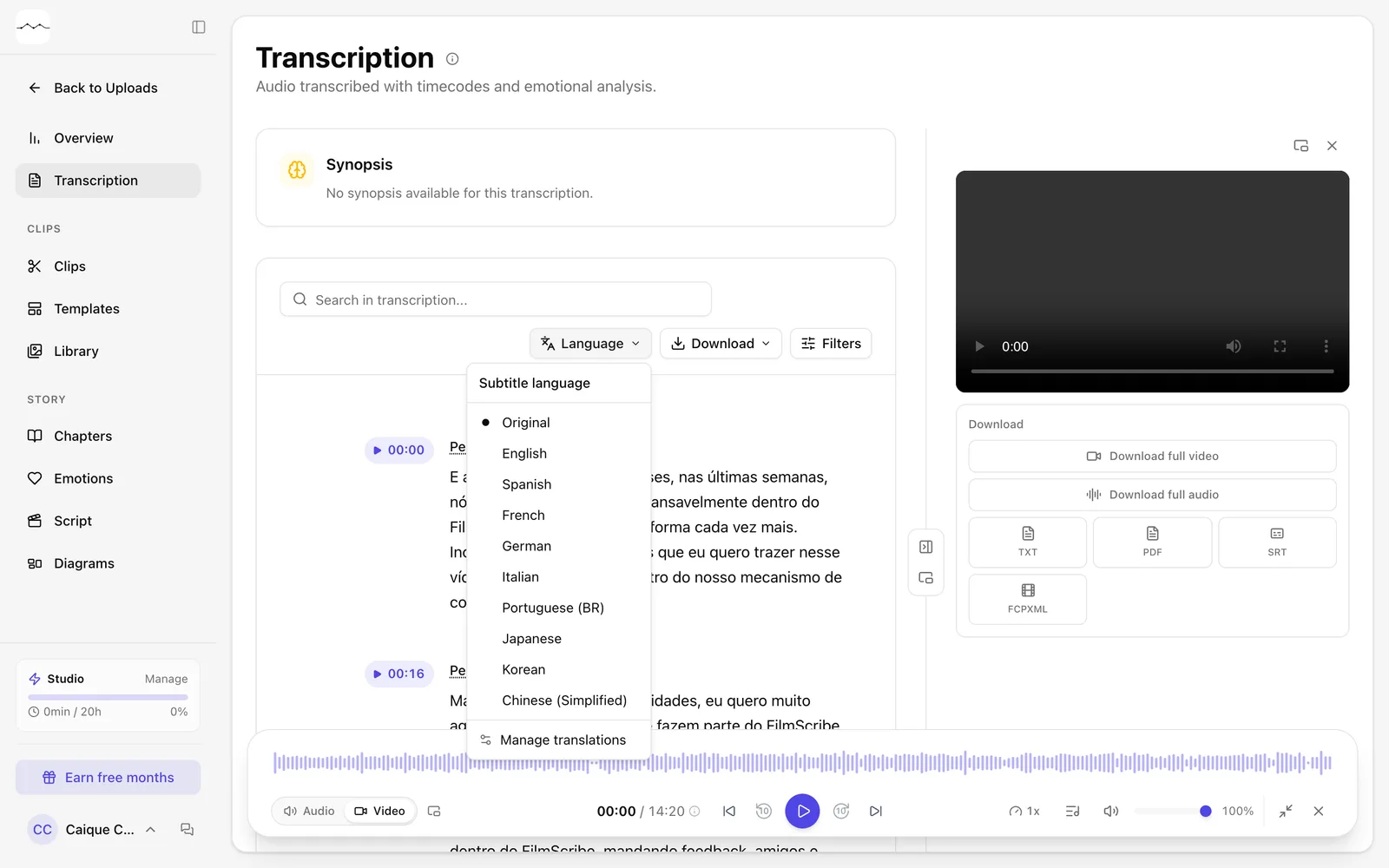
App screenshot The Language picker, with the translation languages. -
Step 2: Choose the language
Click the language. The window shows the translation's progress; you can close it and keep using FilmScribe, and we send you an email when it's done.
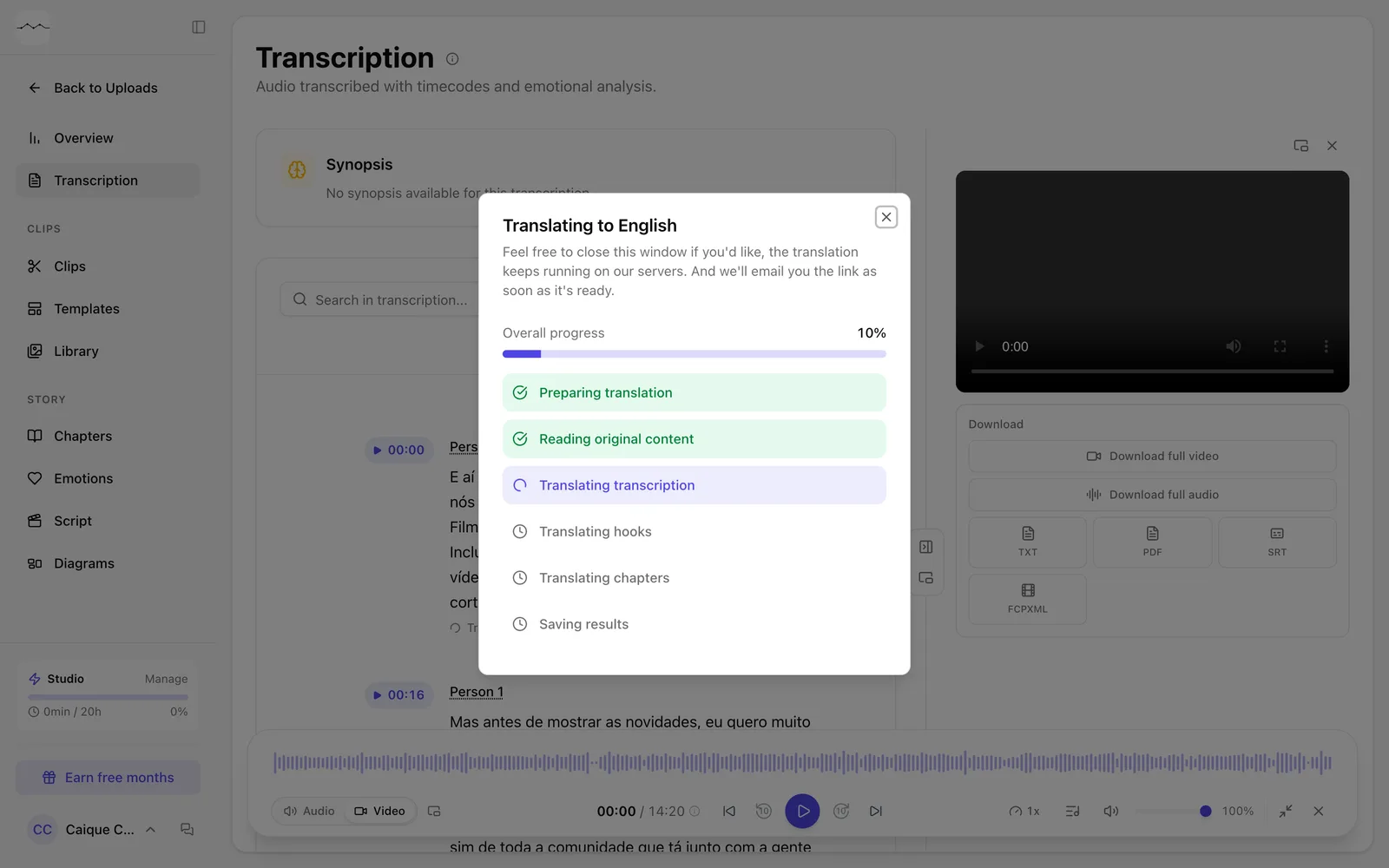
App screenshot The window with the translation's progress. -
Step 3: Switch between original and translation
Use the same Language picker to see the original text or any translation already made.
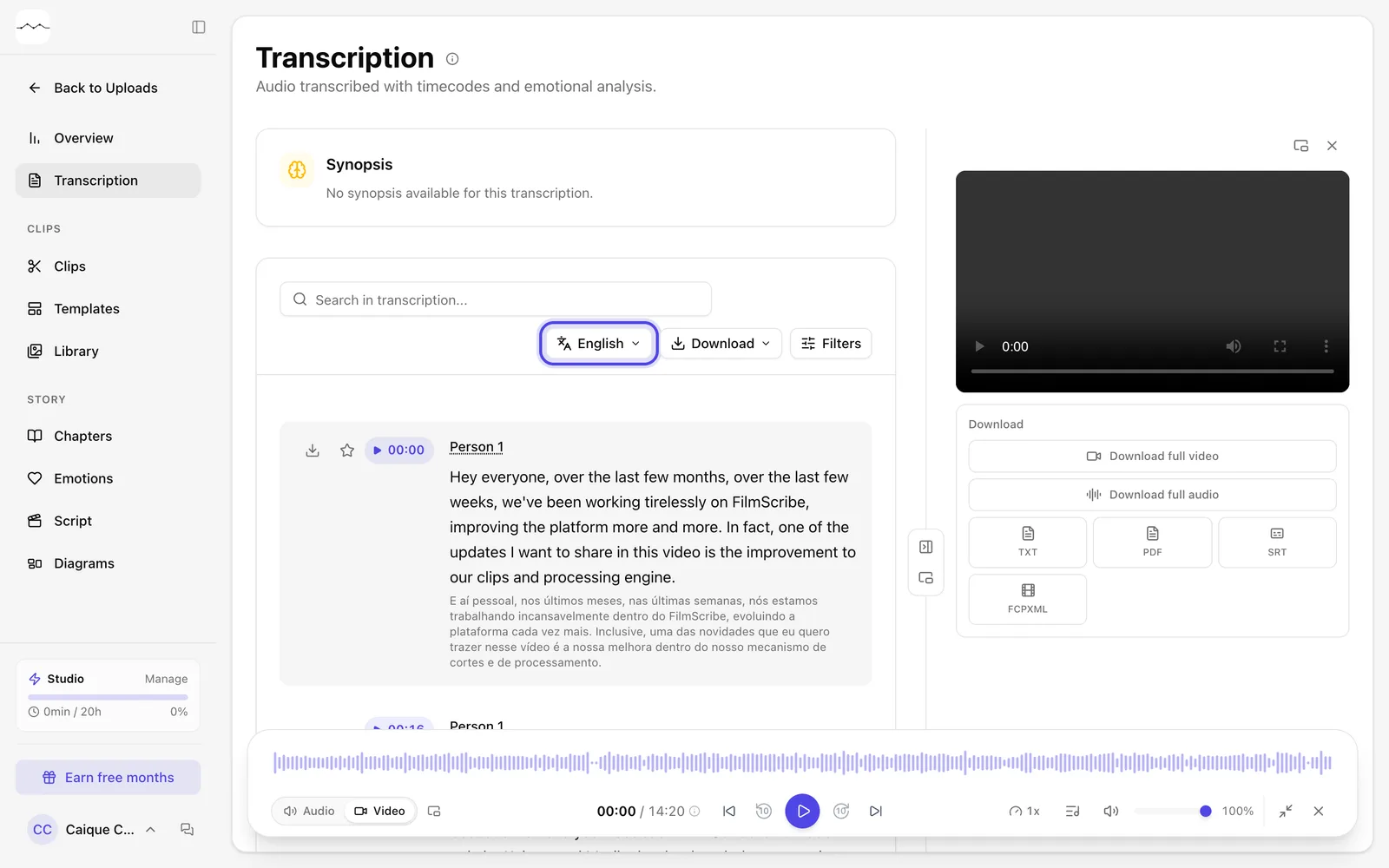
App screenshot The transcript in English, with the original text smaller under each passage. 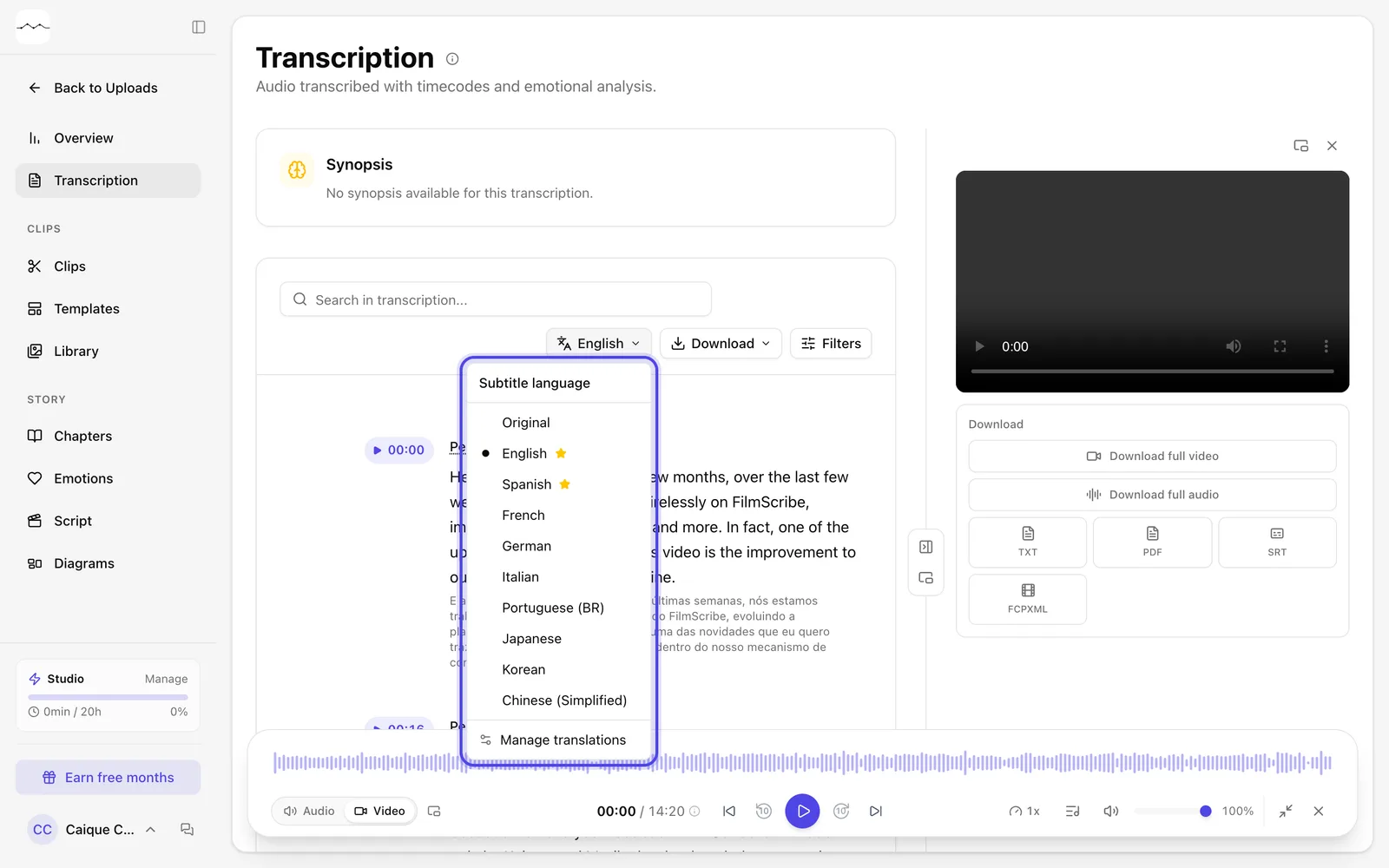
App screenshot The Language picker, with a star on the languages already translated.
Optional steps
You don't need these steps to finish the task. Use them if you want.
-
OptionalManage the translations
In the picker, Manage translations opens the file's Translations page, with every translation made.
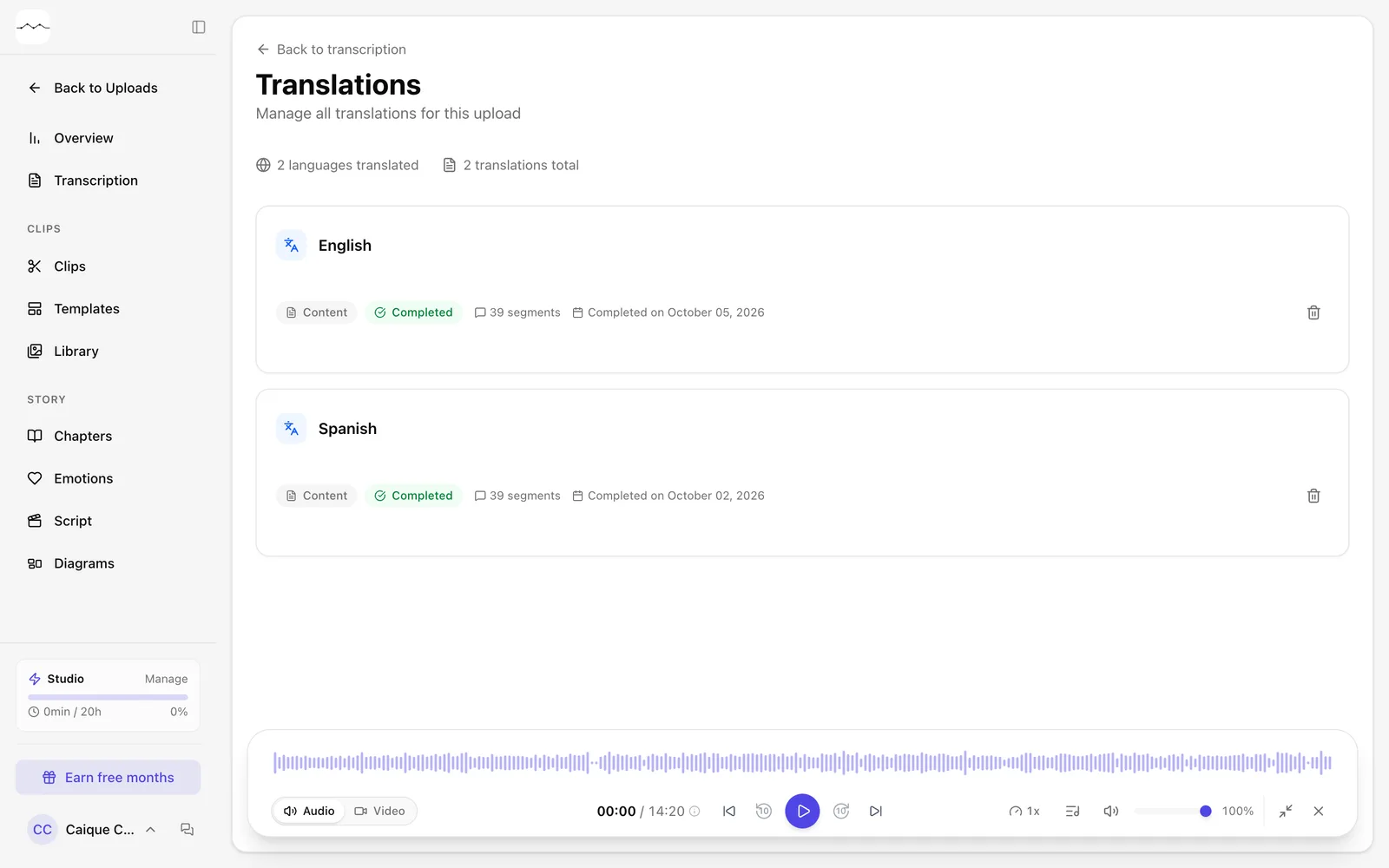
App screenshot A file's Translations page.